Lumaz
RGB IPS Nixie Tube Clock - WiFi Time Sync, Photo & Weather Display + 1.14″ Screen
RGB IPS Nixie Tube Clock - WiFi Time Sync, Photo & Weather Display + 1.14″ Screen
Couldn't load pickup availability
🚛 Free Shipping
🎯 30-Day Money-Back Guarantee
😍 Most customers are buying more than one!
 View full details
Product Overview
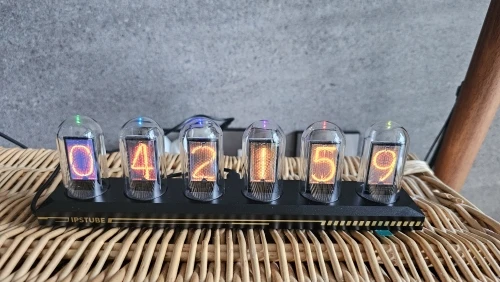
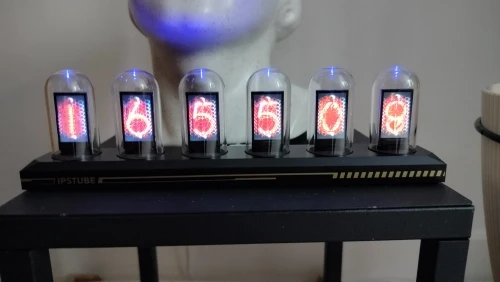
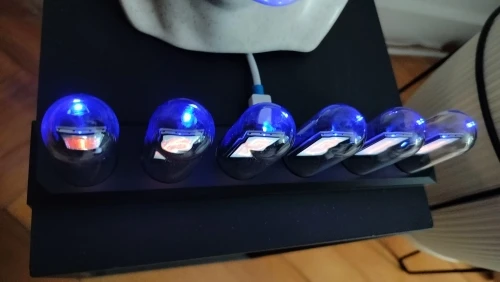
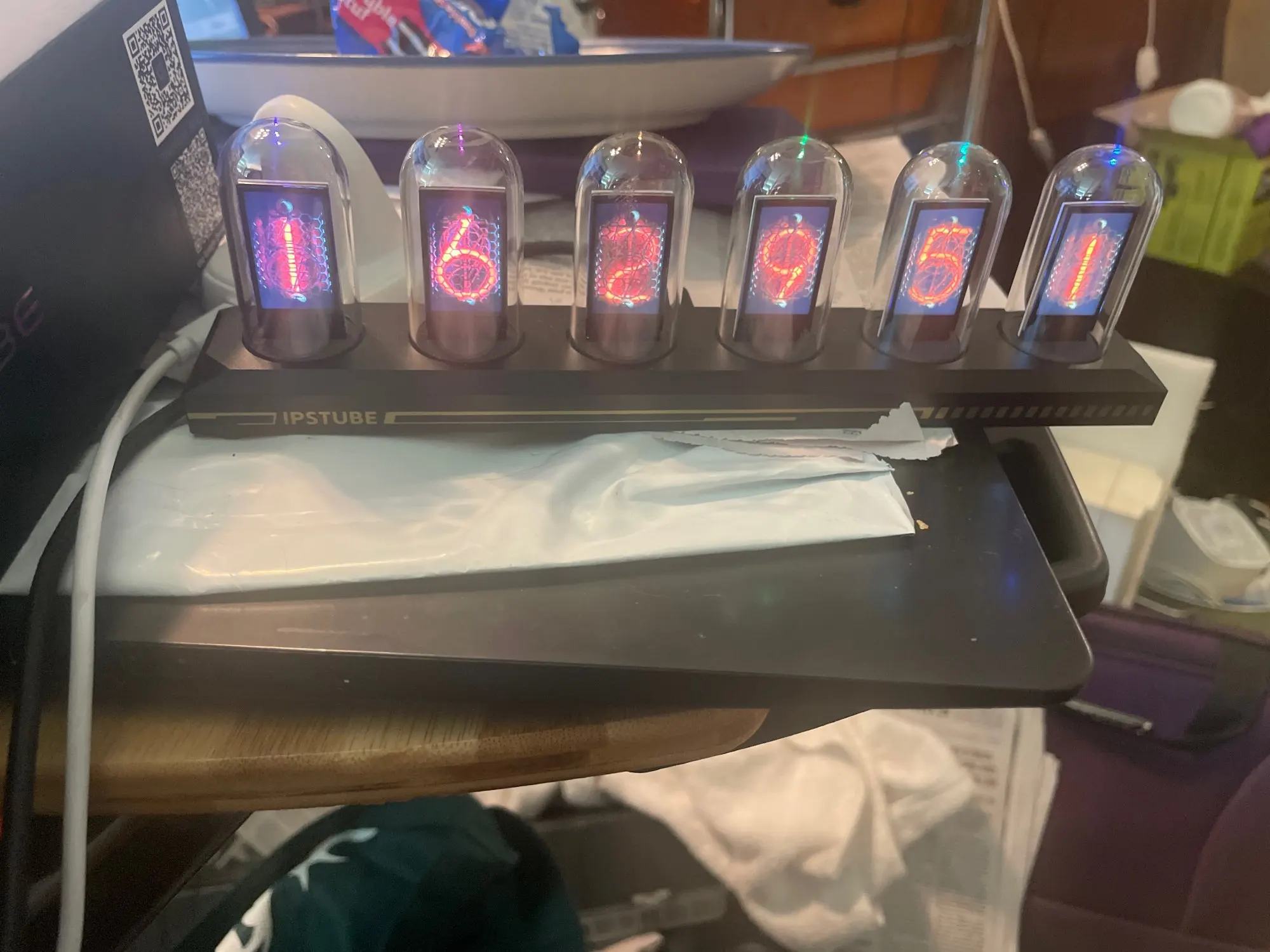
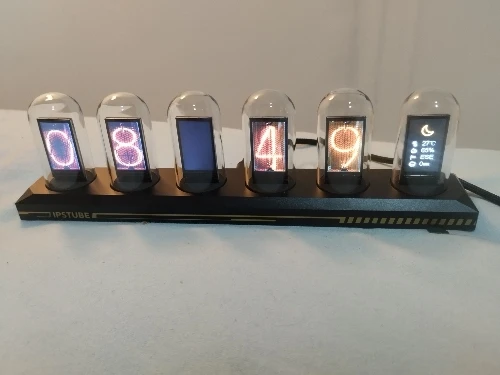
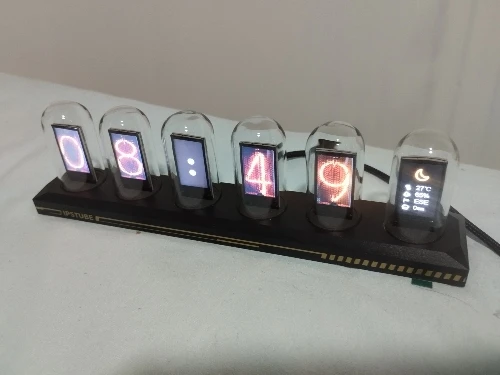
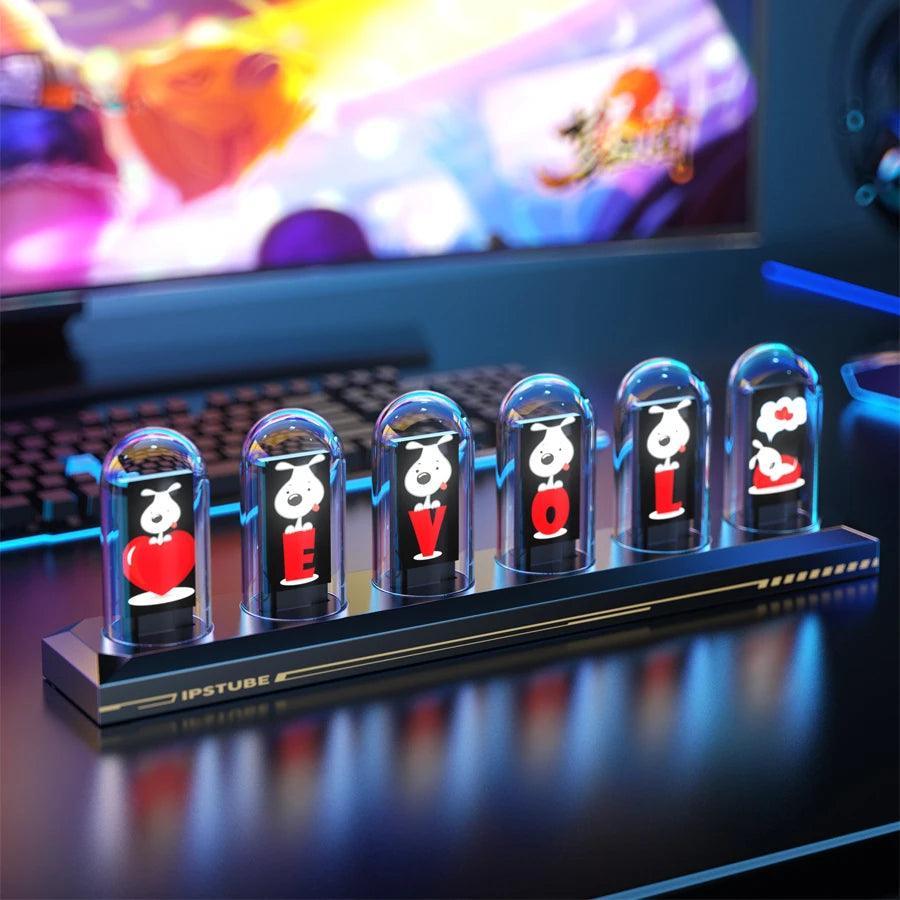
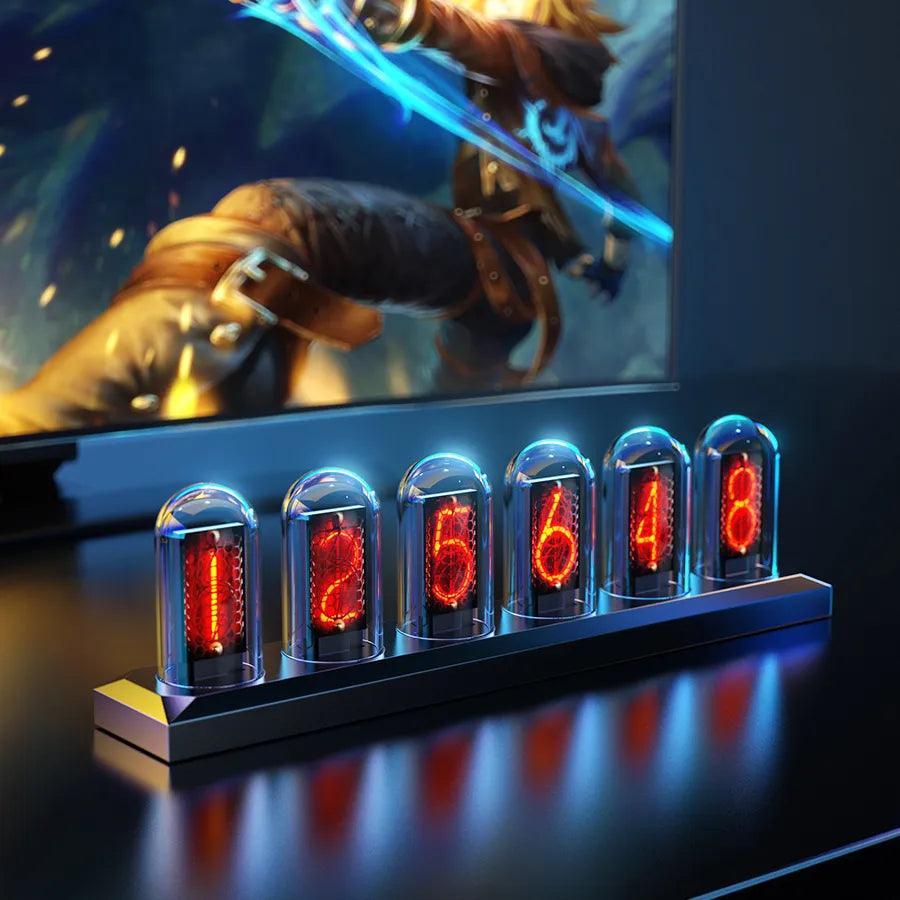
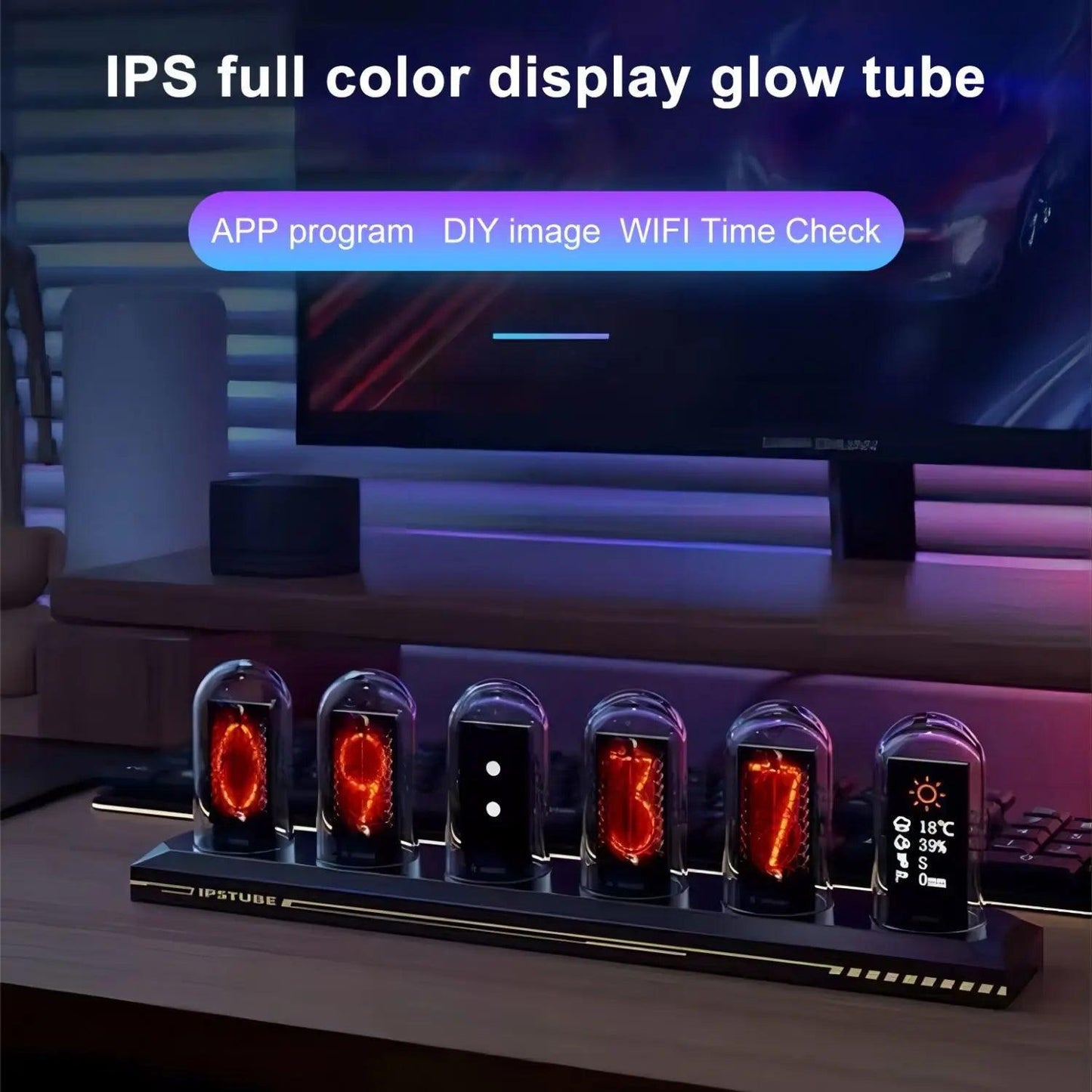
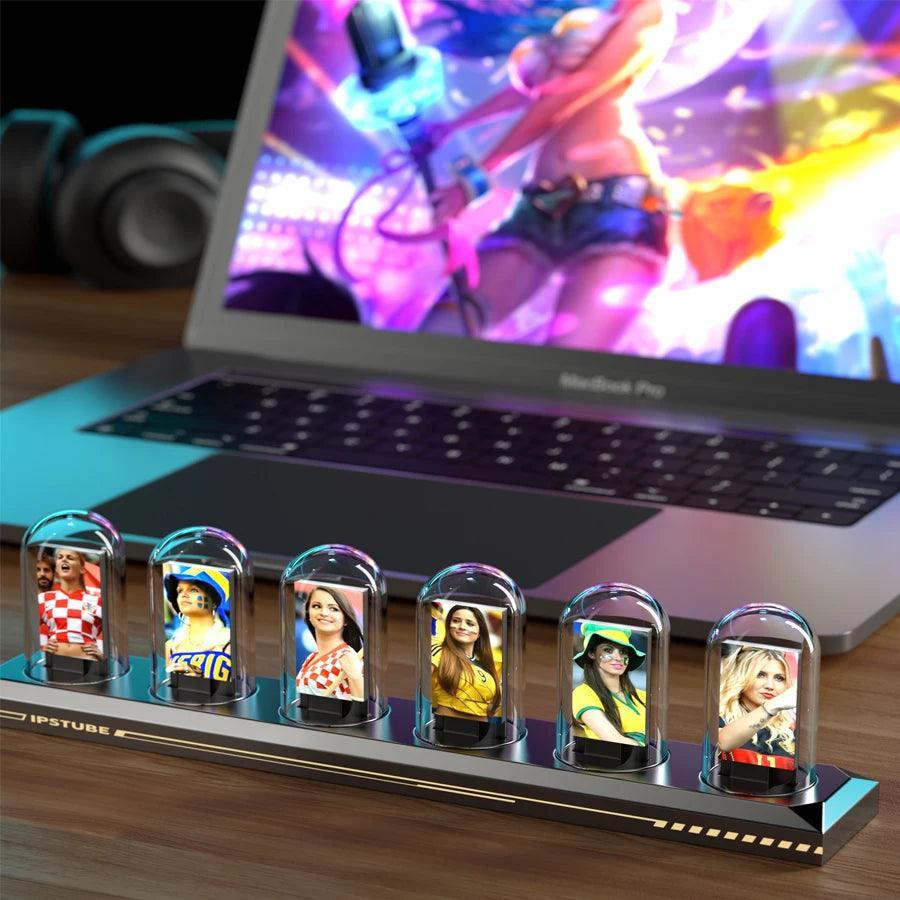
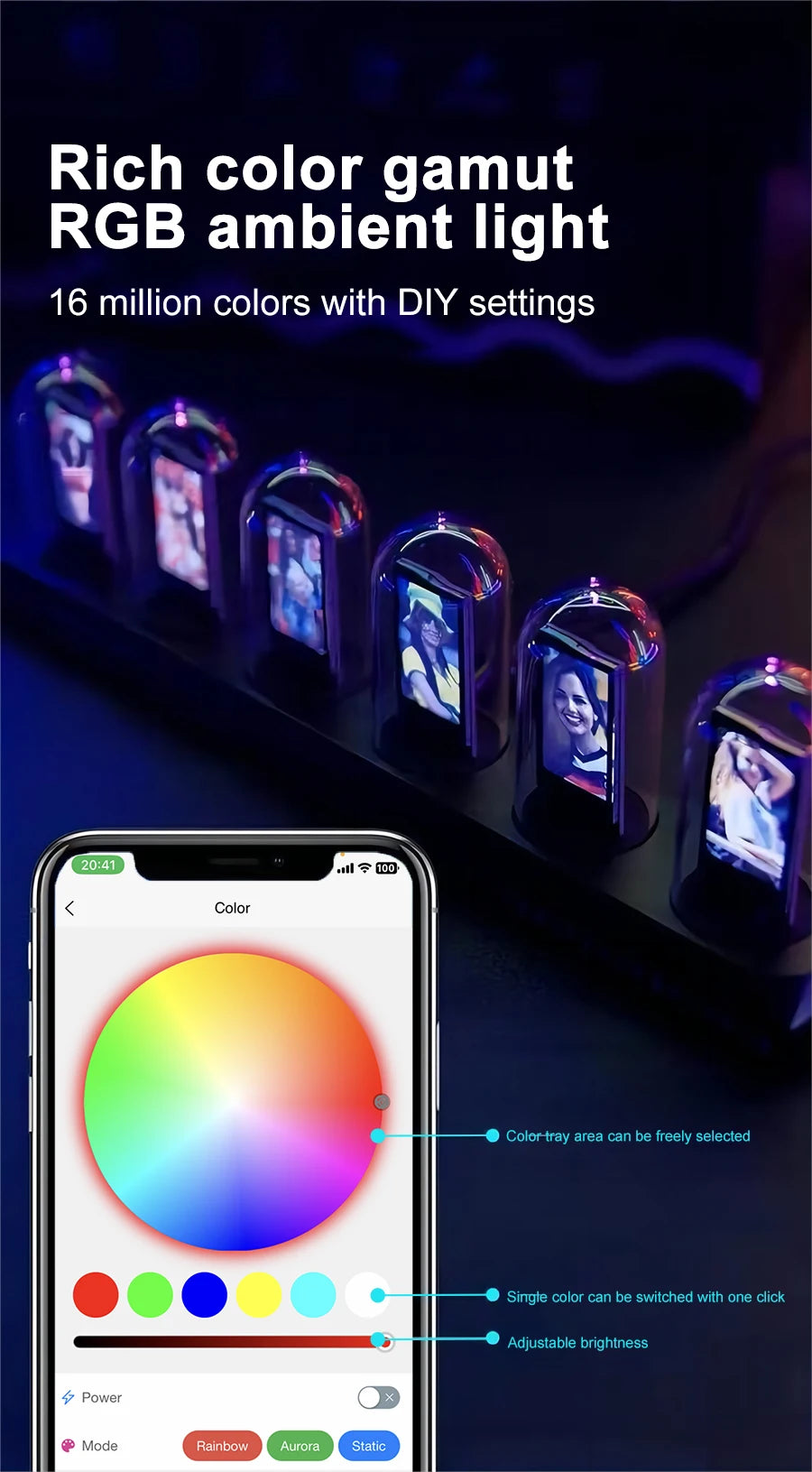
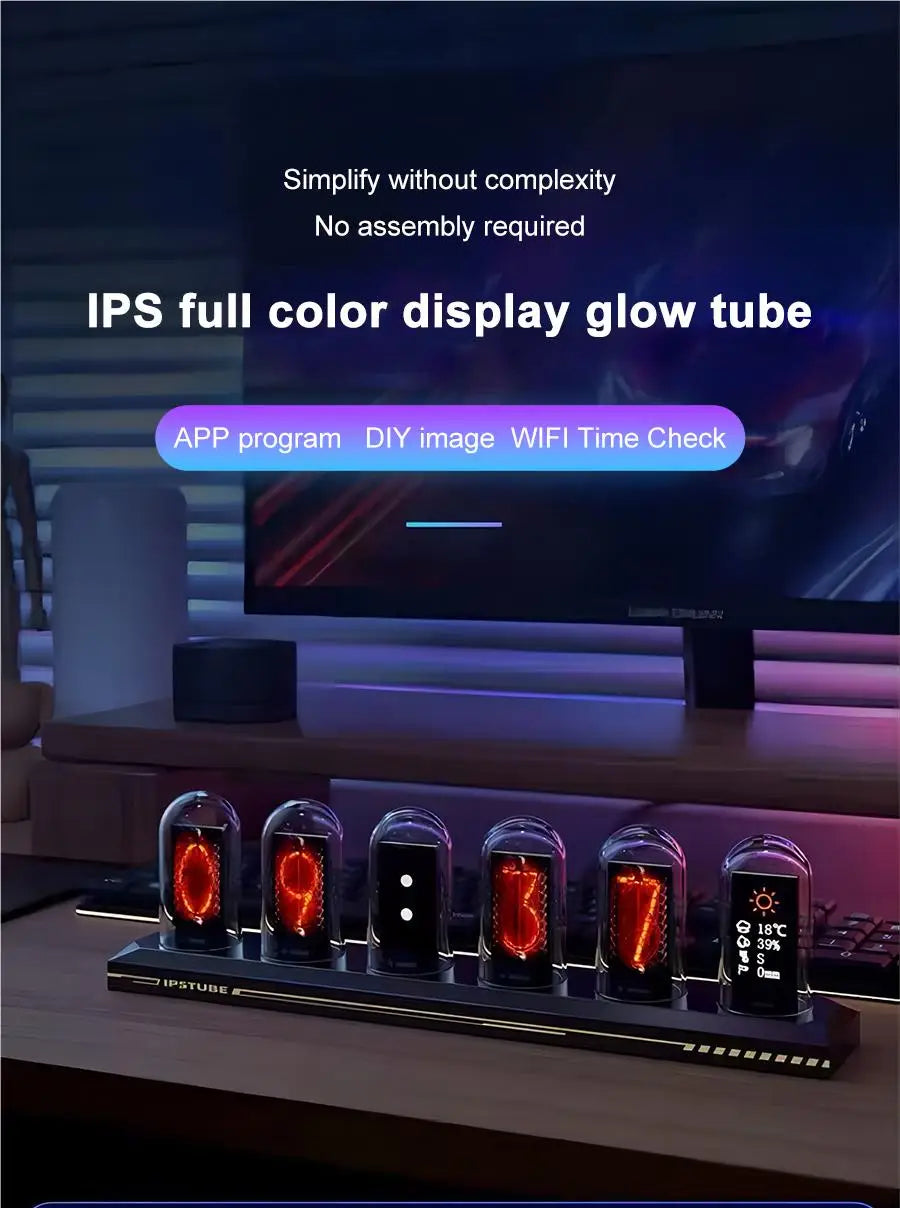
Bring modern retro style to your desk with this RGB Nixie Tube Clock, featuring WiFi time sync, a 1.14″ IPS display, weather updates, and photo album mode for a more personal, convenient daily display.
Key Benefits
- WiFi time calibration keeps your clock accurate with less manual adjustment.
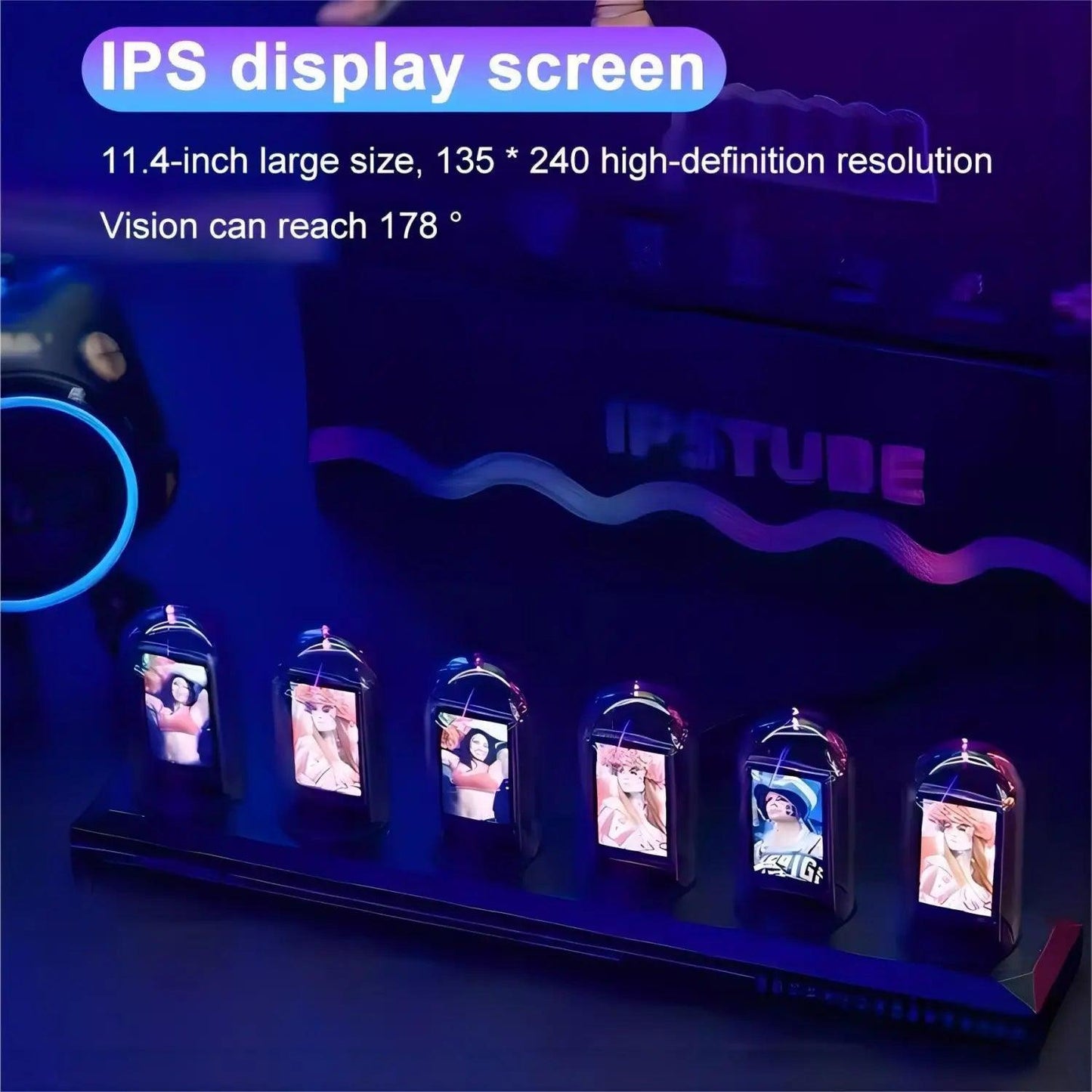
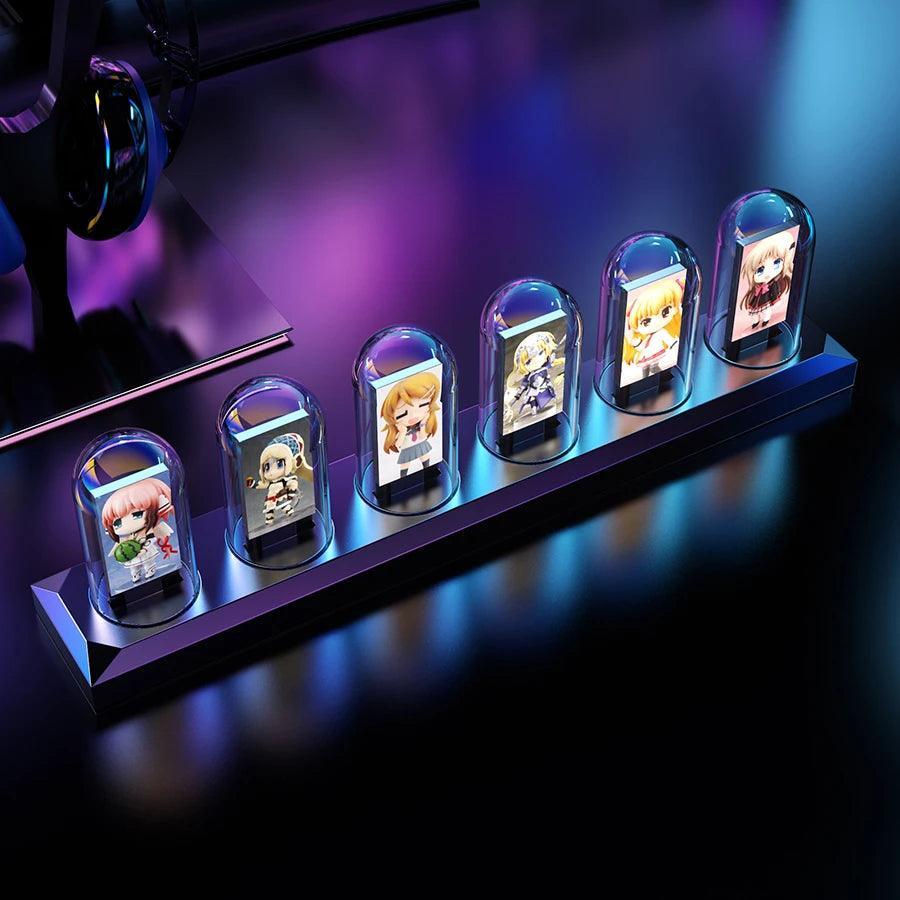
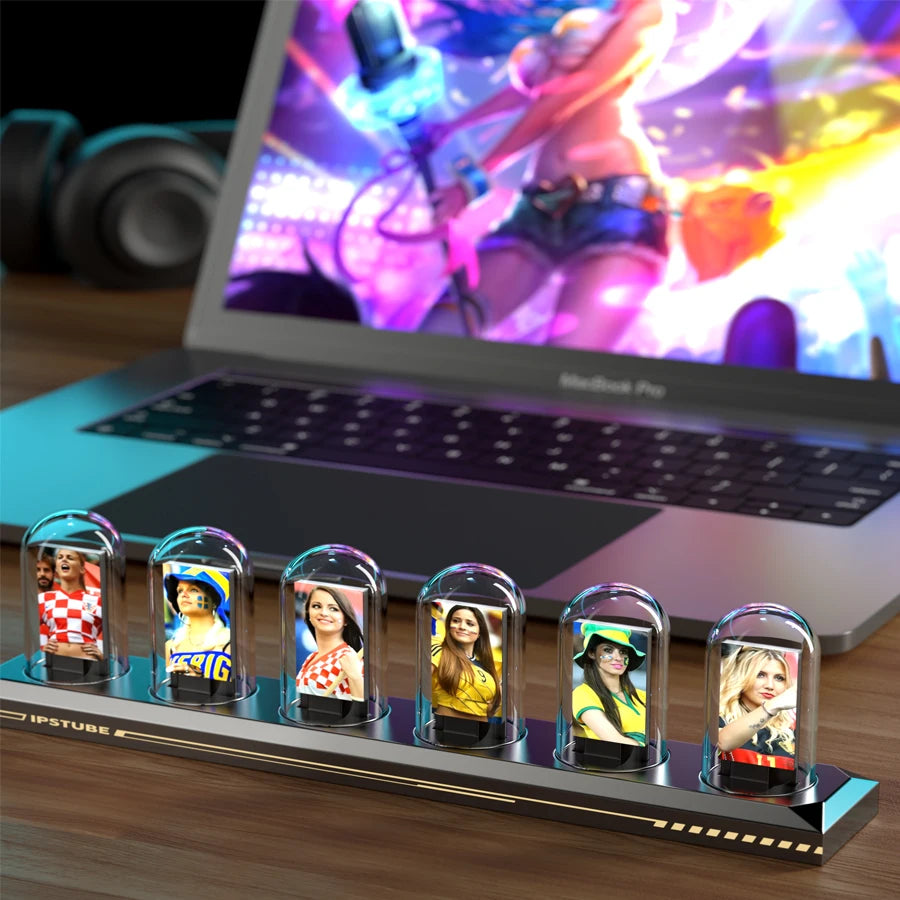
- Photo album mode lets you display memories in your home or workspace.
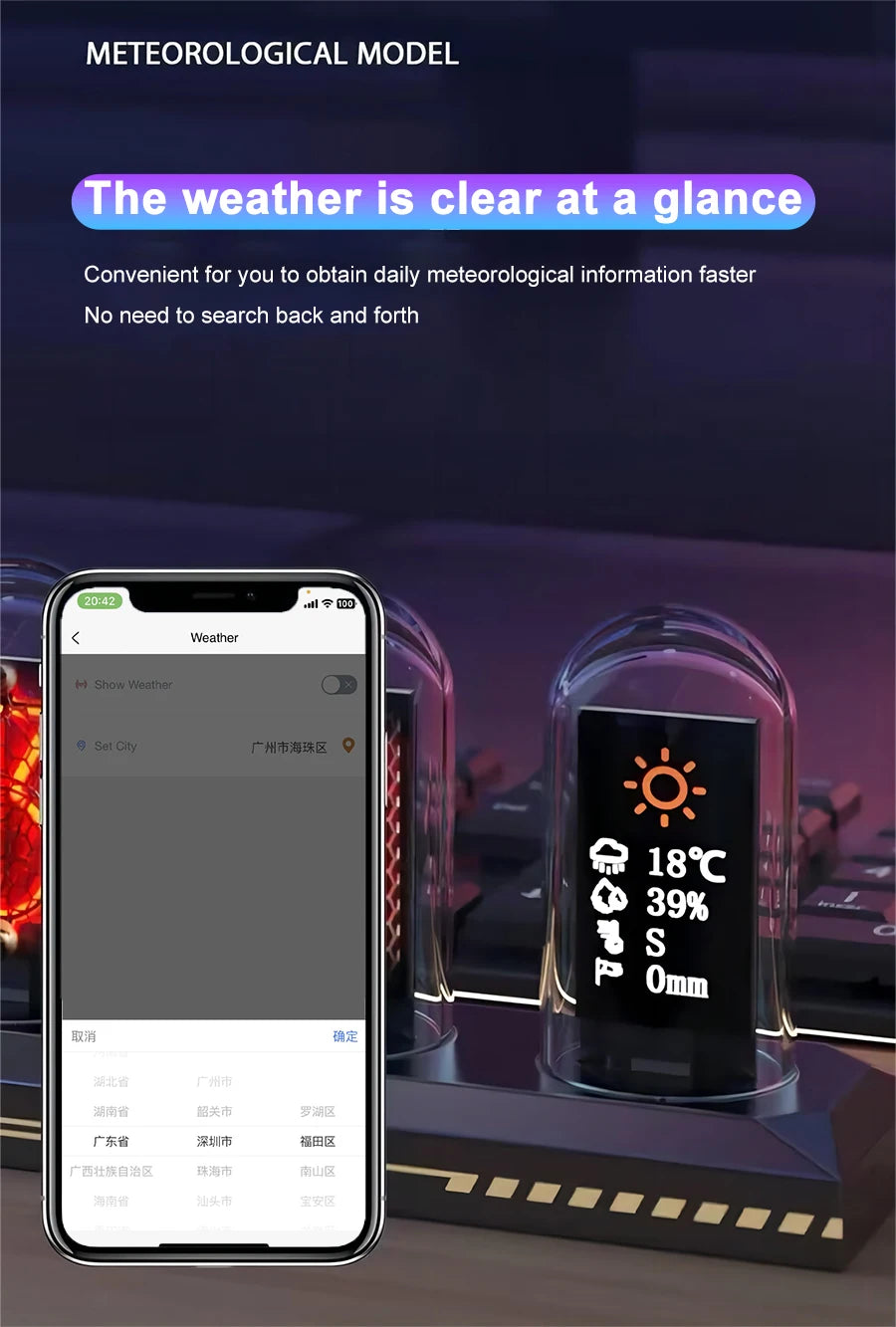
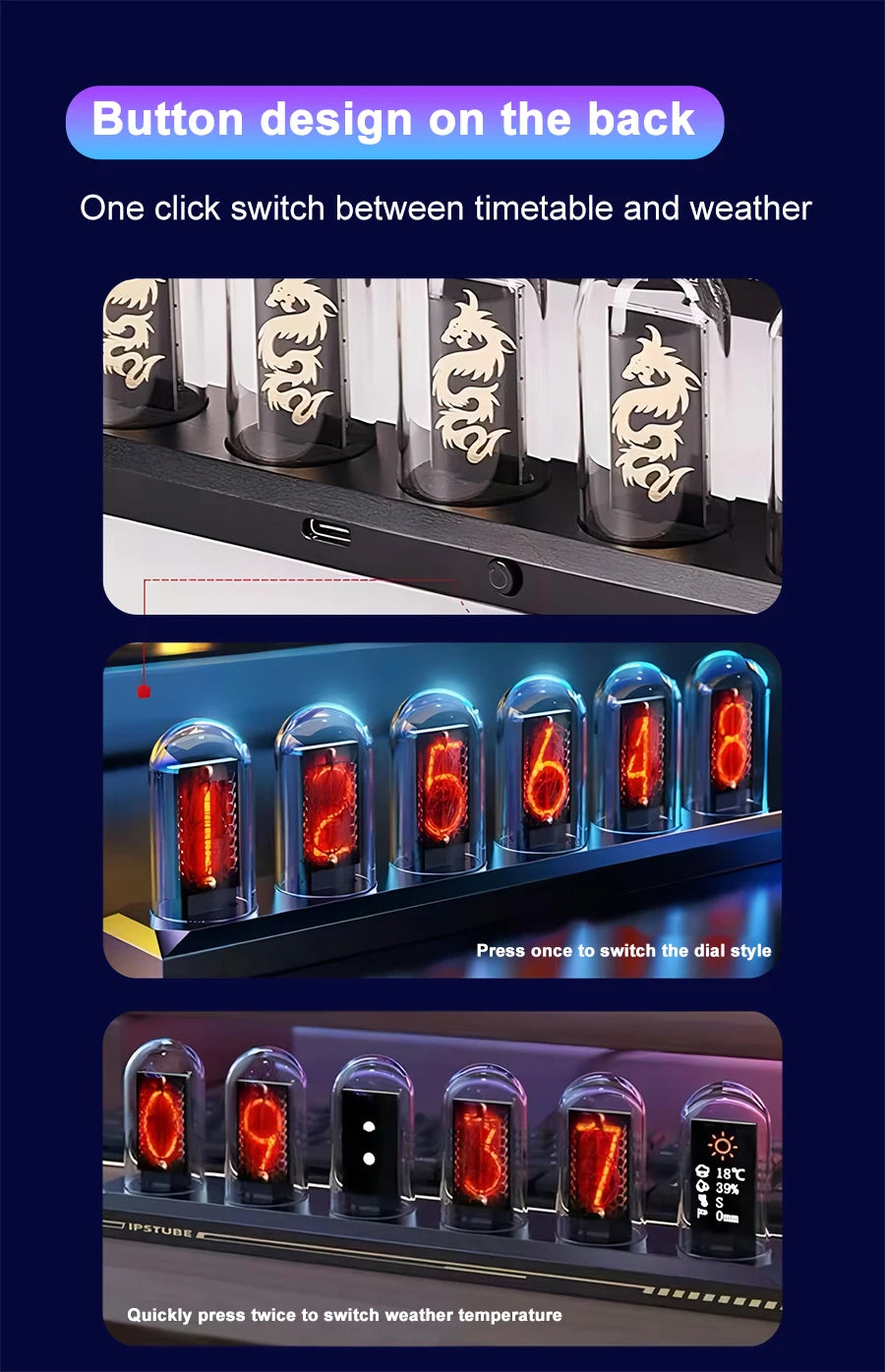
- Weather display gives quick daily updates at a glance throughout the day.
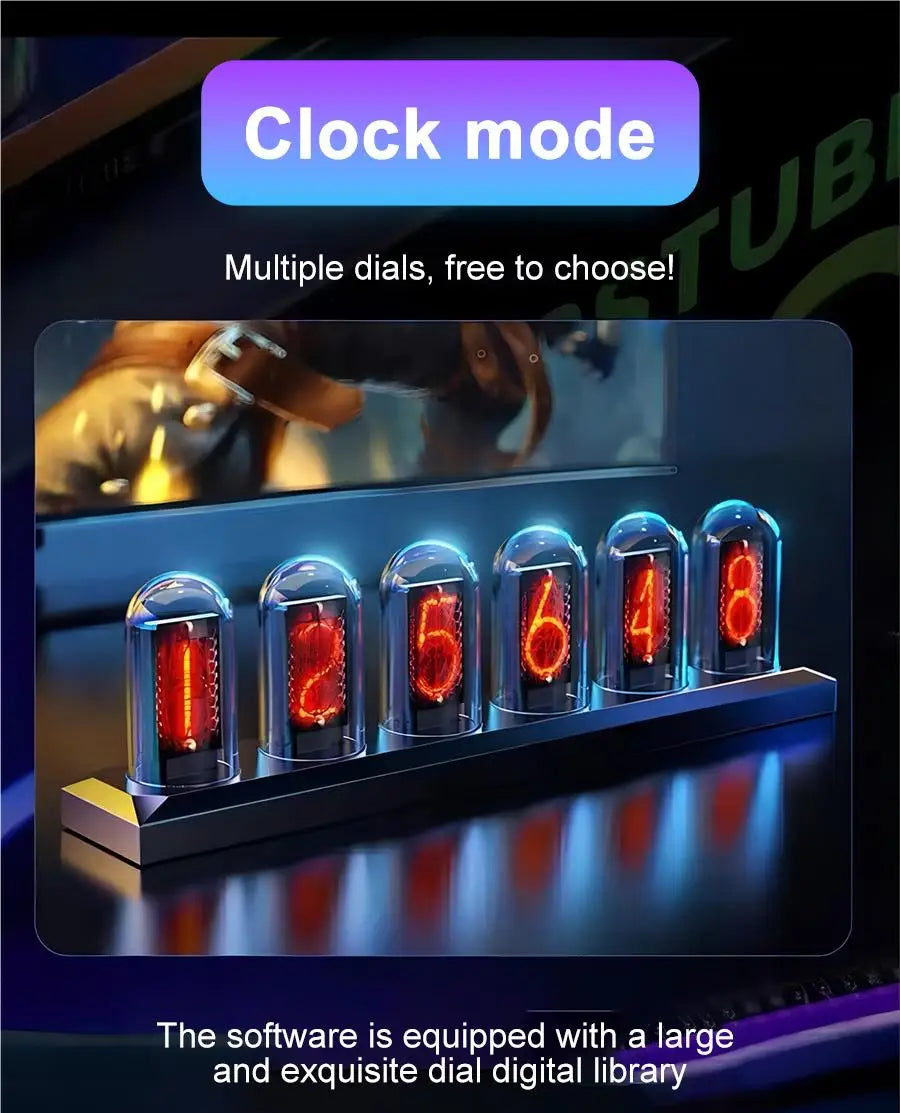
- 12/24-hour format support fits your preferred reading style and routine.
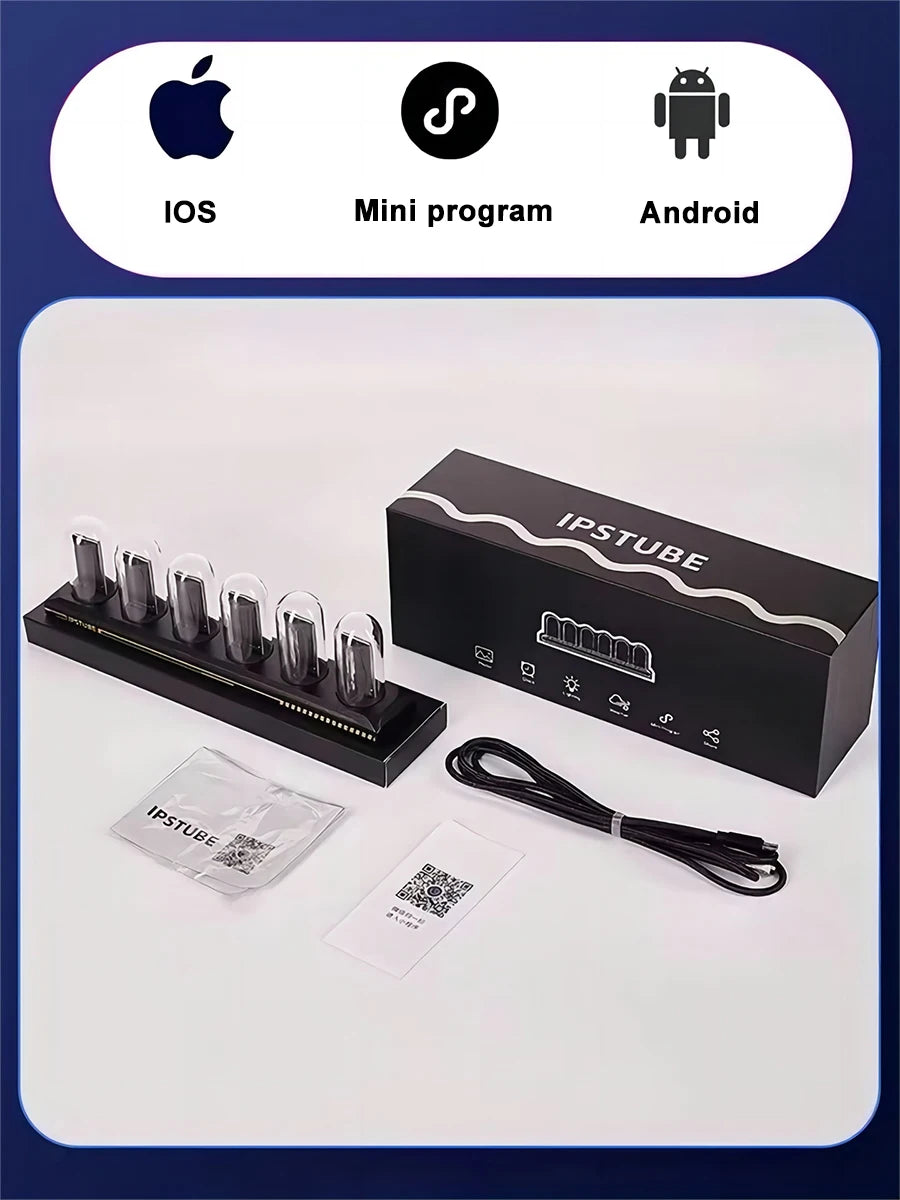
- Aluminum alloy base and USB-C power offer a sleek, ready-to-use setup.
Visual Details


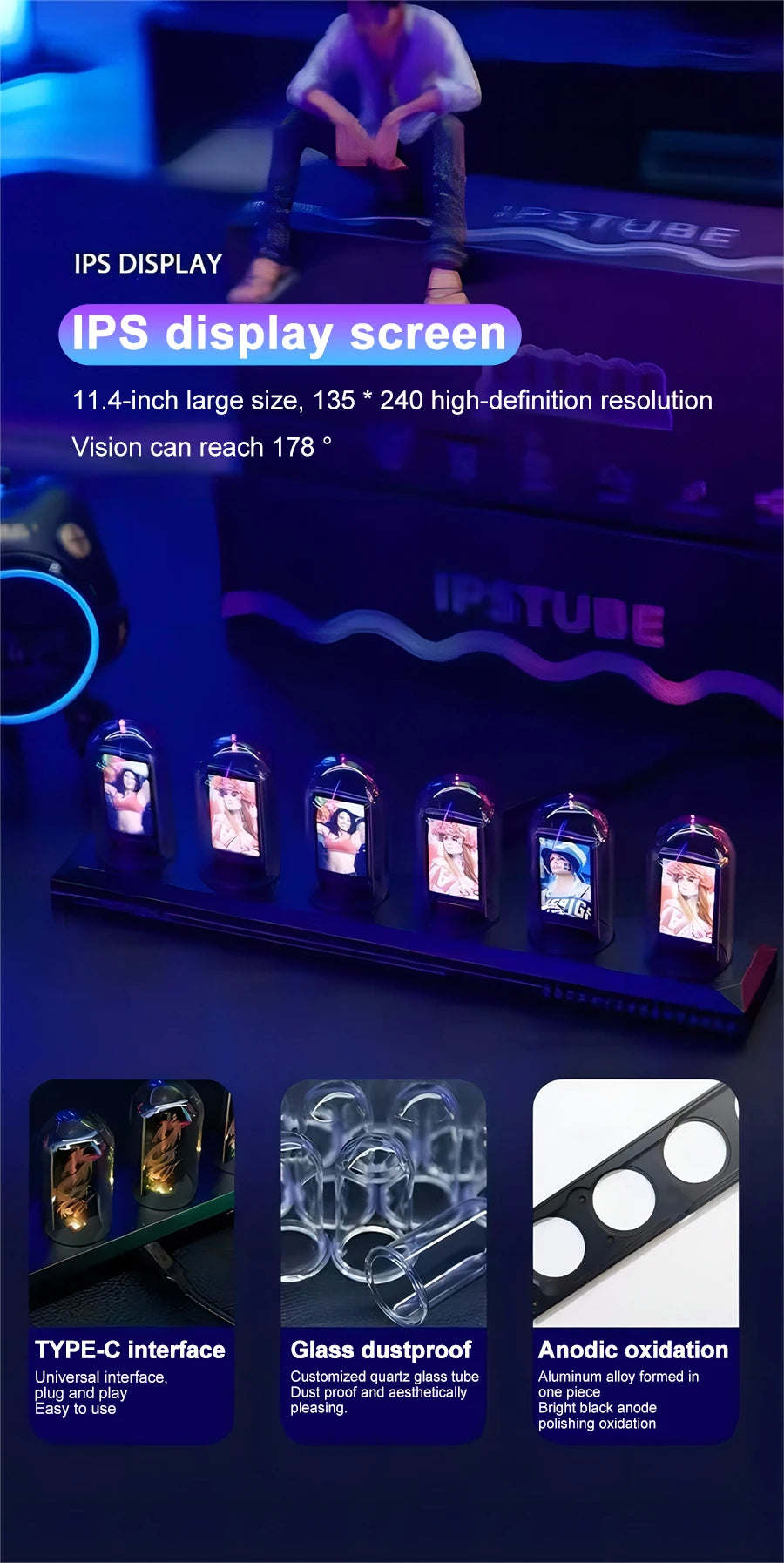
Specifications
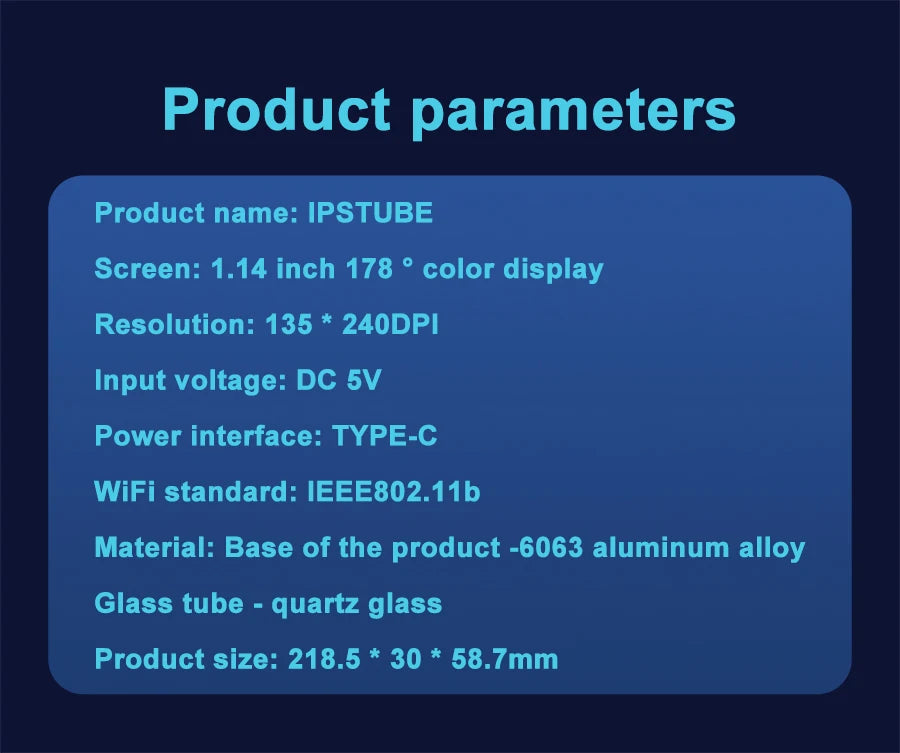
| Display Size | 1.14 inches |
| Display Type | IPS color screen |
| Viewing Angle | 178-degree |
| Resolution | 135 x 240 DPI |
| Input Voltage | DC 5V |
| Power Interface | TYPE-C |
| Material Base | Aluminum alloy |
| Glass Tube | Quartz glass |
| Product Size | 218.5 x 30 x 58.7 mm |
FAQ
💡 Will this clock make your desk feel more modern and organized?
Yes, this RGB Nixie Tube Clock combines a time display, weather view, and photo album mode in one clean desktop piece. WiFi time sync helps keep daily timekeeping simple, while the 1.14″ IPS screen adds a crisp, stylish look.
💡 Can this clock work well on a bedroom nightstand or office desk?
This clock is suitable for a bedroom nightstand, office desk, or display shelf where you want an easy-to-read screen and decorative lighting. The aluminum alloy base and compact 218.5 x 30 x 58.7 mm size help the clock fit neatly into smaller spaces.
💡 How much ongoing setup does this clock need after power is restored?
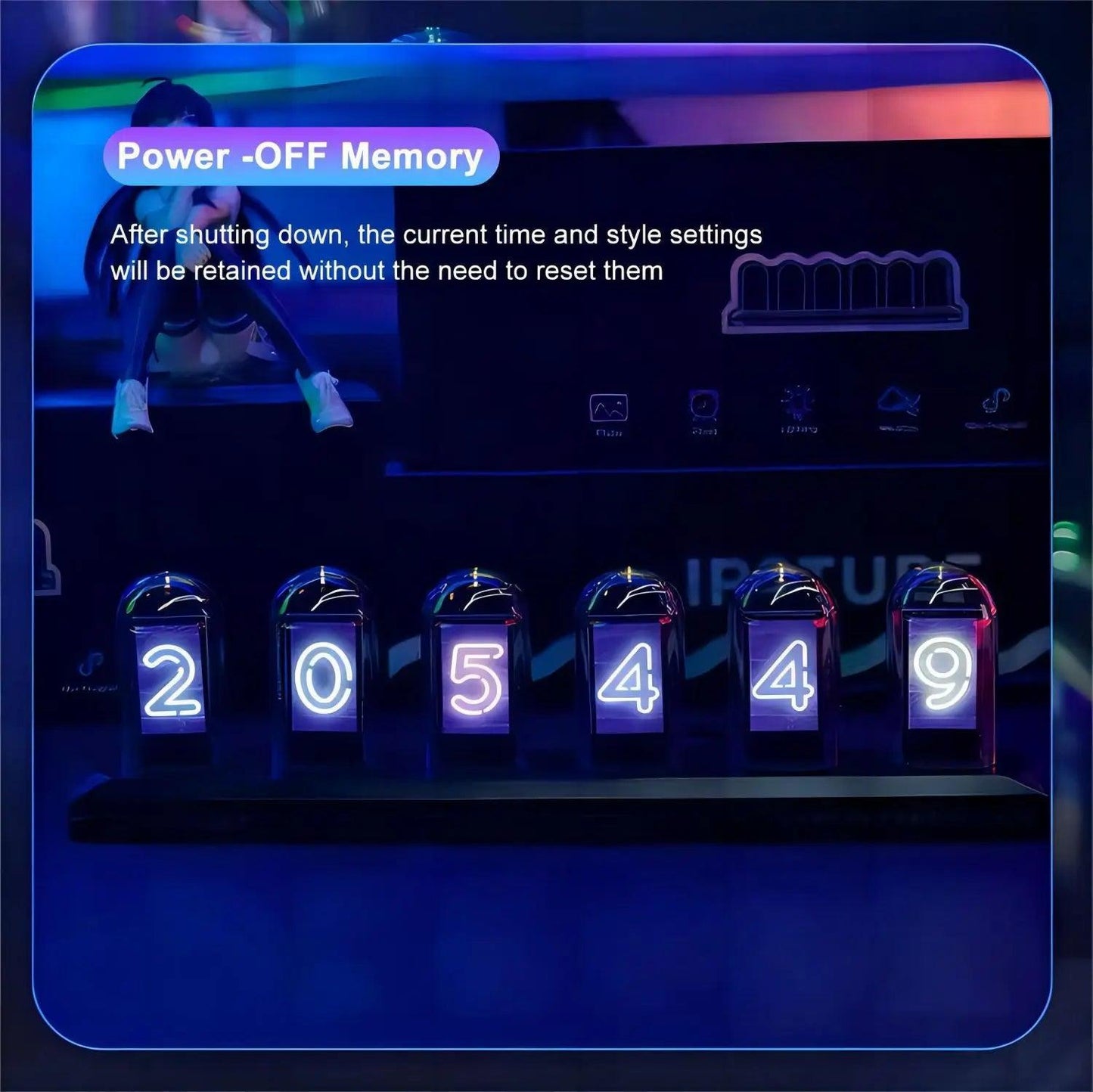
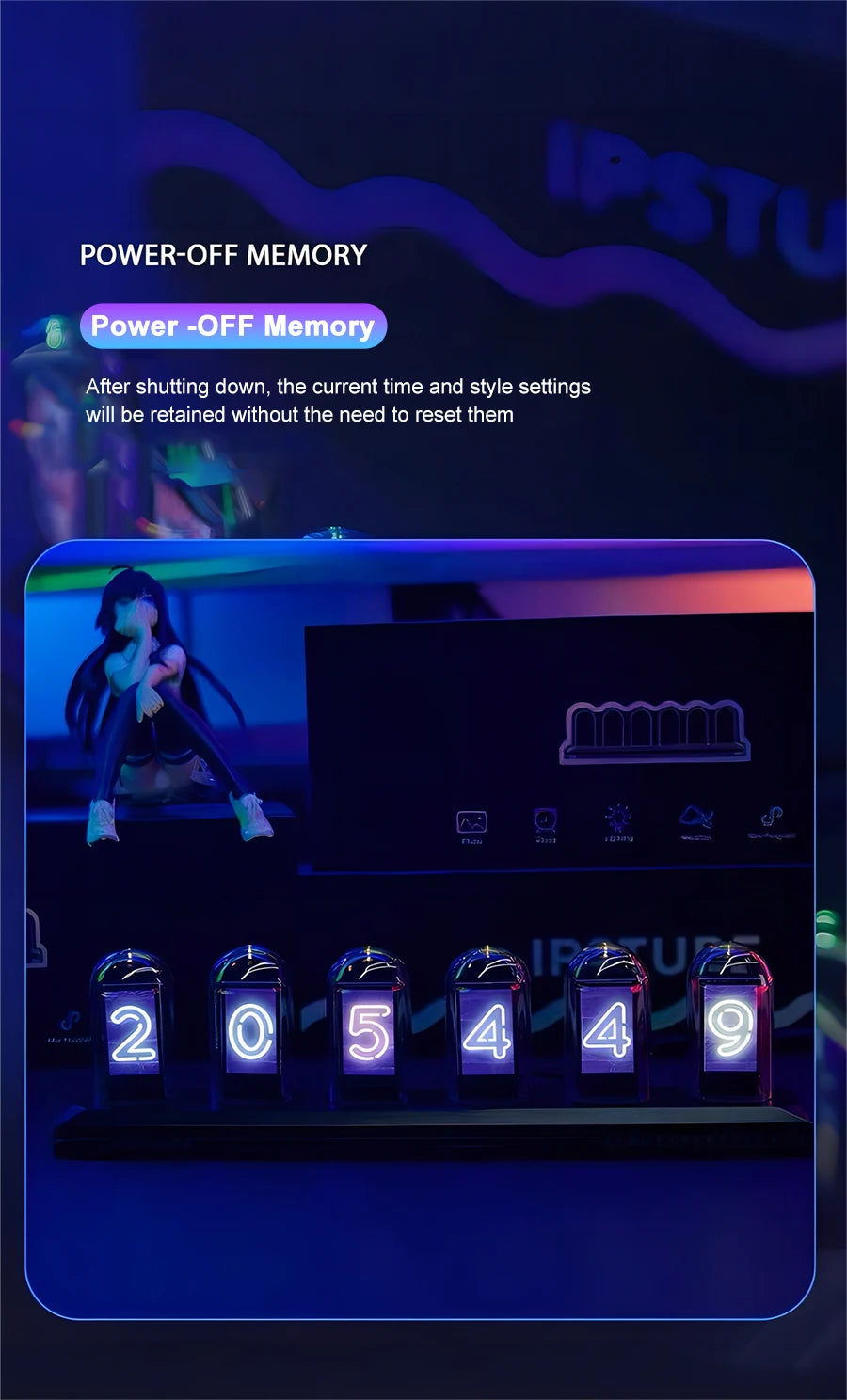
The clock includes a power-off memory function, which helps keep settings after shutdown and reduces repeat setup. WiFi time sync also lowers manual adjustment, so daily use stays convenient after the initial configuration on a 2.4 GHz network.
💡 Why choose this RGB Nixie Tube Clock over a basic digital clock?
This clock offers more than timekeeping, including weather display, photo album mode, 12/24-hour support, and a vivid 1.14″ IPS screen. For users who want both function and visual appeal, this design creates a more personal desktop experience.
💡 What should you know before connecting this clock to WiFi?
This clock works with 2.4 GHz WiFi only, so 5G data and 5 GHz networks should be turned off during setup. If the app language or login process creates issues, the setup can be adjusted through the app experience mode.
💡 Is English supported in app?
Yes, you can adjust the phone system language as you want, and then reopen the app to display the language you want.
💡 How to link to the network?
Please shut down your 5G data network and connect with 2.4 GHz WiFi. Our product can only connect with 2.4 GHz WiFi.
💡 What can I do if The app does not send me the six digit code ?
If you cannot receive the verification code, you can contact the following email ipstube.com. Or you can check for updates again and switch to version 1.09 here. You can set it up through the experience mode without logging in.
💡 What we can do if the light No screen displayed after power on or black screen?
If the power is turned on and the display is not displayed, it may be due to the product's slow response. You can plug the Type-c interface of the linked product back in and restore it to normal.
💡 How to do if the weather and time no shown?
a.Set the location of the weather first;b.Synchronize weather time;
If you want a clock that feels useful and visually distinctive, this one is a strong fit.