

How Many Lumens Do Under Cabinet Lights Need?
For a kitchen counter used for everyday food preparation, about 200–500 lumens per linear foot of continuous under-cabinet light is a useful starting range—not a guaranteed target for every kitchen. Start nearer the lower end for a softly lit, pale counter with other good task lighting. Consider the upper end for a dark or deep worktop, detailed prep, or a run that must do more of the lighting itself. Choose a dimmable fixture if you also want a softer evening setting.
The number on the box tells you how much light the fixture emits. The result on your counter depends on where that light goes, how evenly the fixtures cover the run, the countertop finish, and the other lights in the room. That is why two products with the same lumen rating can feel very different in use.
Understanding Lumens and Lighting Needs
Lumens describe light output. Watts describe electrical power used. A higher wattage does not necessarily mean a brighter LED: compare lumen ratings first, then compare watts for efficiency and power planning. The ENERGY STAR brightness guide makes the same distinction.
For a strip or a continuous row of bars, lumens per foot (lm/ft) helps compare outputs over different lengths. Divide the fixture's stated lumens by its lit length in feet. For example, a 2-foot bar rated at 700 lumens delivers 350 lumens per foot of that bar. It does not mean every foot of a four-foot countertop gets that amount if only two feet are covered.
Lux or foot-candles describe light reaching a surface. You do not need a meter to shop, but this distinction explains why placement and beam spread matter as much as the printed lumen number. The Illuminating Engineering Society's explanation of lumens notes that output alone does not fully predict what a person sees.
A Useful Lumen Range to Start With
The familiar 200–500 lm/ft range is a shopping starting point for linear under-cabinet task lighting, not an IES rule or a promise of a particular light level on the worktop. Kichler's under-cabinet buying guidance also uses roughly 200–500 lm/ft for task use and a lower output for accent lighting. Fixture optics, mounting position, cabinet height, and neighboring lights can all change the result.
| Starting output for a continuous run | When to consider it | What to check |
|---|---|---|
| Below about 200 lm/ft | A gentle backsplash glow, display, or low evening light. | Do not assume it will be enough as the only prep light. |
| About 200–300 lm/ft | A light-colored counter with helpful room lighting, or a modest daily work area. | Check the front edge of the counter for shadows. |
| About 300–500 lm/ft | A counter used regularly for chopping, reading recipes, and cleanup. | Look for even coverage and dimming, especially on reflective finishes. |
| Above about 500 lm/ft | A deeper, darker, or particularly demanding work area that needs more output. | Test glare and whether a better position or another fixture would solve the problem first. |
These bands help narrow a shortlist; they do not make a small kitchen automatically need less light or a large kitchen automatically need more. The task and the surface matter more than room size alone.
Which Output Fits Your Task?
For prep and cleanup: aim for clear, continuous light where your hands work. If you often chop or read small labels under the cabinets, a dimmable linear run toward the middle or upper part of the starting range gives you more flexibility than a decorative-only strip.
For an evening glow: low output can look inviting, but it may leave the counter unusable for work. A brighter light that dims smoothly can do both jobs if the fixture and control are compatible. If you want to plan the counter task layer alongside the room's general light, see task lighting versus ambient lighting.
For a small isolated area: a puck or short bar is rated in lumens per fixture, not per foot of a continuous run. Its beam can make one coffee station bright while leaving the space beside it dim. Compare the size and shape of the lit area, not just total output; the fixture-count guide helps with gaps and spacing.
What Changes the Answer in Your Kitchen?
- Countertop finish: a dark, matte surface absorbs more of the visible light, while polished stone can show bright LED reflections. A higher lumen rating may help a dark counter, but a more continuous run and better placement often help first. See the separate guides for dark countertops and glossy countertops.
- Fixture position: a light mounted at the back of a cabinet may brighten the backsplash while your body still shades the front work area. Compare positions using the under-cabinet placement guide before paying for more output.
- Run length and gaps: continuous light spreads output more evenly than two short bars separated by a dark space. Plan each run separately; do not treat the total lumens for the whole kitchen as though they land evenly everywhere.
- Other lighting and time of day: overhead lights may make a moderate fixture sufficient by day. At night, the same strip may feel too strong unless you can dim it.
If the counter still looks dim after you have enough output, check shadows and distribution. If it looks harsh, inspect visible LED points and reflections before replacing the fixture with a lower-lumen one. Color temperature is another decision: warm versus cool under-cabinet light changes appearance, not the lumen rating itself.
A Four-Foot Counter Example
Imagine a four-foot prep run under wall cabinets. If you choose a continuous light rated at 300 lm/ft, its stated output is about 1,200 lumens across the four feet. At 450 lm/ft, the stated output would be about 1,800 lumens. Those are arithmetic examples for comparing fixtures, not a prediction of the lux you will measure on the counter.
Now imagine the same four-foot run lit by two one-foot bars. Even if their combined output is 1,200 lumens, the unlit spaces may still look patchy. You could add or spread fixtures, move the bars, or choose a continuous strip before deciding that the lumen number itself is too low. A dark worktop may justify more output after coverage is fixed; a pale, reflective one may feel better with diffusion and dimming.
How to Compare Fixtures Before Buying
- Measure each cabinet run. Mark the prep, sink, and small-use zones separately. Note where cabinets stop or turn a corner.
- Choose the job of each run. Decide whether it is mainly task light, mostly evening glow, or both. Use the output bands above as a first filter, not as a fixed prescription.
- Find the rating for the exact product and length. Compare lumens per fixture and, for a linear light, lumens per lit foot. A wattage figure or LED-count claim cannot replace a lumen specification.
- Check coverage and control. Ask whether the beam reaches the front work area, whether fixtures leave gaps, whether visible points need a diffuser, and whether you can dim the light comfortably.
- Judge the installed result. Prepare food at the counter with other kitchen lights on and off. Check the darkest useful spot, then reduce the setting for evening use. A phone lux app can help compare spots or before-and-after changes on the same device, but it is not a precise substitute for a calibrated meter.
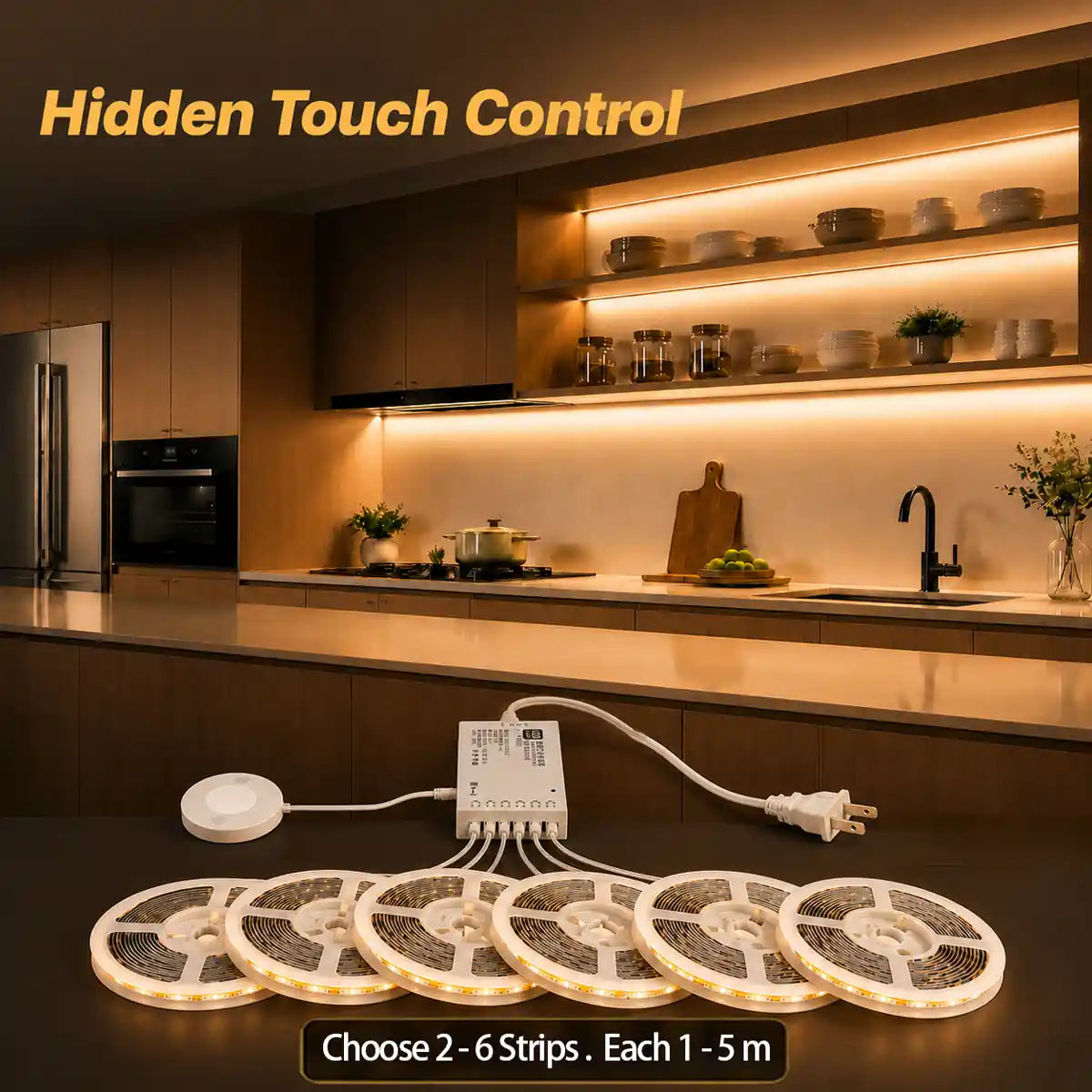
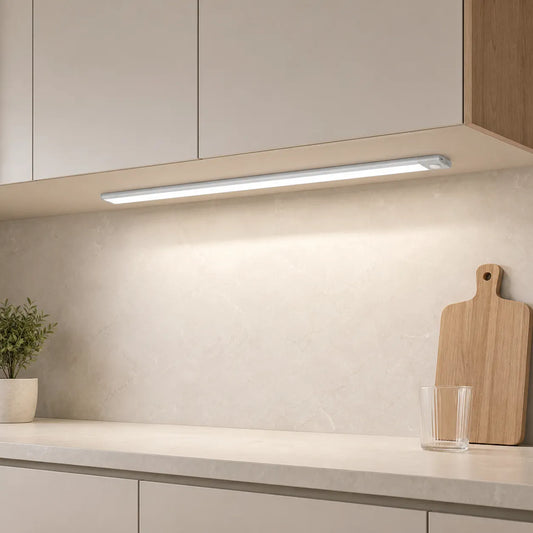
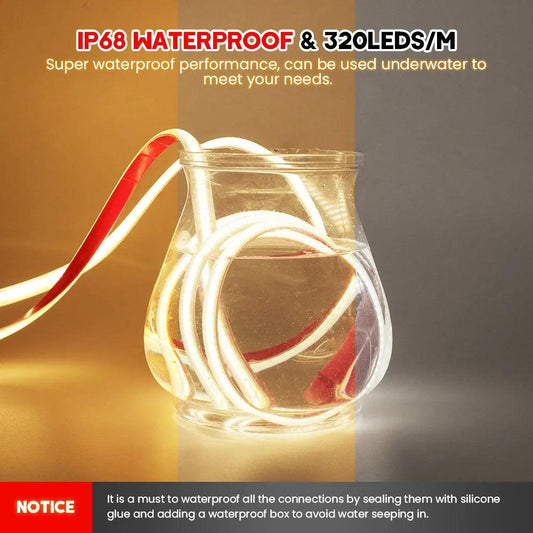
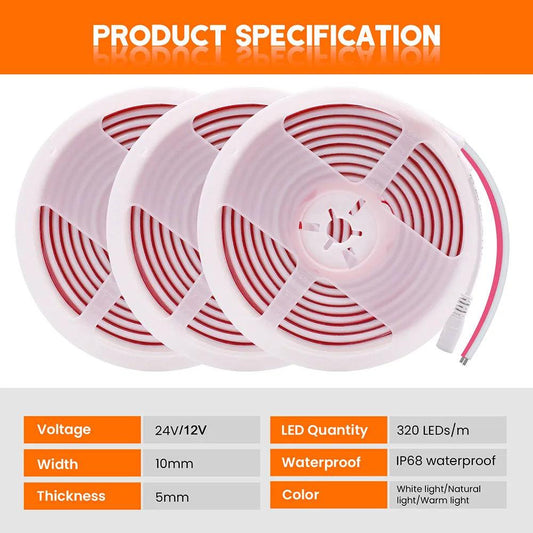
For a long, uninterrupted run, Lumaz's Hidden Touch Sensor COB LED Strip Light Kit offers multiple strip lengths and stepless dimming, so the light can cover more of the counter and then be lowered for evening use. For shorter sections, the Touch & Hand Sweep Sensor Under Cabinet LED Light Bar offers 30, 40, and 50 cm bars and dimming. Choose the fixture form that fits your run; confirm the lumen rating for the exact kit and length before applying the numeric ranges above. The verified Lumaz product information used here does not provide a lumen rating for either item.
Common Brightness Questions
Is 300 lumens per foot enough for under-cabinet lighting?
It can be a good starting point for many counters, particularly with continuous coverage and other useful kitchen light. If the surface is dark or prep is detailed, compare a higher-output option as well. Check shadows at the front of the counter before concluding that 300 lm/ft is too low.
Can I add up the lumens from several lights?
Yes, add their rated outputs to understand the installed total, but also look at where each light lands. Two bright pucks may leave a dark gap that one lower-output continuous strip would avoid.
Can I use watts to estimate the lumens?
Not reliably across different LED products. Watts tell you power consumption; light output also depends on the product's efficiency and optical design. Use the stated lumens to compare brightness. For power supplies, total load, and efficiency, see what wattage under-cabinet lights should be.
What if the light feels too bright or too dim after installation?
If it is too bright, dim it and check for visible LEDs or reflections. If it is too dim, check the front edge and gaps first, then consider more useful output or another fixture. Professional food-preparation reference charts can specify surface light in foot-candles or lux—for example, a U.S. Department of Energy building guide lists 30–75 foot-candles for a kitchen or food-prep area—but that is a surface-light reference, not a lumen-per-foot mandate for every home.
How Many Lumens Should You Choose?
Use roughly 200–500 lumens per foot as a first comparison range for continuous kitchen under-cabinet lighting. For regular prep, compare options in the middle to upper part of that range, then decide by actual coverage, countertop finish, glare, and dimming. If a product does not state its lumen output, ask for the rating of the exact length or kit before treating it as a match for a numeric target.
Related articles
- Light Quality for Under Cabinet Lighting: Color, Brightness & Comfort — see how output works with rendering, diffusion, and uniformity.
- How Many Under Cabinet Lights Do You Need? — turn a run length into fixture count and spacing.
- Glare Control for Under Cabinet Lighting — make a bright counter comfortable to use.
- What Wattage Should Under Cabinet Lights Be? — compare power use and system load after choosing useful output.














 />
 />
 />
 />
 />