

Motion‑Activated Holiday Lighting: Save Energy and Add Security Without Sacrificing Cheer
Table of Contents
- What is motion-activated holiday lighting?
- How much energy can motion sensors save?
- Does motion-activated lighting improve security or just save energy?
- Types of motion sensors and which holiday lights they work with
- Practical installation steps for homeowners
- Cost, ROI, and comparison of common setups
- How to measure performance and verify savings
- Limitations, common problems, and troubleshooting
- Recommendations and best-in-class configurations
- Conclusion: practical next steps for homeowners
- Frequently asked questions
What is motion-activated holiday lighting?
Motion-activated holiday lighting uses sensors or smart controls to switch decorative lights on only when activity is detected, combining festive illumination with targeted energy use and occasional security activation.
At its core, this approach pairs traditional holiday strings or LED displays with motion sensors (PIR, microwave, camera-based, or smart-home triggers) so lights remain off or dimmed until triggered. The result: festive accents when people are present, lower runtime, and a stronger visual deterrent against unwanted activity.
How much energy can motion sensors save?
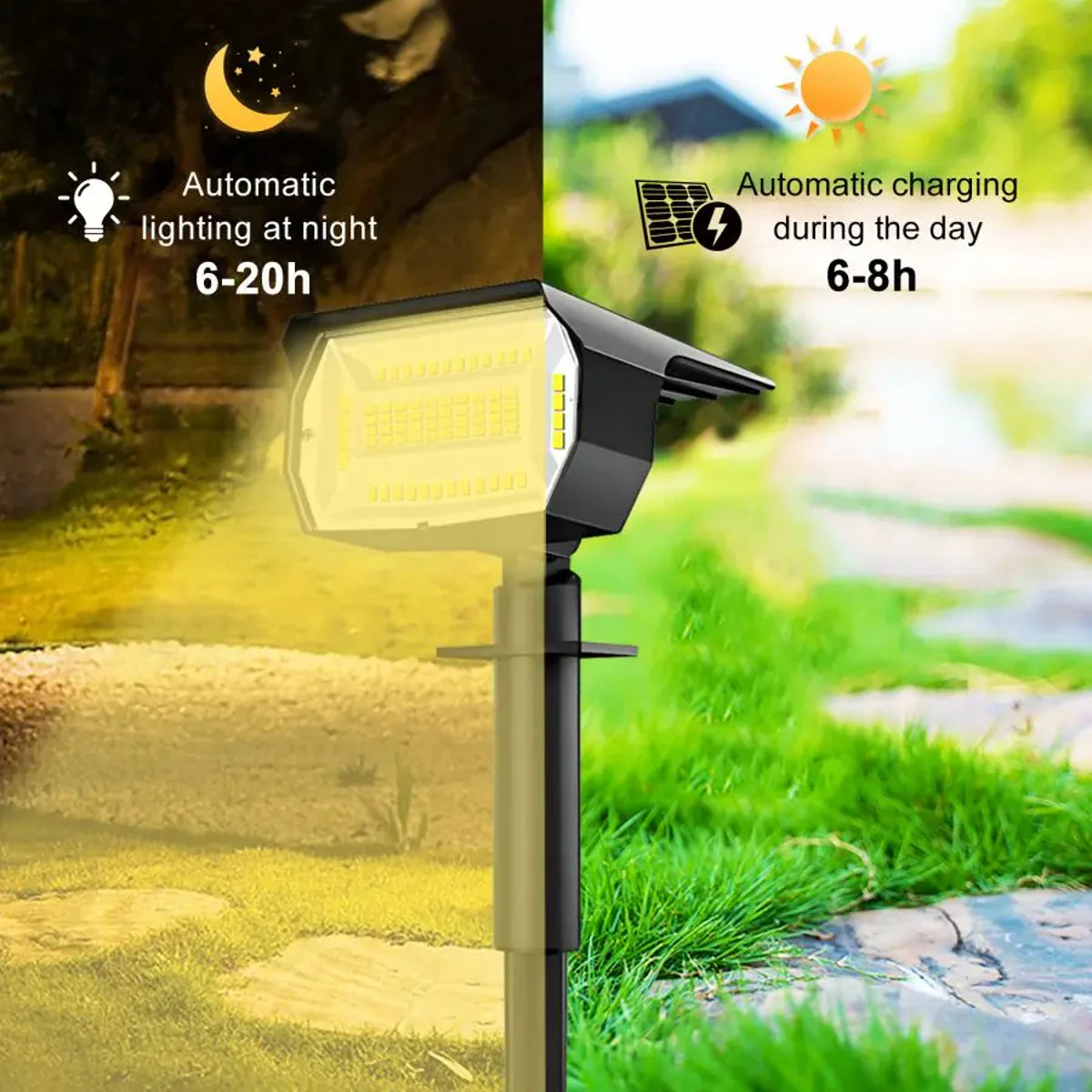
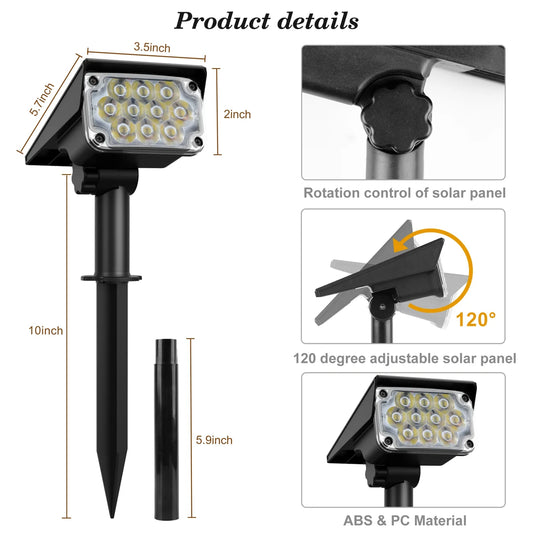
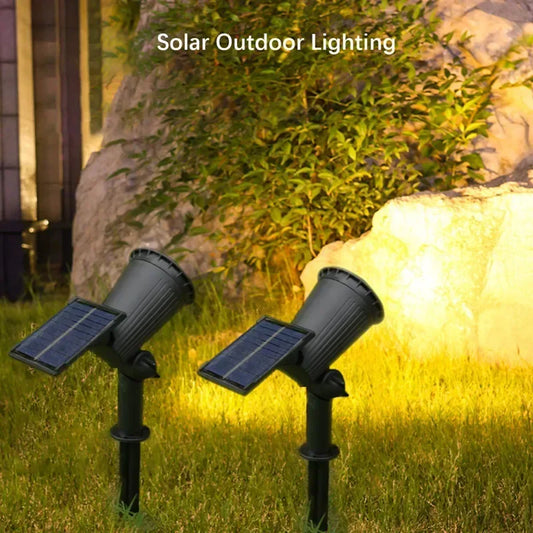
Outdoor 72/68 LEDs Solar Landscape Spotlight Waterproof 3 Modes Solar Garden Lights
Motion activation reduces runtime dramatically — often cutting energy use by 50–90% depending on behavior and settings.
LED holiday lights already use far less energy than incandescent bulbs; the U.S. Department of Energy notes LEDs can use at least 75% less energy and last 25 times longer than traditional bulbs. Pairing LEDs with motion control multiplies savings by reducing hours of operation.
- Typical LED string: 10–60 watts (varies by bulb count & type).
- Example baseline: 50 W running 6 hours/night for 45 nights = 13.5 kWh per season.
- With motion activation (average 1 hour/night of triggered use) = 2.25 kWh per season — an ~83% runtime reduction.
At $0.15/kWh, that scenario saves ~1.66 kWh and $1.98 per string per season — multiply by multiple strings and costs grow meaningful. For broader context, motion activation is especially effective where lights are on long evenings or in areas with sporadic foot traffic (porches, yards, driveway displays).
For deeper background on LED energy benefits, see the Department of Energy’s LED guidance and NREL research on lighting controls: energy.gov/LED lighting and nrel.gov lighting research.
💡 Motion sensors can slash your holiday lighting energy use by up to 70%. Pair them with efficient Lumaz LEDs for maximum savings and a brighter home.
Does motion-activated lighting improve security or just save energy?
Motion-activated lighting can both deter opportunistic crime and improve occupant awareness, though it is not a substitute for comprehensive security systems.
Research and crime-prevention guidance consistently show that well-lit properties reduce the cover of darkness, which discourages some types of theft and vandalism. A motion-triggered display provides sudden illumination — a psychological deterrent — plus clearer footage for cameras. However, motion lights should be part of layered security that includes cameras, locks, neighbor vigilance, and good landscaping practices.
- Benefits for security:
- Immediate surprise lighting can startle intruders and indicate detection.
- Lights combined with cameras increase chance of usable evidence.
- Selective activation avoids constant light pollution while still illuminating key areas.
- What motion lighting does not do:
- It cannot replace alarm monitoring, secure doors/windows, or rapid emergency response.
- False triggers (animals, wind) can still occur without proper sensor placement.
Types of motion sensors and which holiday lights they work with
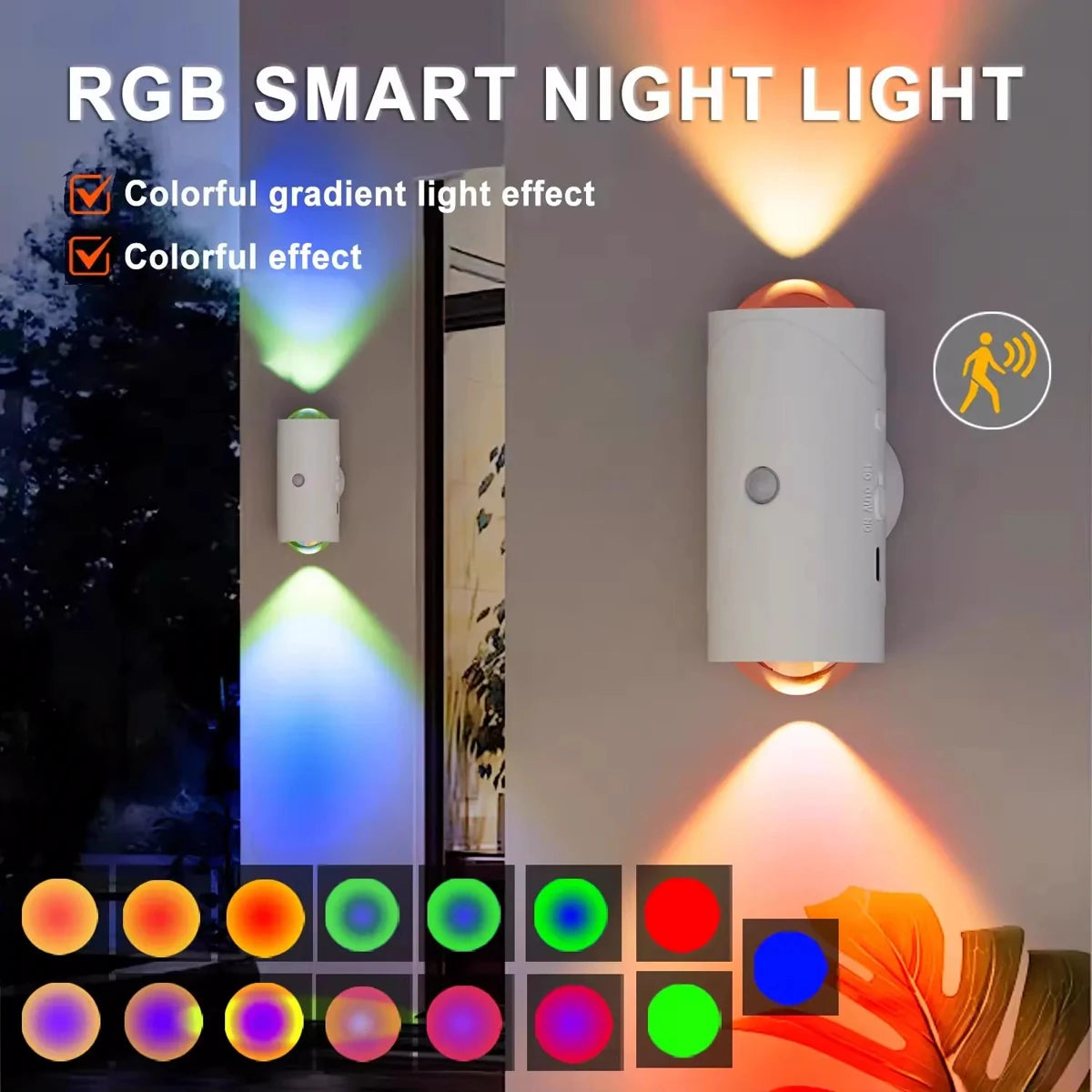
RGB LED Wall Lights with Motion Sensor Rechargeable Night Lights for Bedroom Porch Step
Choose sensor technology by application: PIR for yards, microwave for broad coverage, and smart-camera sensing for integration with video systems.
Common sensor types:
- PIR (Passive Infrared) — detects body heat; low cost and common in outdoor fixtures and standalone sensors.
- Microwave — emits and measures microwaves; wider coverage and can detect through thin obstructions but more expensive and sometimes oversensitive.
- Camera- or AI-based — uses video analytics to differentiate humans vs animals; integrates with smart cameras and home security.
- Smart-home triggers — use motion sensors built into smart hubs, doorbell cameras, or occupancy sensors; can run lights via Z-Wave, Zigbee, or Wi-Fi smart plugs.
Compatibility notes:
- Most LED strings work with simple on/off sensors or smart plugs. Check manufacturer specs for minimum load and dimming compatibility.
- If using dim-capable holiday LEDs, pair with sensors/controllers rated for LED dimming to avoid flicker.
Practical installation steps for homeowners
Installing motion-activated holiday lighting can be a DIY job if staying on low-voltage circuits and outdoor-rated devices; hire an electrician for permanent mains work.
- Plan placement: mark strings, identify power sources, and choose sensor locations to cover approach paths, driveways, and porches.
- Select equipment: outdoor-rated motion sensor(s), LED holiday lights, weatherproof smart plug or relay, and extension cords with outdoor ratings (UL-listed).
- Test sensor angle and sensitivity before final mounting — point PIR sensors away from heat sources, vents, and street-facing traffic to reduce false triggers.
- Install sensors at recommended heights (typically 6–8 feet for PIR) and aim for 45–90° field coverage depending on the device.
- Use smart plugs or timers for camera-integrated setups; configure automations so the light triggers only at night or when ambient light is below a set lux threshold.
- Secure wires and use GFCI-protected outlets outdoors. If wiring permanent fixtures, obtain permits and use a licensed electrician.
- Run a multi-night observation and tweak timeout, sensitivity, and detection zones to balance energy savings and convenience.
Safety checklist:
- Always use outdoor-rated fixtures and cords.
- Do not overload outdoor circuits; check device amperage.
- Use GFCI outlets or weatherproof in-use covers.
- When in doubt about mains wiring, consult a licensed electrician.
Cost, ROI, and comparison of common setups
Compare typical setups by upfront cost, seasonal electricity use, and expected ROI to choose the right balance of aesthetics and savings.
| Setup | Typical Upfront Cost | Estimated Wattage (per 100 ft) | Seasonal kWh (6 hr/night, 45 nights) | Seasonal kWh (motion, 1 hr/night avg) | Primary Pros | Primary Cons |
|---|---|---|---|---|---|---|
| LED strings (continuous) | $20–$60 / string | 20 W | 13.5 kWh | — | Low cost, simple | Higher runtime energy use |
| LED strings + motion sensor | $40–$120 (sensor + light) | 20 W | 13.5 kWh | 2.25 kWh | Big runtime cut, security boost | Sensor false triggers; setup effort |
| Smart plug + LED strings | $25–$60 (per plug) | 20 W | 13.5 kWh | Varies (automation rules) | Flexible scheduling, remote control | Dependence on Wi‑Fi/hub |
| Flood light (PIR) with LED flood | $70–$200 | 30–100 W | 20–67.5 kWh | 3.75–12.5 kWh | Bright; good for driveways | More conspicuous; higher lumen output |
Notes: seasonal kWh values assume 6 hours/night for continuous, 1 hour/night average for motion-triggered operation. Cost estimates are US retail ranges (2024). Electricity cost for ROI calculations: assume $0.15/kWh. Your savings vary by number of strings, local rates, and user patterns.
How to measure performance and verify savings
Use simple meters and logging to quantify runtime, energy use, and false-trigger rates, enabling data-driven adjustments.
Tools and metrics:
- Smart plugs with energy monitoring — show real-time kWh and schedule-based runtime (easy to install and inexpensive).
- Clamp meter or plug-in power meter — measures wattage and cumulative kWh for non-smart devices.
- Event log from smart hubs or camera systems — count triggers per night and average duration.
- Visual observation — track neighbor and visitor responses (qualitative but useful for security assessment).
Suggested measurement workflow:
- Install power meter on each circuit or plug controlling holiday lights.
- Record baseline energy use for 5–7 nights with continuous or timer control.
- Enable motion activation and record same metrics for 5–7 nights.
- Compare kWh, trigger counts, and any security incidents. Adjust sensor sensitivity, timeout, or placement based on results.
Limitations, common problems, and troubleshooting
Motion activation is effective but has trade-offs: false triggers, visibility issues, and user convenience. Expect to iterate on placement and settings.
- False triggers: Caused by small animals, passing cars, or HVAC exhaust. Solution: lower sensitivity, change detection angle, or use camera-based analytics to filter non-human triggers.
- Flicker or compatibility: Cheap dimmers or sensors may not work well with LEDs. Solution: use sensors rated for LED loads and avoid dimming modules unless compatible.
- Neighborhood complaints: Sudden bright lights might annoy neighbors if not properly aimed. Solution: limit activation to your property footprint and set reasonable time windows.
- Battery life and weather exposure: Battery-powered sensors need fresh batteries and sealed enclosures. Solution: use hardwired sensors for long-term reliability or premium weatherproof battery units.
- Legal & HOA restrictions: Some communities limit motion-activated displays or timers. Solution: check local rules before permanent installation.
✨ "We swapped our porch lights to motion-activated LEDs last season — our electric bill barely budged and we noticed more package activity discouraged. Minimal fuss, big impact." — neighborhood homeowner
Recommendations and best-in-class configurations
Choose a configuration that balances appearance, energy goals, and security needs — most homeowners find a hybrid approach works best.
Recommended setups by priority:
- Energy-first: LED strings + motion sensor per zone + smart plugs for remote metering.
- Security-first: Bright PIR flood lights aimed at driveway + camera integration; string lights on motion for visibility.
- Convenience/appearance: Smart-home scenes that use ambient light sensors + motion triggers to softly illuminate paths then return to ornament lighting later.
Product selection tips:
- Buy outdoor-rated, UL-listed components and check IP ratings for sensors and fixtures.
- Prefer sensors with adjustable sensitivity, timeout, and lux thresholds.
- For long displays, use centralized control with smart relays or power distribution instead of many individual plugs.
Conclusion: practical next steps for homeowners
Motion-activated holiday lighting delivers measurable energy reductions, added security benefits, and flexible aesthetics when implemented thoughtfully.
Start small: convert one high-use string or the porch light to motion-activated LED and measure results with a smart plug. Iterate sensor placement and sensitivity, then scale to larger displays once you confirm the balance of convenience, savings, and appearance you want.
Quick checklist before you install
- Confirm local ordinances and HOA rules.
- Choose LED lights compatible with your chosen sensor or dimmer.
- Use outdoor-rated sensors, cords, and GFCI outlets.
- Test for false triggers and adjust sensitivity/timeouts.
- Measure baseline energy use to validate savings.
Frequently asked questions
How much energy will motion-activated lights really save at my house?
Savings depend on how often the lights would otherwise run. A practical rule: if you cut average nightly runtime from 6 hours to 1 hour, expect ~80–85% runtime reduction and similar kWh savings. Use a smart plug or power meter to get exact numbers for your setup.
Can I add motion sensors to existing LED string lights?
Yes — you can add an inline motion sensor or plug the string into a motion‑activated outlet or smart plug. Ensure the sensor/pluggable device is rated for LED loads and outdoor use if placed outside.
Will motion-activated lights disturb neighbors late at night?
They can if not aimed thoughtfully. To minimize disturbance, restrict active hours (e.g., dusk–11pm), use lower intensity or dim settings, and direct sensors to cover only your property. Communicating with neighbors can also prevent complaints.
Are camera-based motion triggers better than PIR sensors?
Camera/AI-based triggers can reduce false positives by distinguishing humans from animals, but they require internet bandwidth, privacy considerations, and often higher setup complexity. For many yards, a well-placed PIR provides a reliable, lower-cost solution.
Do motion sensors increase the maintenance burden (batteries, weatherproofing)?
Battery-operated sensors need seasonal battery checks; choose lithium batteries for longer life. Hardwired or solar-powered options reduce maintenance but may cost more upfront. Weatherproof enclosures and quality IP ratings extend device lifespan.
Is motion-activated lighting worth it for apartment balconies or condo displays?
Yes, particularly where usage is sporadic or where management limits continuous lighting. Use smart plugs and compact PIR sensors to limit runtime and meet building guidelines. Always confirm building electrical rules first.














 />
/>
 />
/>
 />
/>
 />
/>
 />
/>