

Smart Schedules & Energy Savings: Program Your Holiday Lights for Lowest Cost and Maximum Effect
Table of Contents
- Program Your Holiday Lights for Lowest Cost and Maximum Effect
- Why program holiday lights: cost, comfort, and control
- How time-of-use (TOU) and local rates change the math
- Choose energy-efficient holiday lights: LED vs incandescent vs smart RGB
- Essential hardware: smart plugs, timers, controllers, and integrations
- Scheduling strategies for lowest cost and maximum effect
- Step-by-step: Program common devices and platforms
- Measure savings and calculate ROI: metrics and worked examples
- Safety, limitations, and compliance considerations
- Case study, implementation checklist, and recommended schedules
- Frequently Asked Questions
Smart Schedules & Energy Savings: Program Your Holiday Lights for Lowest Cost and Maximum Effect
This guide shows how to combine efficient lighting, time-based scheduling, and smart devices to minimize holiday lighting costs while preserving impact.
Why program holiday lights: cost, comfort, and control
Scheduling holiday lights reduces electricity bills, prevents wasteful runtimes, and improves display control for safety and aesthetics.
Running holiday lighting without a plan is expensive and unnecessary. A deliberate schedule—matched to your local electricity rates, lighting type, and display zones—lets you keep dramatic visuals while cutting energy use and peak charges. This guide gives step-by-step scheduling strategies, hardware recommendations, cost calculations, and safety notes that you can implement this season.
How time-of-use (TOU) and local rates change the math
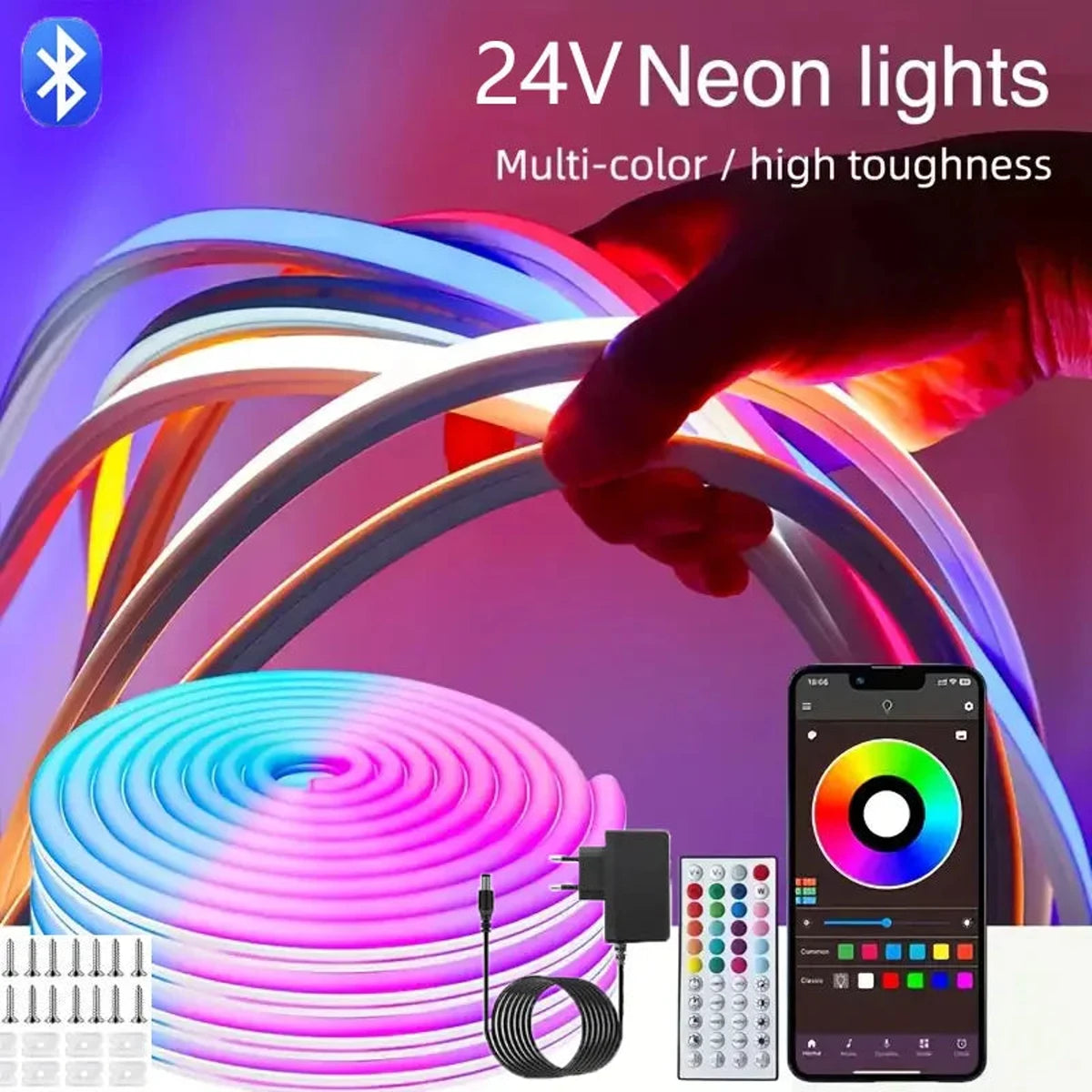
24V RGB LED Neon Rope Lights Color Change Music Sync App Control Waterproof Flexible
Your utility's pricing (flat vs. TOU) determines when lights cost more; shifting runtime away from peak hours reduces bills and, when available, avoids demand charges.
Many utilities now use time-of-use pricing or seasonal rates that raise the cost of electricity during evening peaks. Check your bill or your utility’s website to see peak windows and on-peak kWh prices. U.S. national averages are useful benchmarks: the U.S. Energy Information Administration publishes average residential electricity prices and trends you can use to estimate savings (EIA data).
Key actions:
- Find your exact kWh rates and any TOU windows on your utility bill or online.
- Identify local peak hours—often 4–9 PM—when shifting lighting off or reducing brightness saves most.
- Confirm if your utility offers demand response programs or winter/holiday incentives that could affect optimal schedules.
Sources: U.S. Energy Information Administration (for pricing benchmarks) and Department of Energy energy-saving guidance are reliable starting points.
References: EIA: How much does electricity cost?, DOE: LED lighting and tips.
Choose energy-efficient holiday lights: LED vs incandescent vs smart RGB
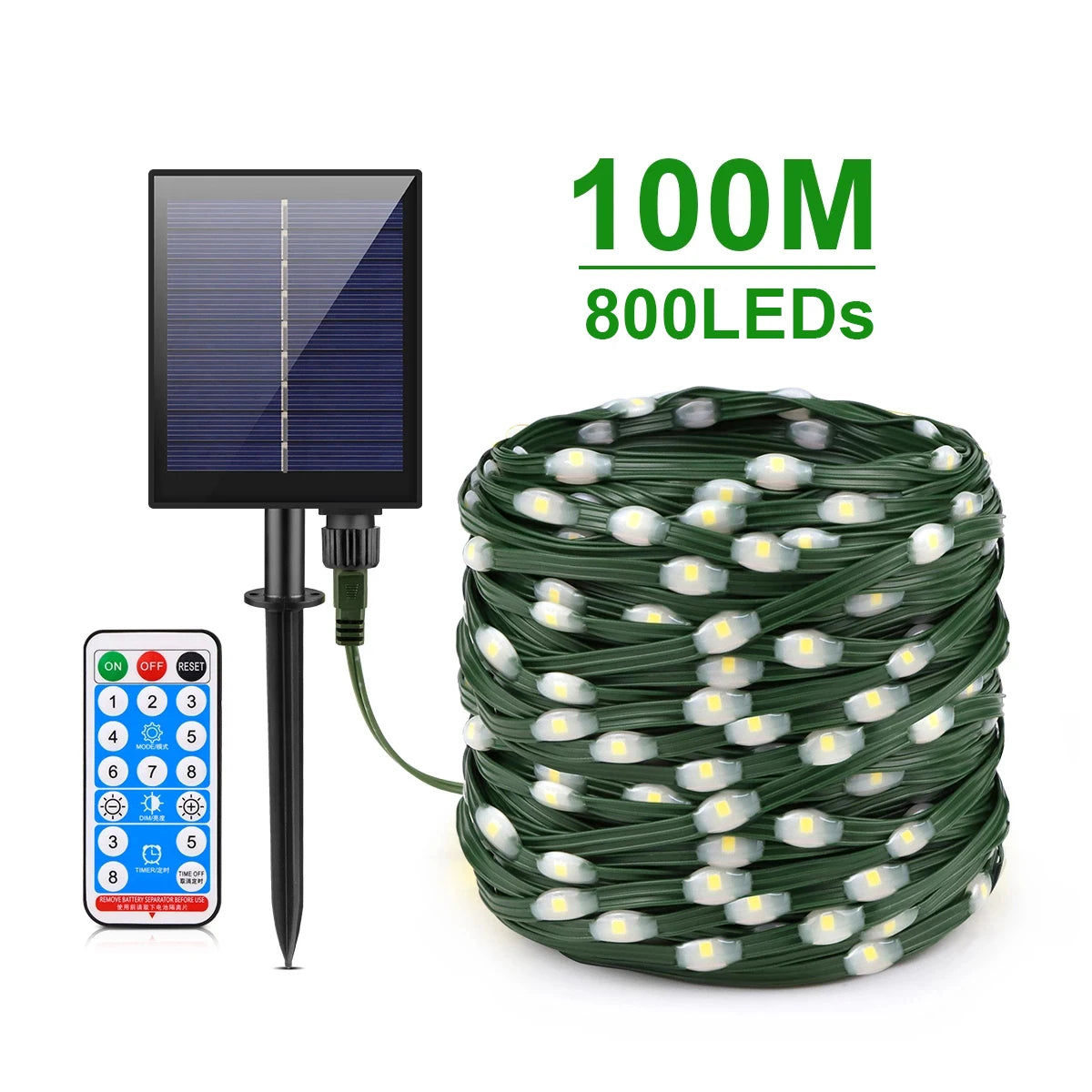
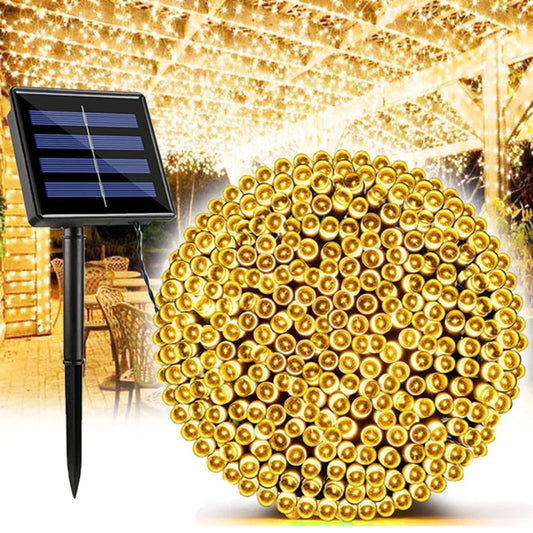
High-Power Solar Outdoor String Lights Leather Christmas Fairy Lights Waterproof
LEDs use 70–90% less energy than incandescents; smart RGB LEDs add control but may draw more depending on brightness—choose based on wattage and feature needs.
Hardware choice matters most for baseline energy use. LEDs drastically lower wattage per bulb and run cooler for safety. When combined with dimming or zone control, they offer the biggest savings.
| Light type | Typical power (per 100-bulb strand) | Cost per hour at $0.16/kWh | Notes |
|---|---|---|---|
| Incandescent mini bulbs | 400–700 W | $0.06–$0.11 / hr | Warm glow but very high energy use and heat. |
| LED warm-white strands | 5–15 W | $0.0008–$0.0024 / hr | Low wattage; excellent lifetime; dimmable options exist. |
| Smart RGB addressable LEDs | 10–25 W (per 100 LEDs, depends on brightness/effects) | $0.0016–$0.004 / hr | Offers colors and patterns; higher draw if many LEDs at full white. |
How to use the table: Cost per hour = (watts ÷ 1,000) × kWh rate. Replace $0.16/kWh with your local rate for accurate figures.
💡 For maximum energy savings and brilliant holiday displays, choose high-quality LED technology from Lumaz for a smarter, brighter experience.
Essential hardware: smart plugs, timers, controllers, and integrations
Use UL-listed smart plugs, outdoor timers, and controllers (for RGB/DMX) that support schedules, geofencing, and energy reporting.
Tools you’ll need depend on complexity:
- Outdoor smart plugs (Wi-Fi/Zigbee/Z-Wave) with scheduling and energy monitoring.
- Astronomical timers or built-in “sunset-to-sunrise” features for astronomical adjustments.
- Holiday lighting controllers for DMX/WS2811/WS2812B addressable LED displays.
- Smart home hub or app (Google Home, Alexa, Home Assistant, SmartThings) for coordinated scenes.
- Power strips/GFCI outdoor outlets and surge protectors rated for outdoor use.
Compatibility notes:
- Confirm outdoor weather rating (IP65/IP66) and UL listing.
- For large synchronized displays, prefer wired DMX or controllers designed for long runs to avoid network latency.
- Look for smart plugs with energy metering if measurement is required.
Scheduling strategies for lowest cost and maximum effect
Blend TOU-aware runtime, zone staggering, and motion/dimming to cut costs while keeping strong curb appeal.
High-level strategies:
- Shift non-essential lighting off during on-peak TOU windows when prices are highest.
- Run premium display features (color sequences, high brightness) during off-peak hours when kWh is cheaper.
- Use zoning—bright accents on for short windows while background lights stay dimmer or off.
- Apply motion sensors or ambient light sensors for driveway or pathway accent lighting.
Example schedules to adapt:
- Neighborhood display: Dusk–10:30 PM for full effects; dimmed “ambient” from 10:30 PM–midnight; off midnight–dawn.
- Residential minimal-cost: Dusk–11 PM on weekends; dusk–10 PM on weekdays; off during peak TOU (if peak is 5–9 PM consider shifting shows to start after 9 PM).
- Event nights (25–26 Dec): full-run 6–11 PM for high impact; use motion-triggered brightening for visitors.
Step-by-step: Program common devices and platforms
Program smart plugs, hubs, and controllers with clear cron-like schedules, scenes, and fallback timers to avoid outages.
General steps (applies to most smart outlets and hubs):
- Inventory lights and assign zones (roofline, trees, path lights, yard display).
- Install devices and test each zone for proper operation and weatherproofing.
- Set basic timer: select sunset-based start and fixed stop time to avoid seasonal adjustment hassles.
- Add TOU-aware rules: enable different scene profiles for weekdays vs weekends or peak vs off-peak windows.
- Test failover: ensure manual local switch or physical timer works if Wi‑Fi/hub fails.
Platform-specific tips:
- Smart plugs (TP-Link/Kasa, Wemo): Use the vendor’s schedule or integrate with Google/Alexa for grouped scenes.
- Home Assistant: Use automations with sunrise/sunset, utility meter integrations, and template-based actions tied to rate sensors.
- Hue/Lutron/Philips: Use grouped scenes and “away” modes, but be careful—traditional Hue bulbs don’t typically operate with high-power strand loads.
- DMX/Light-O-Rama: Program sequences for off-peak windows and use controller-level scheduling to avoid overloading Wi‑Fi.
Measure savings and calculate ROI: metrics and worked examples
Track kWh, run-time, and cost; use wattage × hours × kWh rate to calculate savings and quick ROI comparisons between bulbs and scheduling.
Important metrics:
- Energy consumed (kWh) = (watts ÷ 1,000) × hours used
- Cost = kWh × local rate ($/kWh)
- Peak kW load for demand charges (if applicable)
- Payback = extra hardware cost ÷ annual energy savings
Worked example: household display
- Setup: 8 LED strands at 10 W each = 80 W total
- Runtime: 5 hours/night for 30 days = 150 hours
- Consumption: 80 W × 150 hr = 12,000 Wh = 12 kWh
- Cost at $0.16/kWh: 12 kWh × $0.16 = $1.92 for the season
Compare that to incandescent strands (assume 500 W per strand): 8 × 500 W = 4,000 W; 4,000 W × 150 hr = 600 kWh × $0.16 = $96.00. Switching to LEDs in this example saves ~$94 per season, quickly paying back any smart-scheduling hardware costs.
Safety, limitations, and compliance considerations
Prioritize UL/ETL-listed outdoor equipment, conserve circuits, use GFCI protection, and check local ordinances and HOA rules.
Safety checklist:
- Use outdoor-rated cords, plugs, and enclosures (IP65/UL listed).
- Avoid overloading a single circuit—check breaker ratings and strand wattage.
- Install GFCI outlets outdoors and use weatherproof covers for outlets and plugs.
- Ensure proper extension cord gauge for the total current and run length.
- Test manual override and local switches in case networks fail.
Limitations and edge cases:
- Network-dependent smart controls require Wi‑Fi or hub reliability—backup physical timers are recommended.
- Very large synchronized displays may require professional-level power management and permits.
- If your utility has demand charges for residential accounts (rare), consult them—scheduling may help but could require different strategies.
Regulatory note: Always follow local building and electrical codes and homeowners’ association rules for holiday displays and outdoor wiring.
Case study, implementation checklist, and recommended schedules
A two-part case demonstrates cost and includes a practical checklist and plug-and-play schedule templates to implement immediately.
Mini case study: Suburban family display
Household: four-family home; replaced incandescent strands with LED and added smart plugs to three zones.
Results:
- Before: ~500 W total, 5 hours/night × 30 nights = 75 kWh × $0.16 = $12.00
- After LEDs: ~50 W total, same runtime = 3.75 kWh × $0.16 = $0.60
- Additional benefit: Smart scheduling shifted sequence-heavy shows to 9–11 PM (off-peak), lowering perceived cost and concentrating high-draw effects when fewer people are watching.
Takeaway: LEDs + schedules delivered >90% energy reduction and improved display control.
Implementation checklist (quick)
- Audit current lights: count strands, note wattage, and assign zones.
- Check local rate and TOU windows; decide primary constraint (cost vs. visibility).
- Purchase UL-listed outdoor smart plugs and a controller for RGB segments if needed.
- Program sunset-based start + fixed off time; create off-peak full effects scene.
- Test for 3 nights; adjust brightness, timing, and staggering for cohort impact.
- Record energy use via smart-plug metering or utility kWh change to verify savings.
🎄 "Switched to LED strands and set a sunset–11pm schedule. My December bill dropped noticeably, and people still stop to take pictures." — Local display neighbor
Frequently Asked Questions
Answers to common questions about schedules, cost, and setup that readers typically search for.
How much can I realistically save by scheduling lights?
Switching to LEDs typically yields the biggest savings (70–90%). Smart scheduling adds further savings by trimming unnecessary hours; combined, many households reduce holiday lighting costs by 80–95% compared to incandescent, depending on runtime and wattage.
Can I use indoor smart plugs outside?
No—use only plugs and outlets rated for outdoor use. Indoor smart plugs are not weatherproof and may present fire or shock hazards if used outdoors.
h3>Do smart lights still work if the internet goes out?
Local physical timers and many standalone programmable controllers continue to operate during internet outages. Cloud-dependent smart devices may lose remote control but typically preserve local schedules unless the hub itself depends on cloud services.
Will dimming holiday LEDs save energy or hurt their lifespan?
Dimming LEDs reduces energy use and usually increases lifetime. Confirm your LEDs and controllers are designed for dimming; incompatible combinations can cause flicker or reduced LED driver lifespan.
Are there incentives for switching to efficient lighting?
Some utilities offer rebates for energy-efficient lighting or smart thermostats; check your local utility website and ENERGY STAR resources for current programs and eligibility.
Related Articles:
- The Complete Christmas Lights Buying Guide
- String Lights: Guide to Brightening Your Space
- Fairy Lights: Guide to Creating Magical Spaces
- How to Hang Icicle Lights: Perfect Installation Tips and Tricks
- When Is the Best Time to Hang Christmas Lights?
- Christmas Light Color Choosing Guide
- Tips for Using Incandescent Christmas Lights
- Which Christmas Lights Are Best














 />
/>
 />
/>
 />
/>
 />
/>
 />
/>