

Bridge the Gap: Managing Mixed Smart Light Ecosystems (Zigbee, Wi‑Fi, Bluetooth)
Table of Contents
- Understand the differences: Zigbee, Wi‑Fi, and Bluetooth
- Why mixed smart light ecosystems exist
- Bridging strategies: hubs, bridges, and multi‑protocol controllers
- Using Matter and Thread to simplify mixed networks
- Network design: segmentation, capacity, and RF planning
- Security and privacy practices for mixed lighting systems
- Tools and metrics to monitor performance and reliability
- Migration and upgrade paths: when to replace versus bridge
- Troubleshooting common cross‑protocol issues
- Conclusion: a pragmatic roadmap to a unified smart‑lighting experience
- Frequently asked questions
Understand the differences: Zigbee, Wi‑Fi, and Bluetooth
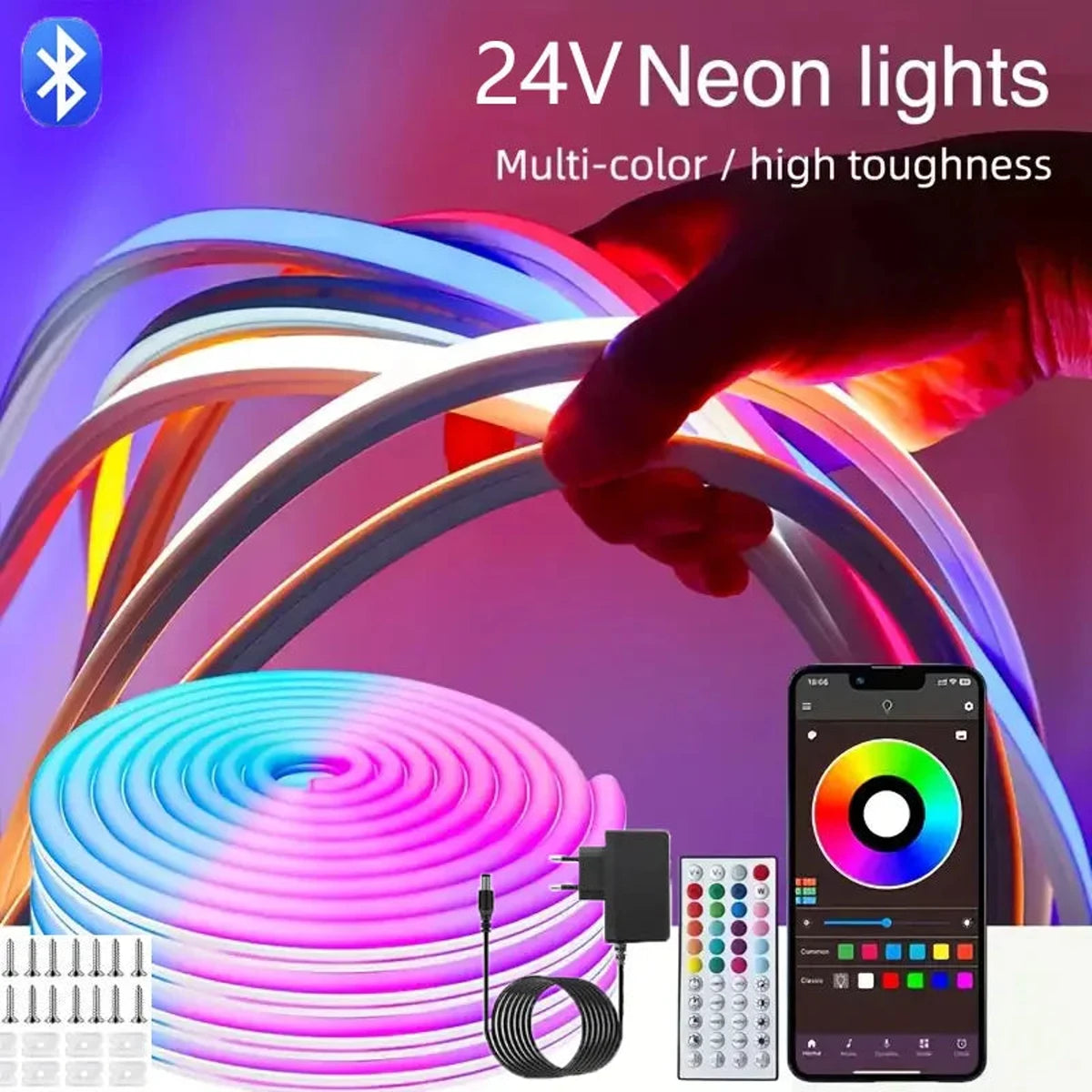
Quick technical distinctions and typical smart‑lighting roles for Zigbee, Wi‑Fi, and Bluetooth to guide interoperability decisions.
Zigbee, Wi‑Fi, and Bluetooth are common wireless protocols in smart lighting, but they serve different design goals: Zigbee favors low power and mesh networking; Wi‑Fi provides high throughput and direct cloud access; Bluetooth (Classic/LE/mesh) targets device-level pairing and local control. Choosing how to manage a mixed ecosystem starts with these practical differences.
Protocol quick facts
- Zigbee: 2.4 GHz (most regions), mesh topology, low power, suitable for battery or always‑on bulbs via a hub.
- Wi‑Fi: 2.4/5/6 GHz, star topology to an AP, high bandwidth, high power — common in smart bulbs that talk directly to cloud services.
- Bluetooth: BLE & Bluetooth Mesh operate at 2.4 GHz; BLE is low energy for point‑to‑point, Mesh supports local multi‑device control with lower power than Wi‑Fi.
Comparison table: Zigbee vs Wi‑Fi vs Bluetooth
| Protocol | Frequency | Topology | Range (typ.) | Bandwidth | Power | Best smart‑light use |
|---|---|---|---|---|---|---|
| Zigbee | 2.4 GHz | Mesh | 10–100 m per hop | Low (tens of kbps) | Low | Large mesh of bulbs/switches via hub |
| Wi‑Fi | 2.4 / 5 / 6 GHz | Star (AP) | 30–100 m (varies) | High (Mbps+) | High | Direct cloud bulbs, video/voice enabled devices |
| Bluetooth (BLE / Mesh) | 2.4 GHz | Point‑to‑point / Mesh | 10–50 m | Low (kbps–Mbps) | Low | Room‑level control, proximity features |
💡 Navigating smart light protocols can be complex. Lumaz ensures a reliable, stylish, and affordable experience, no matter the technology you choose.
Why mixed smart light ecosystems exist
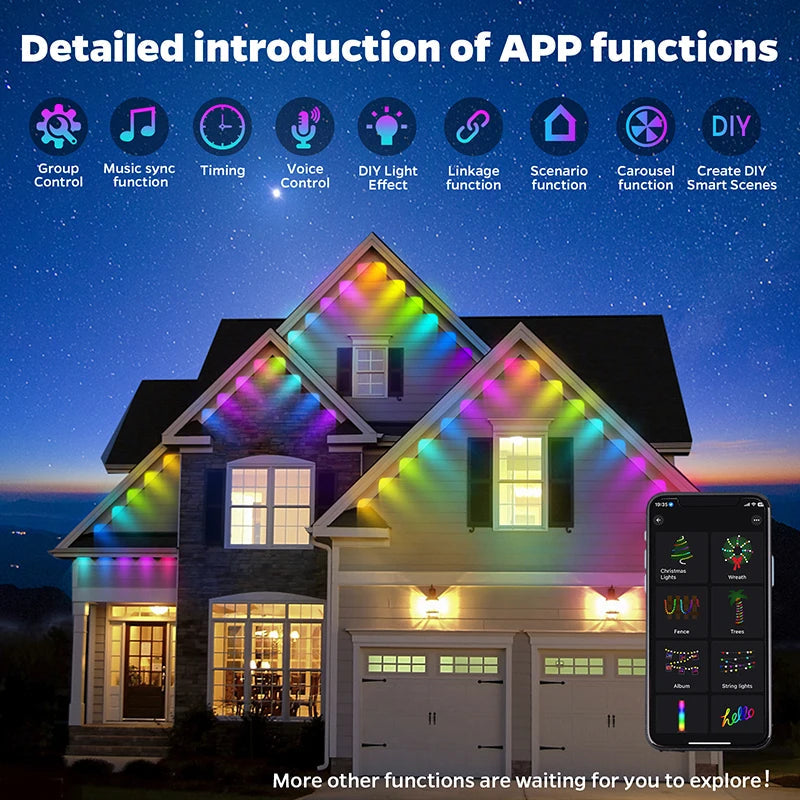
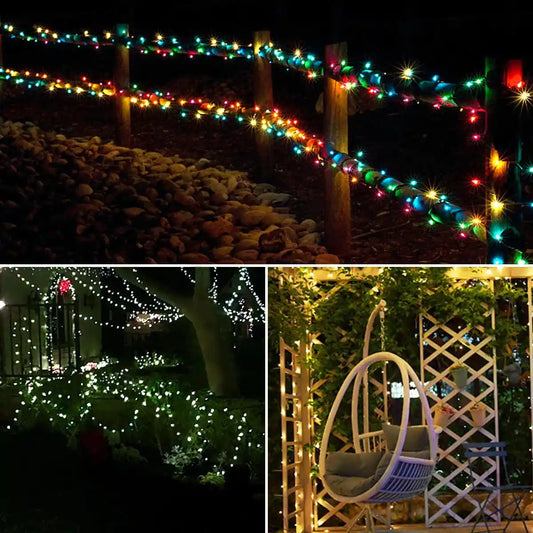
100FT 60 LED Permanent Outdoor Eaves LED Lights Waterproof RGB Christmas String Lights
Legacy devices, vendor ecosystems, cost and features drive mixed deployments; understanding motives helps prioritize solutions.
Mixed ecosystems grow from practical reasons: homeowners add devices over time, installers mix brands for price or features, and manufacturers adopt different protocols to differentiate products. You may find Zigbee bulbs from 2016, Wi‑Fi bulbs with built‑in cloud apps, and Bluetooth fixtures for low‑power rooms in the same house.
- Legacy continuity: older Zigbee bulbs still work via existing hubs.
- Feature-driven choice: Wi‑Fi bulbs for camera/speaker hybrids; Zigbee for mesh reliability.
- Cost and availability: regional availability and promotions push mixed purchases.
Bridging strategies: hubs, bridges, and multi‑protocol controllers
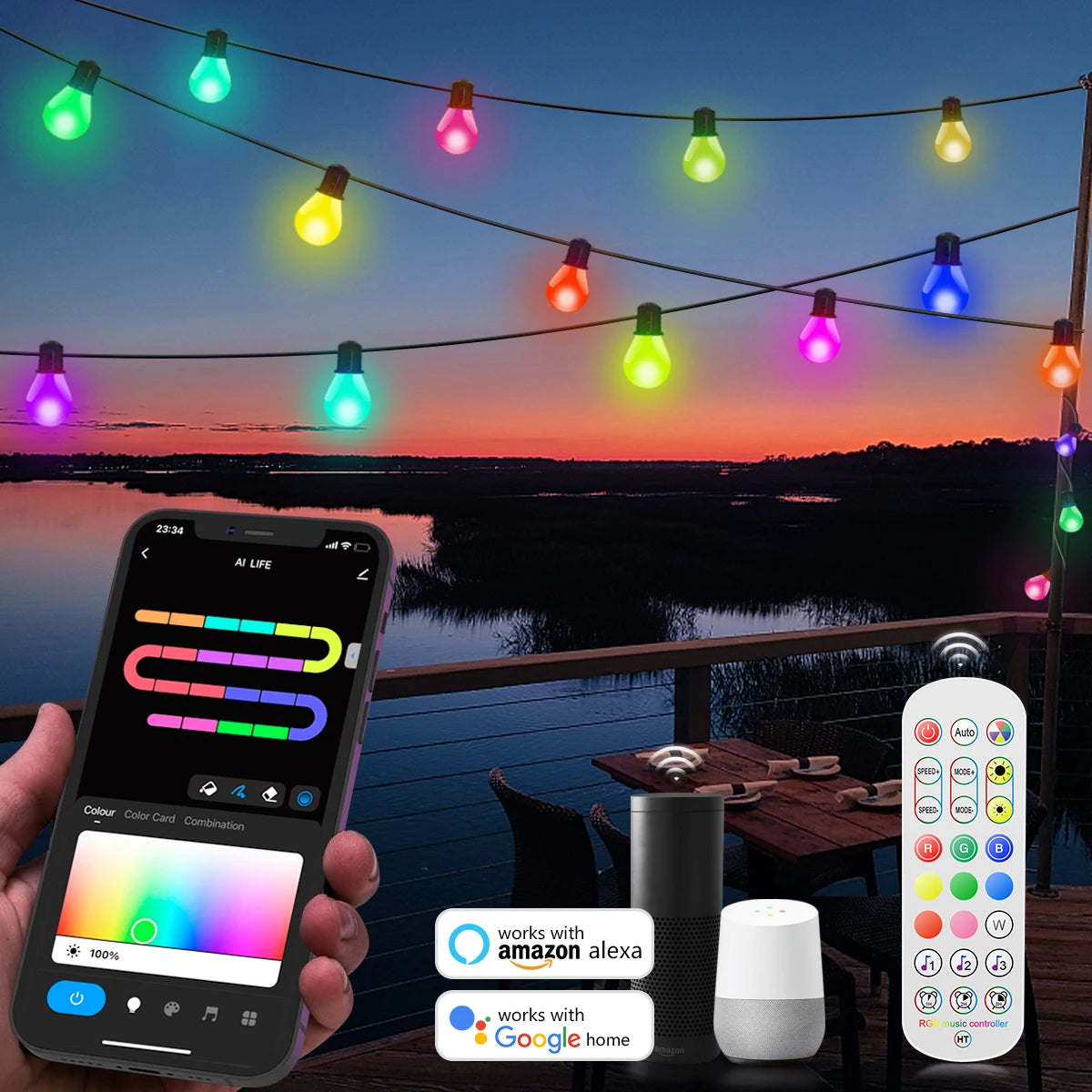
USB Smart G40 LED Bulb String Light 15M 25 Blubs Christmas Lights
Practical bridging options—use hubs, software bridges, or multi‑protocol gateways to unify control without replacing every device.
Bridging lets different protocol devices appear as a single system. Options range from consumer hubs (Philips Hue Bridge) to professional gateways (Home Assistant on a Raspberry Pi with Zigbee and Bluetooth adapters) and cloud-based integrations that proxy through vendor APIs.
Bridge types and tradeoffs
- Vendor bridges — Manufacturer-provided hubs that translate their protocol to local or cloud APIs. Good reliability but limited cross‑vendor integration.
- Local multi‑protocol controllers — Open platforms (Home Assistant, OpenHAB) with USB Zigbee/Thread adapters and BLE radios. Highly flexible; require more setup and occasional maintenance.
- Cloud integrations — Use vendor cloud APIs to unify apps. Quick to deploy but introduces latency, dependency on internet, and privacy concerns.
💬 "We switched to a Home Assistant gateway with a Zigbee USB stick — now our Hue, IKEA, and BLE lights appear together and automation is actually reliable." — Community user
Using Matter and Thread to simplify mixed networks
Matter and Thread are new standards designed to improve cross‑vendor compatibility and simplify bridging across Zigbee, Wi‑Fi, and BLE devices.
Matter (by the Connectivity Standards Alliance) aims to provide a single application layer that runs over multiple transports, including Thread—a low‑power IPv6 mesh protocol—and Wi‑Fi. It reduces reliance on proprietary bridges by standardizing device behavior, security, and discovery.
- Matter brings consistent device models for lights, switches, and scenes.
- Thread provides a reliable, low‑latency mesh for IP‑native smart lighting.
- Bridges will exist to support legacy Zigbee and BLE devices until full migration occurs.
Learn more at the Connectivity Standards Alliance: csa-iot.org/matter.
Network design: segmentation, capacity, and RF planning
Design your home or commercial network with segmentation, channel planning, and capacity analysis to avoid interference and dropped commands.
Good network design prevents failures. Treat Zigbee/Bluetooth and Wi‑Fi as separate layers with controlled interaction points. Key practices include segmenting IoT devices on separate SSIDs/VLANs, mapping RF conditions, and ensuring mesh connectivity has redundancy.
Actionable checklist
- Place Zigbee/Thread routers (mains‑powered bulbs or plugs) every 10–15 meters to maintain mesh hops.
- Use different Wi‑Fi channels than 2.4 GHz Zigbee/BT when possible; prefer 5 GHz for client devices to reduce congestion.
- Limit the number of devices on a single Wi‑Fi access point; aim for 20–30 smart bulbs per AP maximum depending on AP capacity.
- Segment IoT devices on a VLAN/guest SSID for security and traffic control.
Security and privacy practices for mixed lighting systems
Apply device hardening, network segmentation, and vendor security practices to reduce risk across heterogeneous smart-light deployments.
Security is essential because a compromised light bulb can be an entry point to your network. Follow NIST guidance for IoT risk management: inventory devices, limit privileges, enforce secure updates, and monitor for anomalies (see NIST IR 8228).
Key controls include:
- Change default passwords and use unique device credentials where possible.
- Enable automatic firmware updates from trusted sources to patch vulnerabilities quickly.
- Use network segmentation (VLANs, separate SSIDs) to isolate IoT traffic from sensitive systems.
- Prefer devices that support strong encryption (TLS, DTLS) and authenticated onboarding.
For government IoT security recommendations, see NIST's guidance: NIST IR 8228. The FCC also provides IoT consumer guidance at fcc.gov.
Tools and metrics to monitor performance and reliability
Use monitoring tools and metrics—latency, packet loss, uptime—to measure health across heterogeneous lighting networks.
Monitoring gives objective evidence when troubleshooting or sizing networks. Track metrics at multiple layers: RF link quality for Zigbee/BLE, AP load and latency for Wi‑Fi, and application response times for cloud integrations.
Useful tools
- Wi‑Fi analysis apps (e.g., WiFi Analyzer) for channel planning and signal strength.
- Zigbee sniffers and coordinator logs (ZHA/Zigbee2MQTT) for mesh health and routing tables.
- Home automation dashboards (Home Assistant, OpenHAB) that expose device availability, latency, and event history.
- Network monitoring (PRTG, Ubiquiti) for AP client counts, throughput, and failure alerts.
Key metrics to track
- Online/Offline percentage per device (uptime)
- Round‑trip latency for command execution (ms)
- Packet retransmissions or route‑failures in Zigbee meshes
- Wi‑Fi AP client load and airtime utilization
Migration and upgrade paths: when to replace versus bridge
Decide between bridging or replacing devices using cost, security posture, and long‑term manageability criteria.
Deciding whether to replace legacy bulbs or keep them via a bridge depends on lifecycle, security, and desired features. Use a scoring approach to make decisions predictable and defensible.
Decision matrix (practical)
- Replace if: device is unsupported (no firmware updates), shows frequent failures, or lacks critical security features.
- Bridge if: device is stable, secure, and replacing it is costly or disruptive.
- Hybrid approach: bridge legacy devices for now while planning staged replacement aligned to Matter/Thread adoption.
Cost vs. benefit checklist
- Estimate hardware and labor cost to replace globally vs single‑hub bridging cost.
- Measure usability gains (latency, app consolidation) from replacement.
- Consider resale/energy efficiency benefits of modern bulbs (tunable white, dimming profiles).
Troubleshooting common cross‑protocol issues
Practical step‑by‑step fixes for common problems like ghost devices, latency, and command failures in mixed environments.
Mixed environments introduce unique failure modes—duplicate device IDs, cloud sync errors, and RF collisions. Use a structured approach: isolate, reproduce, and remediate.
Step‑by‑step troubleshooting
- Identify the scope: is the issue single‑device, group, or whole network?
- Check device logs on the hub/gateway and cloud error messages for authentication issues.
- Measure RF interference and move devices/routers to reduce collisions; change channels where possible.
- Verify mesh topology: for Zigbee, ensure mains‑powered routers are placed to maintain connectivity paths.
- Reboot or re‑pair devices when state inconsistencies occur; keep pairing flows predictable to avoid duplicate entries.
Quick fixes for high‑latency commands
- Move automation logic local (on‑hub) rather than cloud‑triggered to reduce round‑trip delays.
- Limit the number of chained automations during peak times to avoid cascading delays.
- Upgrade gateway hardware (CPU, RAM) that processes many device messages.
Conclusion: a pragmatic roadmap to a unified smart‑lighting experience
Prioritize security, measure network health, and pick a bridging or migration path aligned to cost and user needs.
Managing mixed smart light ecosystems is a practical engineering problem, not an ideological choice. Prioritize isolation and security, use bridges where replacement is impractical, and adopt Matter/Thread strategies over time for better interoperability. With measured network design, monitoring, and a clear migration plan, you can achieve a predictable, reliable lighting experience that scales.
Frequently asked questions
Short answers to common owner and integrator questions about mixed smart lighting systems.
Can I control Zigbee, Wi‑Fi, and Bluetooth lights from one app?
Yes — via a hub or platform that supports multiple protocols (e.g., Home Assistant, some vendor bridges). Full feature parity depends on the integration; local control is preferable for speed and reliability.
Will Matter replace my existing Zigbee or Bluetooth devices?
Not immediately. Matter simplifies interoperability for new devices and supports bridges for legacy tech. Existing devices without Matter support will still need bridging or replacement to become Matter‑native.
Is it safe to put smart lights on the same Wi‑Fi network as my work devices?
No — follow network segmentation. Put IoT devices on a separate VLAN or guest SSID to limit lateral movement and reduce risk to sensitive devices.
How many bulbs can a Zigbee network realistically support?
A Zigbee mesh can support hundreds of end devices, but practical limits depend on coordinator capability and routing topology. Use multiple mains‑powered routers to distribute load and reduce hop counts.
What’s the fastest way to fix a bulb that won’t respond in a mixed setup?
Check power/cycling, verify hub status, inspect RF environment, and re‑pair the bulb if necessary. Start with the device's local logs on the hub and confirm the mesh or Wi‑Fi link quality.
Which monitoring metrics should I report for SLA or uptime?
Track device uptime percentage, average command latency, packet retransmission rates for mesh, and AP client counts. These metrics give an operational view useful for SLAs and diagnostics.
Related Articles:
- The Complete Christmas Lights Buying Guide
- String Lights: Guide to Brightening Your Space
- Fairy Lights: Guide to Creating Magical Spaces
- How to Hang Icicle Lights: Perfect Installation Tips and Tricks
- When Is the Best Time to Hang Christmas Lights?
- Christmas Light Color Choosing Guide
- Smart Bedroom Lights vs. Traditional Bedroom Lights
- Top Bedroom Lighting Trends for 2025
- Soft White vs Daylight Bulbs: Key Differences














 />
/>
 />
/>
 />
/>
 />
/>
 />
/>