

Top 12 Novelty LED Fixtures for Living Rooms, Game Rooms, and Cafés (Affordable Picks)
Table of Contents
- How novelty LED fixtures upgrade living rooms, game rooms, and cafés
- Top 12 novelty LED fixtures (affordable picks and why they stand out)
- Key selection metrics: what to compare before buying
- Installation and placement tips for living rooms, game rooms, and cafés
- Smart control, integration, and useful software tools
- Energy, safety, and health considerations (cite-backed)
- Limitations, common problems, and troubleshooting
- Cost-saving strategies and where to buy
- Mini case studies: real-world setups and expected outcomes
- Final recommendations and actionable next steps
- Frequently Asked Questions
How novelty LED fixtures upgrade living rooms, game rooms, and cafés
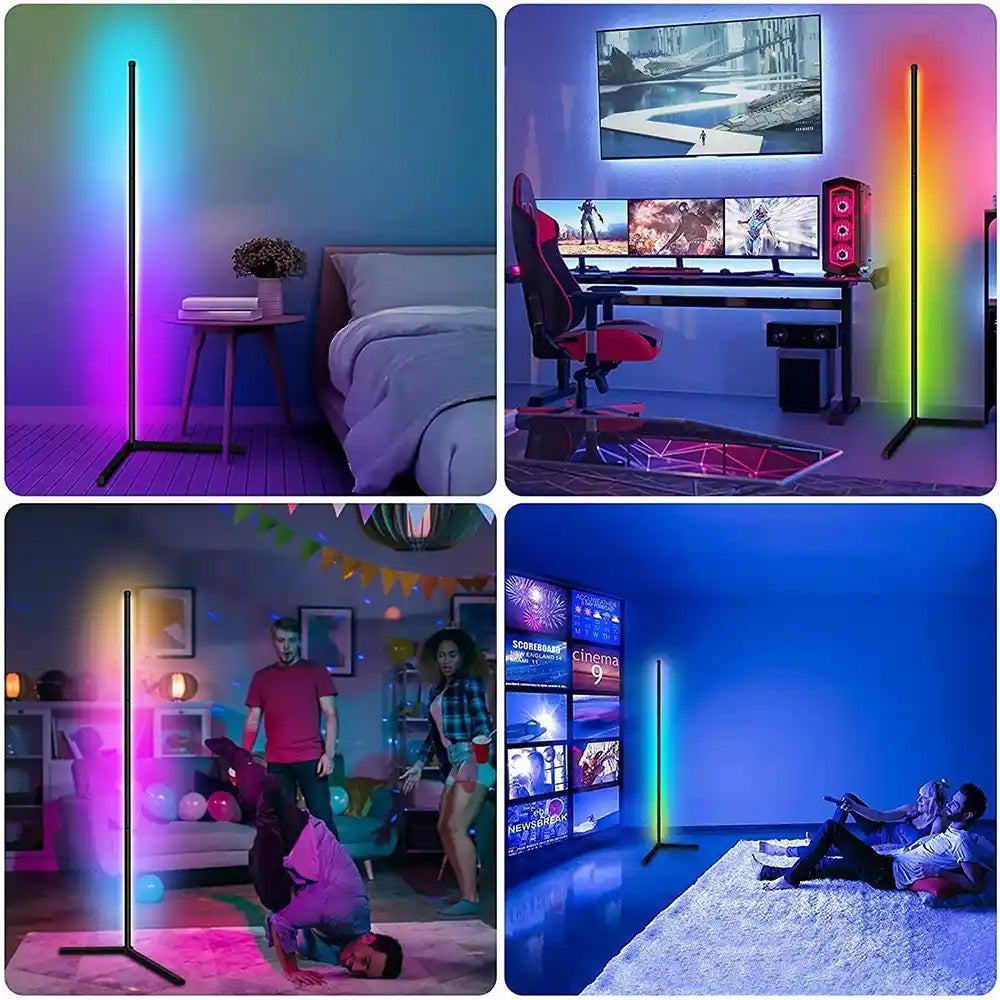
Novelty LED fixtures add mood, brand personality, and functional lighting while staying energy-efficient and low-cost. They create focal points, improve atmosphere, and deliver programmable color for events and seasonal changes.
Modern LED novelties blend design and tech: addressable strips, modular panels, neon-flex, smart bulbs, and pixelated art let homeowners, gamers, and café owners craft immersive spaces that invite longer stays and social sharing.
Top 12 novelty LED fixtures (affordable picks and why they stand out)
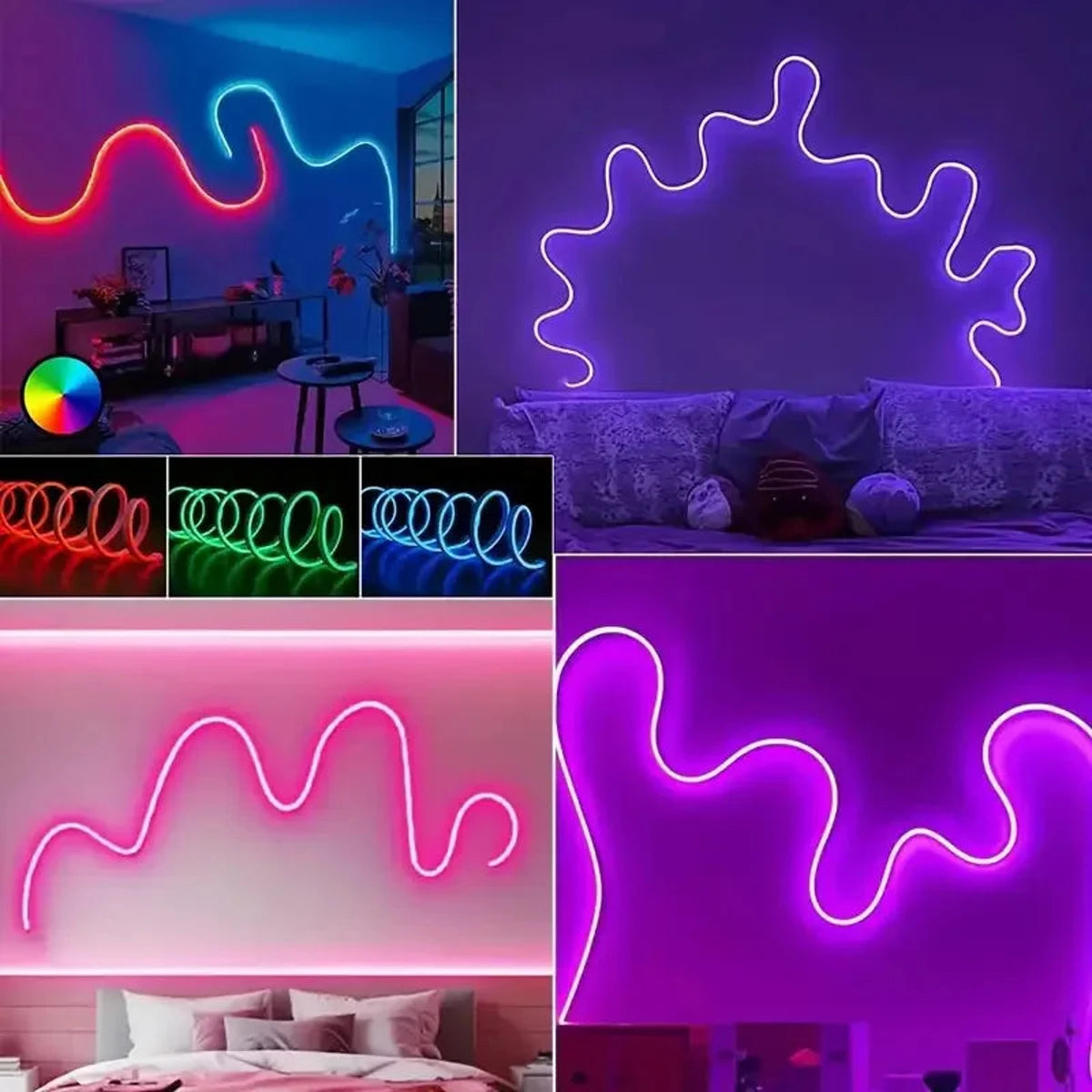
24V RGB LED Neon Rope Lights Color Change Music Sync App Control Waterproof Flexible
A curated list of 12 budget-friendly novelty LED fixtures that balance style, features, and price for living rooms, game rooms, and cafés.
| # | Fixture | Type | Best for | Key features | Approx. price |
|---|---|---|---|---|---|
| 1 | Govee RGBIC LED Strip | Addressable LED strip | Gaming bias lighting, cove lighting | Individually addressable segments, music sync, app control | $30–$60 |
| 2 | Nanoleaf Shapes / Essentials | Modular LED panels / smart bulb | Living room focal wall, creative art | Modular layouts, scene presets, low profile | $80–$200 |
| 3 | Philips Hue Play Bars | Ambient/screen backlight | TV bias and accent lighting | Hue ecosystem, rich colors, sync with media | $70–$130 |
| 4 | LIFX Beam / Strip | Modular beam/strip | Stylish accent for walls and shelves | Vivid colors, Wi‑Fi native, no hub | $60–$200 |
| 5 | Elgato RGB Light Strip | Streamer-focused strip | Gaming desks, stream backdrops | Strong software integration, USB or mains | $40–$80 |
| 6 | Twinkly Smart String / LEDs | Pixel-mapped decorative lights | Cafés, holiday displays, feature walls | App-mapped animations, patterns | $40–$150 |
| 7 | Govee Neon Flex | Flexible LED neon | Signs, café counters, wall accents | Soft neon look, cut-to-length options | $20–$70 |
| 8 | Yeelight Smart Bulbs | Smart RGB bulbs | Tables, pendant fixtures in cafés | Affordable, app/voice control | $15–$40 |
| 9 | Sengled Bluetooth LED Bulb | Bluetooth smart bulb | Quick café upgrades, small rooms | Low cost, simple grouping | $10–$25 |
| 10 | IKEA LED Light Panels/Strips | Budget LED fixtures | Under-shelf, shelving in cafés | Reliable, cheap replacements | $10–$80 |
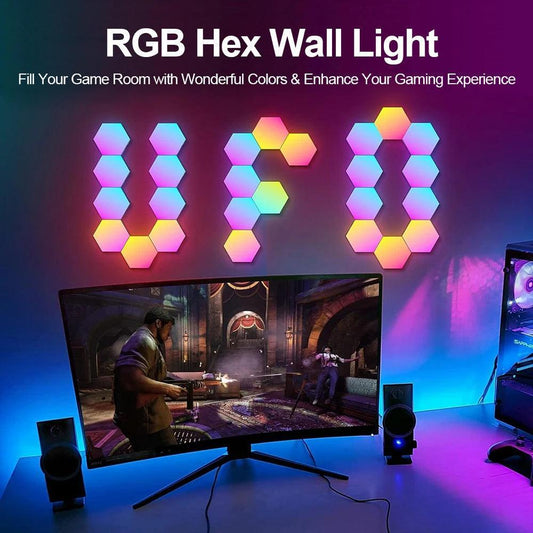
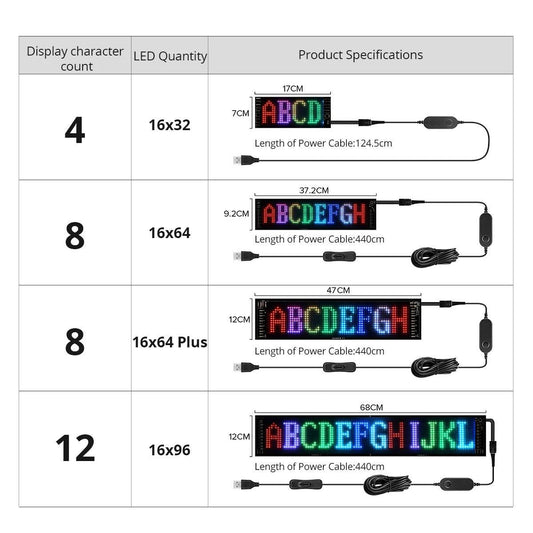
| 11 | Pixel LED Matrix Panels | Programmable panels | Dynamic wall art, signage | Animation, text, audio-reactive | $50–$150 |
| 12 | Motion LED Cube / Accent Lamp | Standalone novelty lamp | Tabletop accent in living rooms and cafés | Battery/USB, color scenes | $20–$50 |
Short picks: who should buy which
- Gamers: Govee RGBIC & Elgato for screen sync and strong software.
- Living rooms: Nanoleaf, LIFX Beam, and Philips Hue for refined ambient layers.
- Cafés: Twinkly, Neon Flex, and Yeelight bulbs for brandable accents and low-cost scale.
🌟 For stylish, affordable lighting that stands out, explore our high-quality, energy-efficient fixtures. Discover your perfect match at Lumaz.
Key selection metrics: what to compare before buying

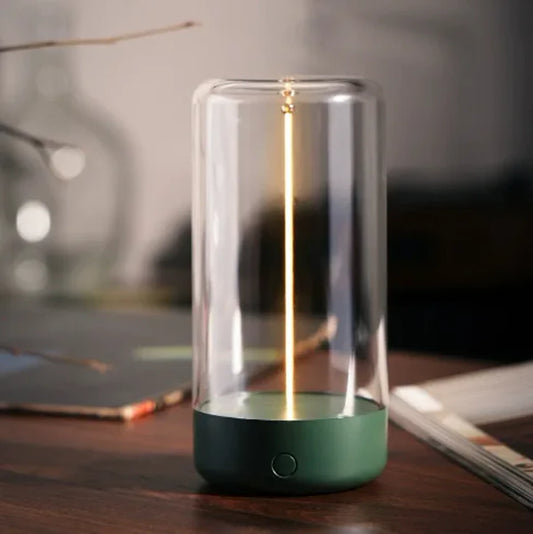
Portable and Rechargeable Magnetic Flexible Filament Table Light Nightstand Desk Lamps
Prioritize brightness, color range, power needs, and connectivity to match the space and use case.
Use this checklist to evaluate any novelty LED fixture:
- Lumens and effective brightness per foot.
- Color gamut: RGB vs. RGBW (adds white) and CRI (color rendering index).
- Control method: Wi‑Fi, Bluetooth, Zigbee, or proprietary hub.
- Addressability: whole-string color vs. individually addressable pixels.
- Power supply requirements and replaceability.
Installation and placement tips for living rooms, game rooms, and cafés
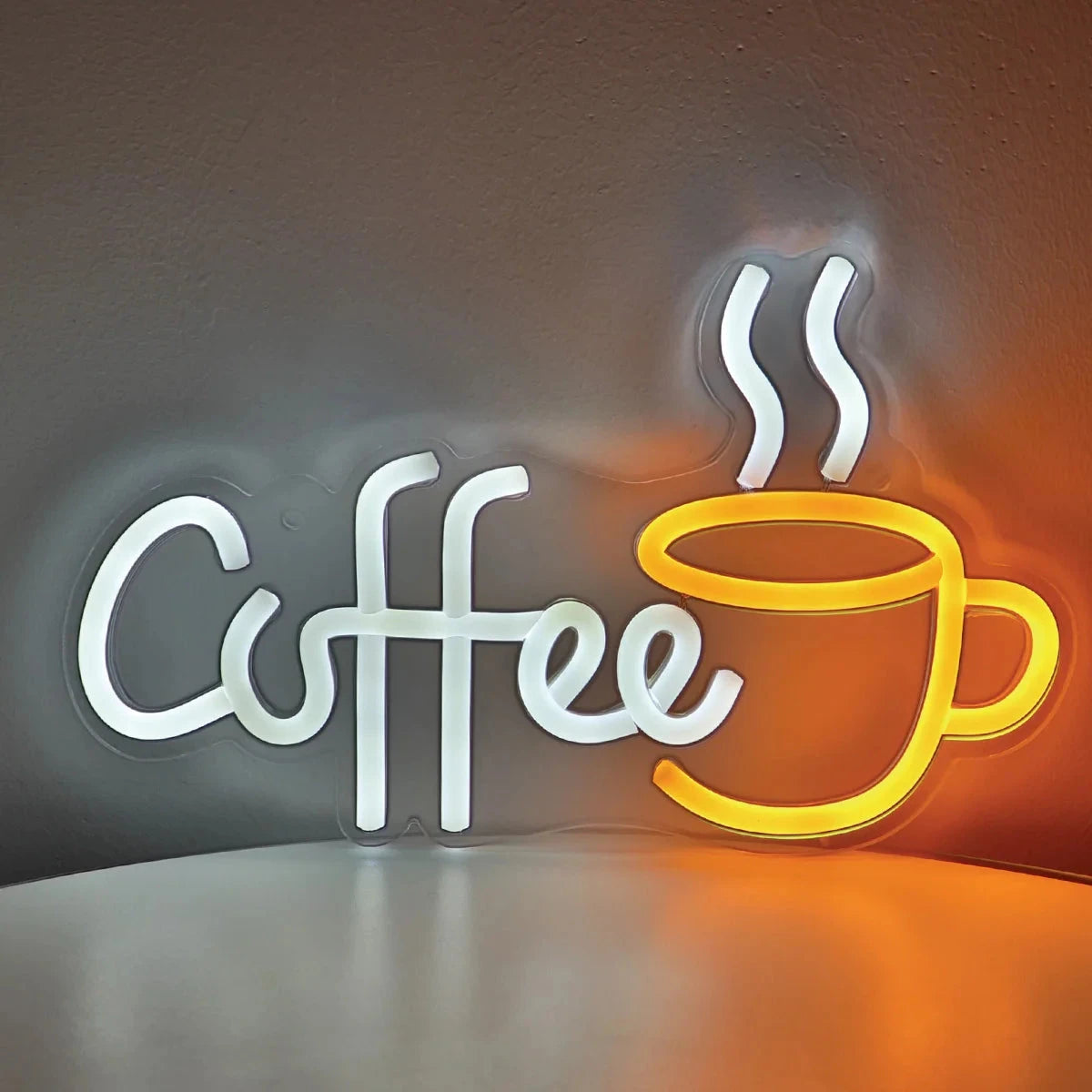
Creative Lighted Sign Coffee Bar LED Neon Sign Light For Coffee Shop Wall Decor
Small placement decisions change the mood dramatically; plan lighting layers and installation routes before buying.
Follow these practical steps for predictable results:
- Measure perimeter and furniture to choose strip lengths and power supplies.
- Sketch mounting points for panels and sign placements; test with painter’s tape first.
- Prefer hidden wiring channels behind baseboards or furniture for cafés to meet local codes.
Hardware and tools checklist
- Measuring tape, level, and pencil.
- Isopropyl alcohol and clean cloth for adhesive surfaces.
- Screwdriver, cable clips, and optionally 3M VHB tape for strong adhesion.
Smart control, integration, and useful software tools
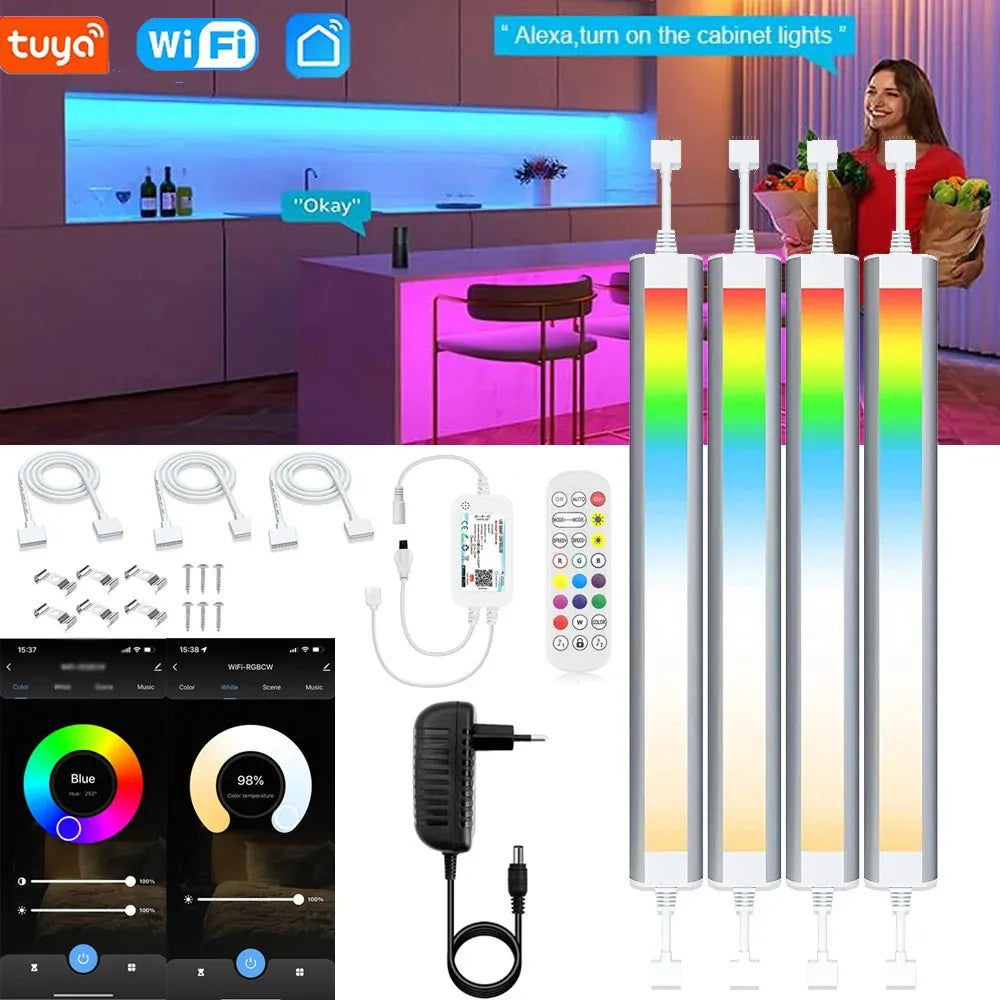
12V Tuya Wifi RGBCCT Under Cabinet LED Light Bar with Remote Control Dimmable For Kitchen
Smart fixtures shine when integrated; pick protocols and apps that match your ecosystem and scale.
Integration tips:
- For large deployments (cafés), choose Wi‑Fi or Zigbee with a hub for stable multi-fixture control.
- For single-room installs, Bluetooth or Wi‑Fi native bulbs are simple and affordable.
- Use music-sync apps or third-party software (Razer Synapse, Stream Deck, Home Assistant) for advanced scenes.
Recommended tools and platforms:
- Home Assistant — local smart home control with automation (great for privacy).
- IFTTT or Zapier — link lighting to schedules, social triggers, or POS events in cafés.
- Manufacturer apps (Govee, Nanoleaf, Philips Hue) — easiest for quick scene setup.
Energy, safety, and health considerations (cite-backed)
LEDs are more energy-efficient than incandescent sources, but blue-light exposure and product safety need attention.
Key points:
- Energy efficiency: LEDs use substantially less energy; see the U.S. Department of Energy guide on LED lighting for savings and performance details (energy.gov — LED lighting).
- Circadian and sleep impacts: prolonged blue-rich evening light can affect sleep; plan warm white scenes for night and reserve bright blue-rich modes for daytime (NCBI review on light, circadian rhythms, and health).
- Flicker and EMF: opt for higher-quality drivers to minimize flicker; check product specs for flicker percentage if sensitive.
💬 "We swapped basic hanging bulbs for neon-flex and a Govee strip; customers linger 20% longer on weekend evenings." — Local café owner community review
Limitations, common problems, and troubleshooting
No product is perfect; expect trade-offs in price, color fidelity, and integration complexity.
Common issues and fixes:
- Adhesive failure: clean surface, use extra clips or stronger VHB tape.
- Wi‑Fi dropouts: place fixtures on the 2.4 GHz network or add a dedicated access point for stability.
- Inconsistent colors across batches: buy enough from the same lot or calibrate using app color presets.
Cost-saving strategies and where to buy
Affordability comes from smart buying, seasonal deals, and combining premium focal pieces with budget accents.
Practical budgeting tips:
- Start with one statement fixture (panel or neon) and supplement with inexpensive strips or bulbs.
- Buy multi-packs for bulbs/strips to reduce per-unit costs.
- Watch for holiday sales (Prime Day, Black Friday) for 25–50% discounts on popular brands.
Where to buy reliably:
- Major retailers: Home Depot, Best Buy, IKEA for warranty and returns.
- Online lighting retail store: Lumaz .
- Direct from manufacturers for firmware updates and customer support (Govee, Nanoleaf, Philips Hue).
- Local lighting stores for advice on codes and commercial installations (important for cafés).
Mini case studies: real-world setups and expected outcomes
Examples show how fixture mixes meet goals: ambience, branding, or immersive gaming.
Living room — cozy cinema mode
Setup: Philips Hue Play behind TV + Nanoleaf wall panel + warm white overhead bulb.
- Outcome: Reduced eye strain, improved perceived contrast during movie nights, programmable dimming for family-friendly schedules.
- Estimated cost: $200–$350.
Game room — immersive and reactive
Setup: Govee RGBIC strips around desk and monitor, Elgato strip for shelf, and a pixel matrix for wall art.
- Outcome: Dynamic color transitions tied to game audio and events, strong social-media visual appeal.
- Estimated cost: $120–$300.
Café — branded, low-maintenance lighting
Setup: Twinkly string lights over communal table, Neon Flex for logo sign, Yeelight smart bulbs in pendant fixtures.
- Outcome: Distinctive Instagram-friendly looks, energy savings, scheduled modes for opening/closing.
- Estimated cost: $200–$600 depending on scale.
Final recommendations and actionable next steps
Choose fixtures that meet your functional needs first, then layer novelty pieces to create personality and engagement.
Action plan (30/60/90 day):
- 30 days: Measure and prototype with one strip and one smart bulb; test scenes and adhesion points.
- 60 days: Add a focal piece (panel, neon, or pixel matrix) and integrate with your control app or hub.
- 90 days: Tune schedules, automate scenes, and document power usage to quantify savings.
Frequently Asked Questions
Are novelty LED fixtures energy-efficient?
Yes. LEDs generally consume far less energy than incandescent or halogen bulbs and run cooler. For guidance on selection and potential energy savings, see the U.S. Department of Energy’s LED resources: energy.gov — LED lighting.
Do RGB LEDs affect sleep or circadian rhythm?
Blue-rich light can suppress melatonin and affect sleep if used at night. For evening use, pick warm-white scenes or lower blue intensity; scientific reviews detail light’s circadian effects: NCBI review.
How do I prevent Wi‑Fi drops with smart lights in a café?
Use dedicated 2.4 GHz SSIDs, enterprise-grade access points, or a Zigbee mesh with a hub to reduce interference. Physically separate guest Wi‑Fi from IoT devices where possible.
Can I use novelty LED strips outdoors or near moisture?
Only if the product is rated IP65 or higher. For outdoor café areas, choose weatherproof strips and protect power supplies from the elements.
What’s the difference between RGB and RGBW?
RGB mixes red/green/blue to make colors; RGBW adds a dedicated white LED for cleaner whites and better pastel reproduction. For living rooms and cafés where warm ambient light matters, RGBW is often preferable.
How do I scale lighting across multiple rooms or locations?
Standardize on fixtures that support central control (Zigbee, Z‑Wave, or Wi‑Fi with cloud/hub support), and use management platforms like Home Assistant or cloud APIs to deploy scenes and schedules at scale.
Related Articles:
- The Ultimate Guide to Novelty Lighting
- DIY: Installing Novelty LED Strip and Neon-Style Lighting
- 5 Essential Tips for Outdoor Lantern Lights
- Best Puck Lights for Kitchen, Closet & Display
- How to Choose the Best Porch Lights
- Install Solar Step Lights: Simple Guide
- Colorful Patterned Table Lamps for Bedroom














 />
/>
 />
/>
 />
/>
 />
/>