

Best Motion Sensor Under Cabinet Lighting for Kitchens, Closets and Night Use
Best Motion Sensor Under Cabinet Lighting by Use
Choose the sensor light for the job it will do, not for the longest advertised detection distance. A kitchen prep counter usually needs a broad light bar and a way to keep the light on while you work. A closet benefits from a light that sees you enter or reach in. For a quick nighttime visit, a small warm, low-output light that switches itself off may be preferable to lighting the whole kitchen. Before buying, check the trigger area, power source, fixture size, and whether the exact model can stay on when motion control is inconvenient.
This is a fit-based guide to Lumaz options, not a claim of side-by-side hands-on testing or a ranking of every brand. The products differ in meaningful ways: some are rechargeable, one uses a plug-in adapter, and a hand-sweep option must not be mistaken for an automatic motion light.
Compare Motion-Sensor Options Before Choosing
| Best fit | Lumaz option | Why it fits | Main trade-off |
|---|---|---|---|
| One rechargeable bar for several household situations | Type-C Rechargeable Under Cabinet LED Light Bar | 10–50 cm lengths, three light-color settings, dimming, and always-on, night-motion, and all-day-motion modes. | Each bar has to be reached or removed for charging; a single short bar may not cover a long prep counter. |
| A slim bar for a closet or short cabinet section | Ultra-Thin Rechargeable LED Light Bar | 20 cm and 40 cm lengths with magnetic mounting; a PIR-motion version is available. | The hand-sweep version is a different sensor choice. Select the PIR version if you want automatic activation as you approach. |
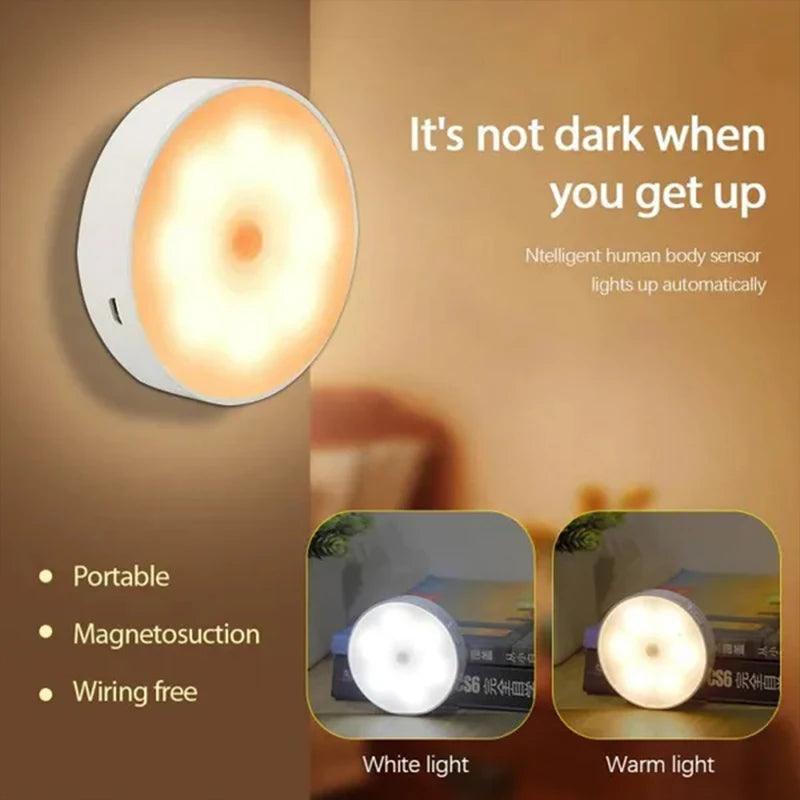
| A compact wardrobe, shelf, or short nighttime visit | 8-LED PIR Motion Sensor Puck Light | Small magnetic rechargeable pucks in warm or white light; the listed auto-off time is 25 seconds. | A puck makes a localized pool of light, and its short on-time is less comfortable for prolonged work. |
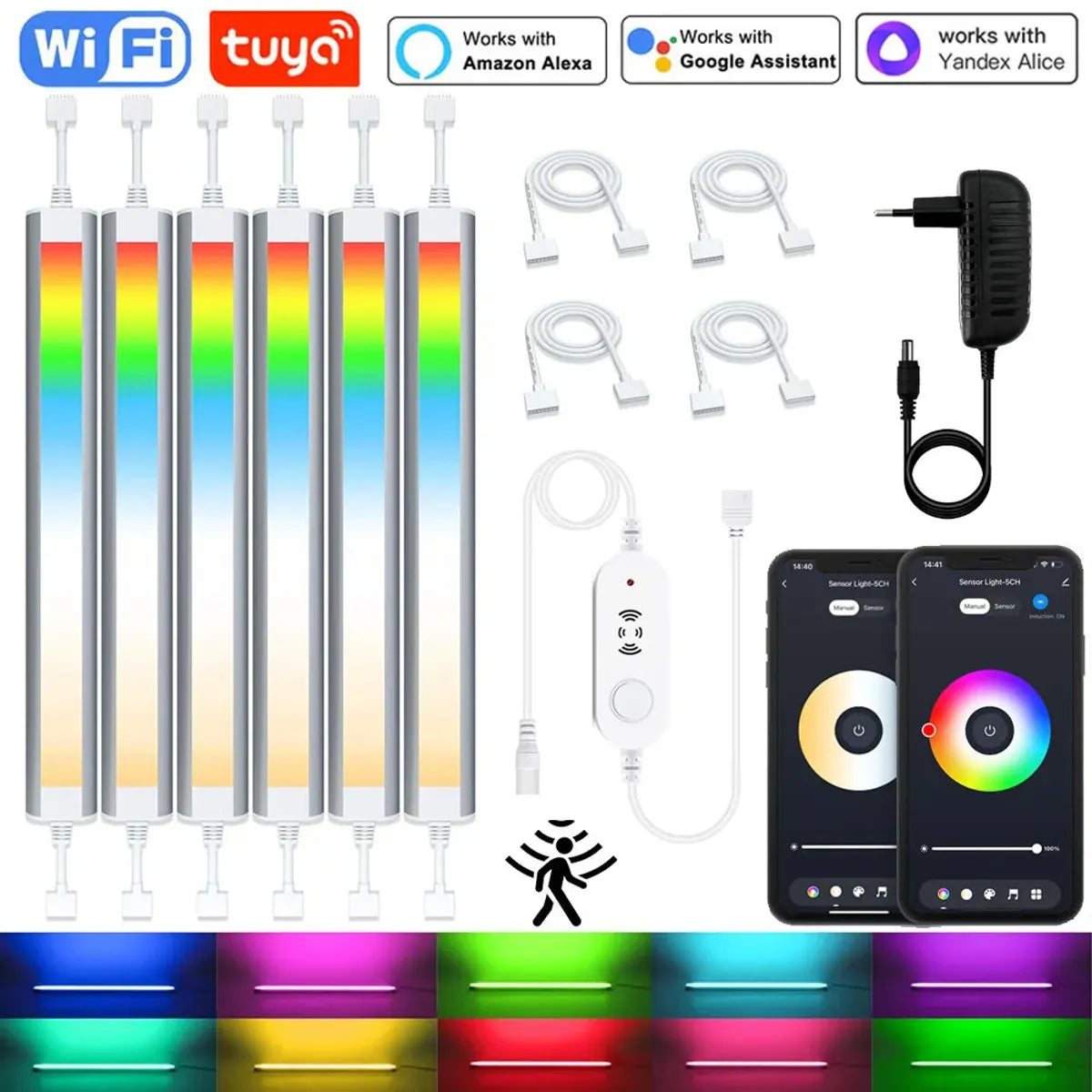
| A powered multi-bar setup with smart control | 6-Pin RGBCCT Tuya WiFi Under Cabinet LED Light Bar | Plug-in multi-bar kits combine motion/light sensing with app-based dimming and color control. | Needs an outlet, cable and controller space, plus more setup than a standalone rechargeable light. |
If you want a simple hands-free light, begin with a rechargeable bar or puck. Choose the powered smart kit only if its multi-light coverage and controls justify the cord route and setup. Check the selected product variant and current availability before ordering.
For Kitchens, Prioritize Coverage and an Always-On Option
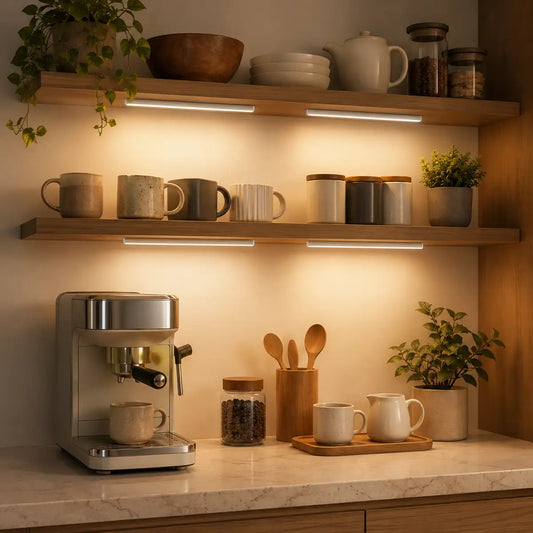
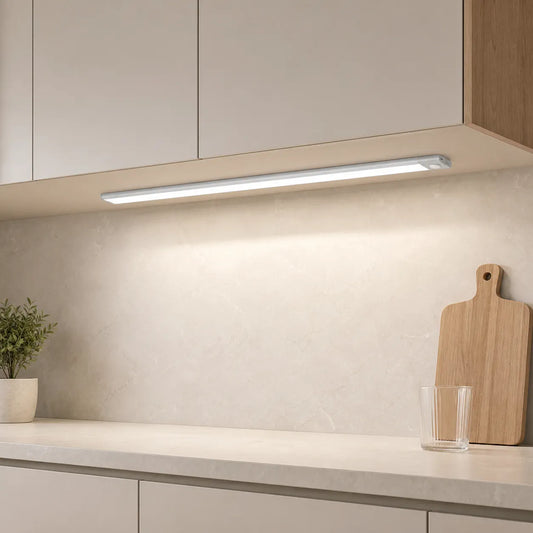
Motion lighting is handy for walking up to a counter with full hands, finding a glass of water, or making a brief snack. It is less helpful if the light turns off while you are chopping or washing at a mostly stationary spot. For frequent prep, choose a bar long enough for the work area and look for an always-on or other manual control mode; let motion be the convenient extra rather than the only way to keep the counter lit.
The Type-C rechargeable bar is a flexible starting point for a short-to-medium counter because its listed modes include always-on as well as night and all-day motion. Its magnetic mounting makes charging access worth planning before you place several across a kitchen. If you prefer a powered multi-bar system, the Tuya WiFi motion-sensor bar kit avoids recharging but requires a suitable outlet and a place for its controller. Confirm the manual-control behavior of the chosen kit before treating it as your only task light.

For a kitchen specifically, the hands-free kitchen task guide goes deeper into prep, sink and wet-hand routines. This page stays focused on choosing the fixture.
For Closets, Aim the Sensor Where You Enter
A closet or wardrobe is often visited briefly, so automatic light can feel natural. In a wide closet, a bar illuminates more of a rail or shelf than one puck. Under a small shelf or inside a compact cabinet, a puck may be enough. Consider where you will stand, where the door swings, and whether stored items will block the sensor's view. A sensor hidden behind coats may not turn on when you need it.
The ultra-thin rechargeable bar suits a short or medium closet section when you select its PIR motion-sensor variant. The same listing also has a hand-sweep variant, which needs a deliberate gesture and is not interchangeable with automatic approach lighting. For a small compartment, the 8-LED PIR puck keeps the fixture compact. Its 25-second auto-off favors quick access rather than sorting a wardrobe for several minutes.
For Night Use, Light the Route Without Waking the Room
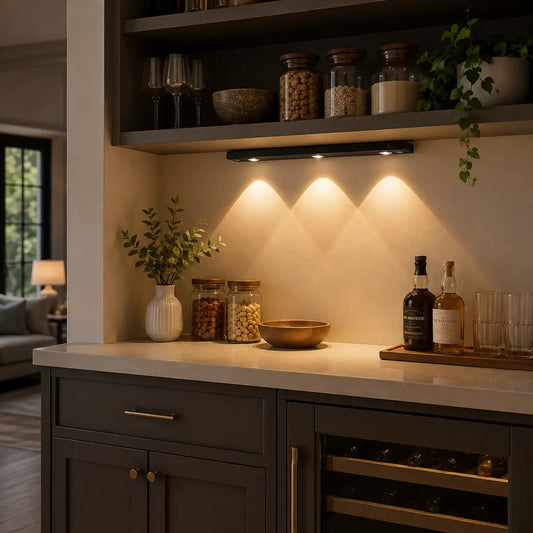
Nighttime lighting has a different job from food preparation. You may only need to see the route into the kitchen and the place you are reaching for, without a bright light aimed into someone's eyes. A warm, dimmable bar can give wider guidance, while a warm puck is enough for a small cabinet or pantry. Choose a night-motion mode when the model offers one so daytime movement does not needlessly activate it.
The Type-C rechargeable bar lists night-motion and dimming modes; the PIR puck offers warm-light variants and automatic shutoff. Neither choice fixes a poor sensor position. Try the location with the cabinet door open and closed and walk the actual path after dark before fixing the mount. For route planning, glare and which zones truly need light, see under-cabinet lighting for nighttime navigation.
Five Checks Before You Buy
- Trigger area: Will the sensor see someone approaching the counter or opening the storage space, rather than traffic passing through the room? A product's stated range does not tell you how it will behave behind a cabinet lip or door.
- Light coverage: A bar suits a longer working edge; a puck suits a small compartment or deliberate pool of light. Count separate zones before choosing a pack.
- On-time and override: Check the exact model's shutoff behavior and whether it can stay on for a longer task. Do not assume every sensor light has adjustable sensitivity, delay, or always-on mode.
- Power and upkeep: Rechargeable lights avoid a cord but need a reachable charging routine. A plug-in multi-bar kit avoids that routine but needs an outlet and cable route.
- Control type: PIR motion activates on detected movement. A hand-sweep sensor waits for a gesture. Select the right variant for the way you expect the light to come on.
Those checks matter more to the final choice than a universal “best sensor” specification. A wide detection area can be useful in a closet and distracting beside a busy kitchen walkway.
Use It Well: Position, Test, Then Adjust
Before applying an adhesive mount or fixing a magnetic plate, hold the light where it will go and walk toward it from the normal approach. Check that your hand, a cabinet door, a hanging coat, or a deep front rail does not hide the sensor. Repeat with the room bright and after dark if the fixture has a night-only mode. If it triggers for people passing by, move it so the sensor faces the activity zone rather than the hallway; change sensitivity or delay only if the exact model provides those controls.
Test the light while doing the real task. A short automatic interval may be perfect for opening a cupboard but frustrating for meal prep. In that case, use the model's always-on mode if available, add a manual light for the work area, or choose a different control strategy. Keep a rechargeable light easy to remove and return; an awkward charging position can outweigh the convenience of cordless installation.
If you are weighing automatic activation against a predictable switch, the motion sensor versus manual switch comparison covers that separate decision. For the sensor technologies themselves, see the dedicated PIR-versus-hand-sweep guide when it is available rather than assuming the two act alike.
Common Questions
Will a motion light be annoying in a busy kitchen?
It can be if the sensor sees the main walkway or switches off during a stationary task. Aim it at the area you actually use, check its on-time, and choose an always-on or manual option for prolonged prep.
Do I need Wi-Fi for an automatic cabinet light?
No. A standalone PIR bar or puck can detect motion without a home network. A Wi-Fi model adds app features but also more setup; buy it for those controls and a powered multi-light layout, not because basic motion activation requires the internet.
Is a motion-sensor puck enough for a kitchen counter?
Usually not for a long preparation area. One puck creates a localized light pool. A bar or continuous strip is a better starting point when you need broad, consistent counter coverage.
Bottom line: start with the room's task, then choose the fixture shape, trigger behavior and power routine that support it. The best motion-sensor light is the one that turns on when you need it—and stays useful for as long as that task lasts.














 />
/>
 />
/>
 />
/>
 />
/>
 />
/>