

Under Cabinet Lighting for Safe Navigation at Night
The Night Route Should Guide Movement, Not Recreate Daytime Kitchen Light
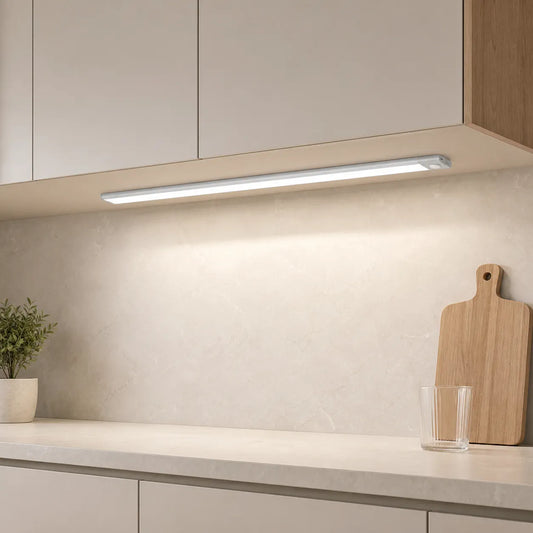
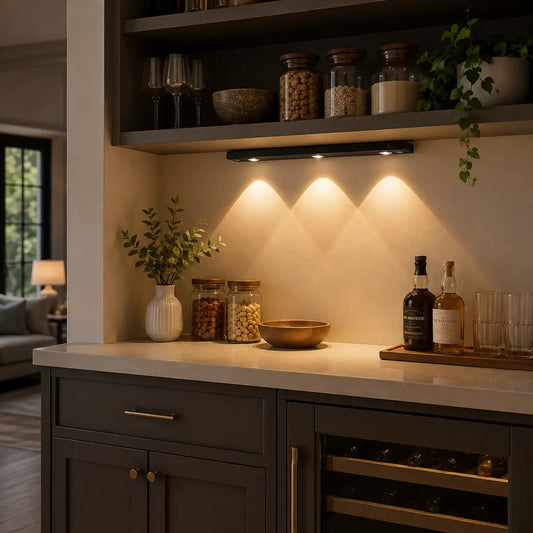
For most short nighttime visits, use a dimmed warm light at the first point of entry and the destination, with automatic activation only where the sensor can watch the intended approach. A Lumaz Type-C Rechargeable Under Cabinet LED Light Bar is the practical starting point when wiring is unavailable: choose its 3000K setting, lower the brightness until cabinet and counter edges remain visible without exposing a bright source, and use night motion mode for brief visits.
This plan is for
- Getting water, checking the refrigerator, finding medicine, or passing through the kitchen without starting a full task session.
- A user who should not have to find a small switch, reach beneath a deep cabinet, or cross a dark floor before the first light appears.
- A household that wants the route and destination visible while keeping the rest of the room subdued.
Change to task lighting when
- The visit becomes food preparation, cleanup, label reading, or another activity requiring sustained countertop visibility.
- The route includes a step, loose rug, doorway threshold, or other hazard that cabinet lighting cannot reveal reliably.
- A motion sensor would face a busy hallway, pet route, or open doorway and turn on for unrelated movement.
Night Navigation Is a Different Job from Countertop Task Lighting
Night navigation lighting should answer three immediate questions: where does the route begin, where are its boundaries, and where is the object the user came to reach? It does not need to illuminate every cabinet or produce daytime working brightness. Lighting the whole kitchen can create a sudden contrast change, expose the LEDs from a low viewing angle, and wake someone in an adjoining room.
The most useful under-cabinet source is therefore not automatically the longest or brightest one. It is the source that reveals a meaningful edge—such as the front of a counter, the sink landing area, or the refrigerator-side cabinet—before the user reaches it. If the visit turns into chopping, measuring, or cleanup, move to the Kitchen Counter and Work-Zone Lighting Plan rather than expecting the night layer to do both jobs.
Map the Route in Four Points
Walk the real route in daylight and mark four points. The resulting map tells you where light is useful and prevents a row of fixtures from being installed simply because cabinet space exists.
| Route point | What the user must recognize | Useful light position | Control behavior |
|---|---|---|---|
| 1. Entry and orientation | The direction of travel and the first cabinet, counter edge, or wall boundary | A concealed source near the route entrance, visible as reflected light rather than as a bright LED image | Activate before the user reaches the dark counter; avoid placing the only switch beyond the unlit part of the route. |
| 2. Travel boundary | The edge that defines the walking path, not every object on the counter | One continuous segment or a second low-level point only when a turn or long dark break removes visual continuity | Group it with the entry light when the same trigger and brightness are appropriate. |
| 3. Destination | The faucet, cup, refrigerator handle, medicine location, or appliance control used during the visit | A short bar aligned with the destination, or a local puck inside a cabinet used only for quick retrieval | Keep a simple manual or always-on option when the visit can last longer than an automatic cycle. |
| 4. Return and shutoff | The first turn and the route back to the doorway | Usually the same entry and travel lights; add another source only if the return view hides a critical boundary | Automatic shutoff suits short visits; deliberate control suits unpredictable or extended use. |
Route test: remove decorative objects from the decision. If a proposed light does not clarify an entry, travel boundary, destination, or return point, it probably belongs to another lighting layer rather than the night route.
Place the Control Where the User Can Reach It Before It Is Needed
Accessibility is not created by adding a motion sensor alone. The trigger must respond to the intended approach, and the fallback control must be usable without bending under a cabinet, reaching across a counter, or remembering an app routine.
Limited reach
Let arrival create the first light
Use motion activation at the route entrance when the user cannot comfortably reach beneath a cabinet. Keep the magnetic bar removable for charging without tools, and verify that the sensor is not hidden by the cabinet lip.
Reduced dexterity
Prefer a large gesture over a small switch
Where continuous power is available, position a hand-sweep sensor near the front cabinet edge and test it from the user's normal standing position. The gesture corridor should not require touching or gripping a small control.
Pets or shared circulation
Narrow the sensor's job
Aim motion detection toward the intended approach rather than across the entire room. If unrelated traffic cannot be excluded, use deliberate hand-sweep or manual control instead of accepting repeated false activation.
For a deeper comparison of PIR, hand-sweep, and manual operation, use the hands-free kitchen control plan. The night-route decision is narrower: choose the simplest behavior that lights the first boundary before the user must find a control.
Choose the Fixture by Route Role
Use One Removable Bar at the Entry or Destination
Best for: short visits where no practical wiring route exists. Mount the bar beneath the cabinet that first defines the route or directly above the destination. Start with 3000K and a low dimming level, then use night motion mode for visits where arrival should turn the light on. Choose always-on mode when the visit becomes longer or requires sustained visibility.

- Best fit: a rental kitchen, isolated counter, or short route where the first light should appear automatically and a cable would be impractical.
- Product facts: 10cm to 50cm lengths, 3000K/4000K/6000K settings, stepless dimming, magnetic installation, and always-on, night-motion, all-day-motion, and off modes.
- Why this model: one fixture can provide a subdued night setting and a manual override without drilling, while length choices let the source follow a real route point rather than the full cabinet run.
- Not ideal when: the light is used for long periods every night or several bars must stay synchronized; continuous power removes charging from the routine.
If several disconnected areas have no acceptable cable route, compare the wider set of rechargeable layouts in No-Wiring Under Cabinet Lighting Solutions.
Use a Dimmed Powered Bar When Charging Would Become a Barrier
Best for: frequent use where continuous power is available. Place one bar over the destination or a regularly used straight section. Select warm white, dim it to the lowest useful route level, and position the hand-sweep sensor near the cabinet front where the user can operate it without touching a small switch.
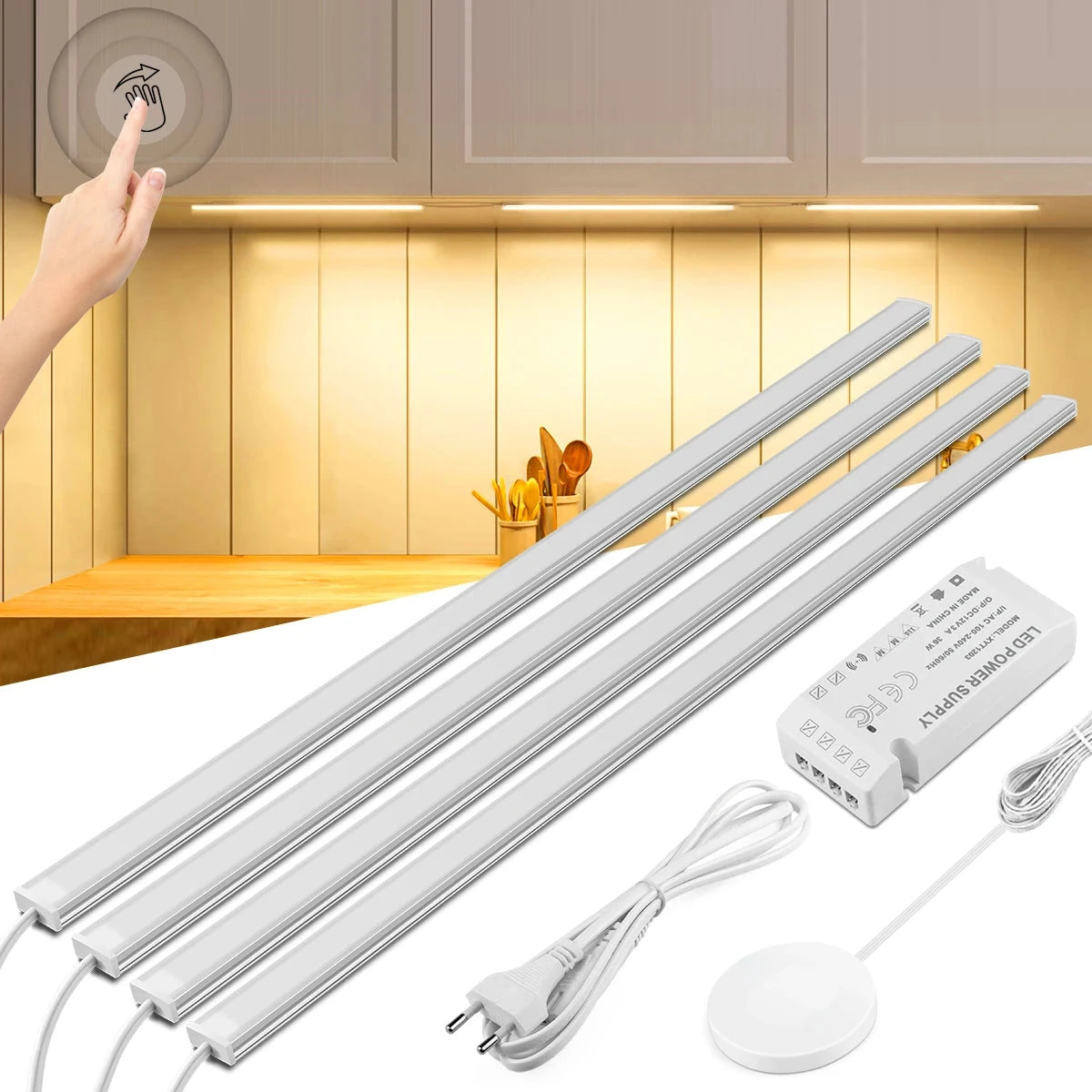
- Best fit: the same sink, water, medicine, or appliance destination used repeatedly, with an outlet and a safe cable route.
- Product facts: 30cm/40cm/50cm lengths, warm white or cool white, stepless dimming, hand-sweep control, a 7mm body, and 1- to 6-light kits.
- Why this model: continuous power avoids missed charging, while a front-positioned gesture control can be easier to operate than a small recessed switch.
- Not ideal when: the user needs the light before reaching the cabinet or cannot perform the gesture reliably; use an approach-triggered motion bar instead.
Reserve a Puck for a Cabinet or Small Endpoint
Best for: a compact destination used for quick retrieval. Use a puck inside a deep cabinet or over one compact retrieval point. It should reveal the item being reached for; it should not be the only light guiding a person across the kitchen.
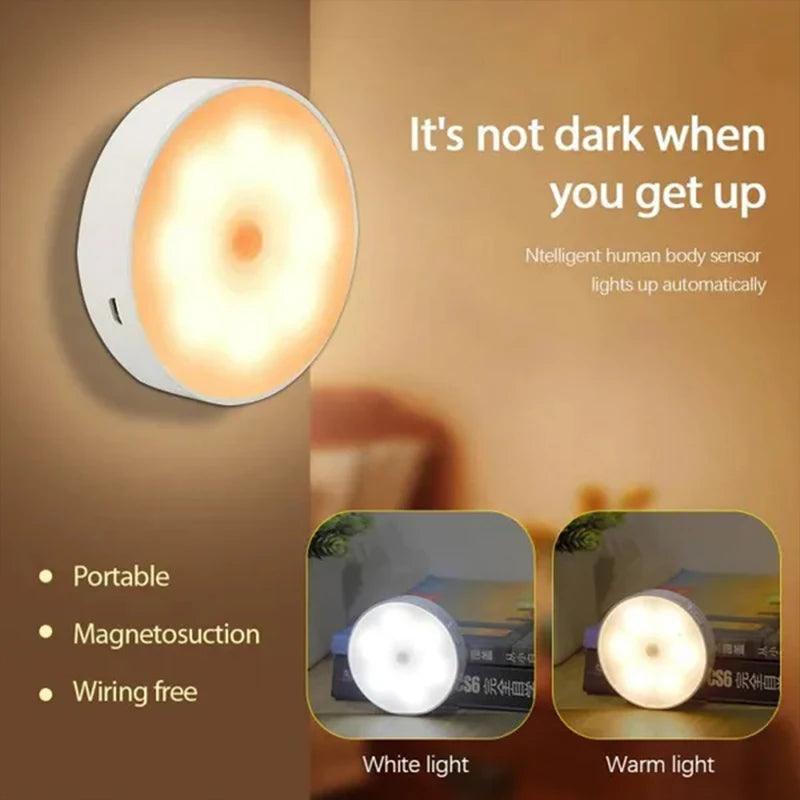
- Best fit: a deep cabinet, medicine shelf, or compact destination normally used for a quick reach-in action.
- Product facts: warm-white or white options, magnetic installation, a 120-degree PIR sensing angle, and a listed 25-second automatic shutoff.
- Why this model: the compact automatic light can reveal one local destination without lighting the full counter or requiring a small manual switch.
- Not ideal when: the destination visit may exceed the automatic cycle or the puck would be expected to reveal the walking route; use a linear bar with always-on capability.
Set Brightness, Color, and Position by What the User Can See
Exact output targets are less useful than a route test because cabinet height, countertop reflectivity, open doorways, and the user's night sensitivity change the visible result. Start warm and dim, then increase only until the route boundaries and destination are unambiguous.
- Hide the source from the approach. Stand at the doorway and at the user's normal eye height. Move the bar farther behind the cabinet lip if the individual LEDs or a bright line are directly visible.
- Light the front boundary, not only the backsplash. Test the bar between the cabinet front and center. A source placed too far back may make the wall bright while leaving the counter edge unclear.
- Begin with the warmest available setting. On the Lumaz rechargeable bar, begin at 3000K. On the powered bar, select warm white. Change only if important labels or controls remain difficult to distinguish.
- Reduce reflections. Check polished counters, glossy appliance doors, and glass backsplashes from both the outbound and return directions. Lower brightness or adjust the front-to-back position when the reflection is more noticeable than the route.
- Coordinate the surrounding room. If an adjoining hall or ceiling light is part of the route, avoid a single dramatically brighter zone. The task, ambient, and decorative lighting guide explains how the layers should divide their roles.
Install Temporarily, Then Test the Whole Visit
- Place a removable marker at the entry, travel boundary, destination, and return point.
- Temporarily mount the proposed light before fixing adhesive plates or clips permanently.
- Test the route after dark from the actual starting room, using the user's normal pace and reach.
- Carry the object normally used during the visit, such as a cup, and confirm that the control does not require an unsafe reach or a free hand.
- Remain still at the destination long enough to learn whether automatic shutoff interrupts the real visit.
- Walk the return route and confirm that the visible boundary remains clear from the opposite direction.
- Restore appliances and countertop objects, then repeat the test; stored items can block sensors and change reflections.
Safety boundary: cabinet lighting cannot compensate for an unstable floor, unmarked step, loose rug, blocked walkway, or inaccessible switch elsewhere on the route. Correct the physical hazard and provide appropriate general or pathway lighting where the route extends beyond the cabinets.
Questions That Change the Night Route
Should the whole cabinet run turn on at night?
Usually no. Light the entry, any lost travel boundary, and the destination. A full run is useful only when it defines the actual route without creating glare or spilling excessive light into adjoining rooms.
Is motion control always more accessible?
No. It is useful when it activates before the user must reach a switch, but it becomes distracting when pets or unrelated traffic repeatedly trigger it. In that case, use a reachable hand-sweep control or a simpler manual fallback.
Can a rechargeable bar replace normal kitchen task lighting?
It can guide a short visit and can be switched to always-on for occasional longer use. For frequent preparation or cleanup, plan sustained coverage and continuous power with the dedicated kitchen work-zone guide.
Where should the first light be placed for someone with limited reach?
Place it where the user's approach can trigger or operate it before entering the dark part of the route. The source should reveal the first boundary without requiring a reach across the counter or beneath a deep cabinet.
Choose Products Only After the Route Is Mapped
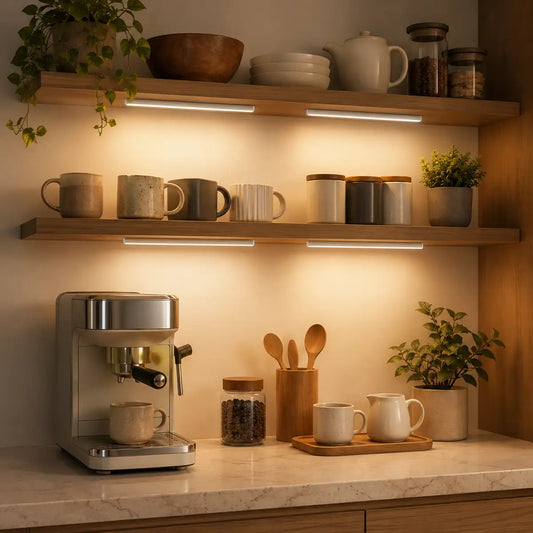
Once the entry, travel boundary, destination, return view, and control method are defined, compare current Lumaz under-cabinet lighting by source length, power type, light color, dimming, and sensor behavior. The route map should determine the product and quantity—not the other way around.














 />
/>
 />
/>
 />
/>
 />
/>
 />
/>