

Remote Control for Under Cabinet Lighting: Using Apps and Smart Devices
Table of Contents
- Introduction: The Convenience of Remote Control for Under Cabinet Lighting
- How Remote Control Works: The Basics of Smart Lighting Systems
- Choosing the Right App for Controlling Your Under Cabinet Lights
- Compatible Devices: Which Smart Devices Work with Under Cabinet Lighting
- Step-by-Step Guide to Setting Up Remote Control for Under Cabinet Lighting
- Voice Control Integration: How to Use Voice Assistants to Control Lighting
- Scheduling and Automation: Enhancing Convenience with Smart Lighting
- Troubleshooting Common Issues with Remote-Controlled Under Cabinet Lighting
- Advanced Features: Remote Control with Sensors and Smart Integrations
- Frequently Asked Questions (FAQ)
- Conclusion: Why You Should Consider Remote Control for Under Cabinet Lighting
Introduction: The Convenience of Remote Control for Under Cabinet Lighting
Remote control lets you adjust light from anywhere—no switches, no clutter. Under‑cabinet runs gain quick scene changes, cleaner counters, and responsive comfort.
Apps and smart devices coordinate brightness and timing so kitchens feel intentional and efficient.
How Remote Control Works: The Basics of Smart Lighting Systems
Smart lighting links controllers and drivers over Wi‑Fi, Zigbee, Thread/Matter, or Bluetooth. Efficient dimming and scheduling reduce runtime, as noted in ENERGY STAR lighting guidance.
System components
- Controller/app: sets brightness, scenes, and schedules.
- Driver/dimmer: delivers smooth low‑end and stable output.
- Network: local control preferred; cloud features optional.
Decision rules
- Favor local processing for fast response and reliability.
- Keep one control technology per run (TRIAC/ELV/0–10V/PWM).
- Verify low‑end trim to avoid shimmer at night scenes.
Comfort and flicker perception considerations appear in RPI Lighting Research Center materials.
Choosing the Right App for Controlling Your Under Cabinet Lights
Apps differ in scene design, scheduling, and offline behavior. Choose one that exposes brightness and presets clearly and supports local routines.
App comparison
| App Type | Local vs Cloud | Scenes & Presets | Scheduling | Best Use |
|---|---|---|---|---|
| Brand app | Mixed | Rich presets | Daily/astro | Easy setup |
| Hub app | Local‑first | Scenes across devices | Advanced rules | Multi‑brand control |
| Matter/Thread app | Local | Interoperable scenes | Simplified routines | Cross‑brand cohesion |
Selection checklist
- Clear brightness control and named scenes.
- Local automation capability for fast response.
- Stable device discovery and grouping by zones.
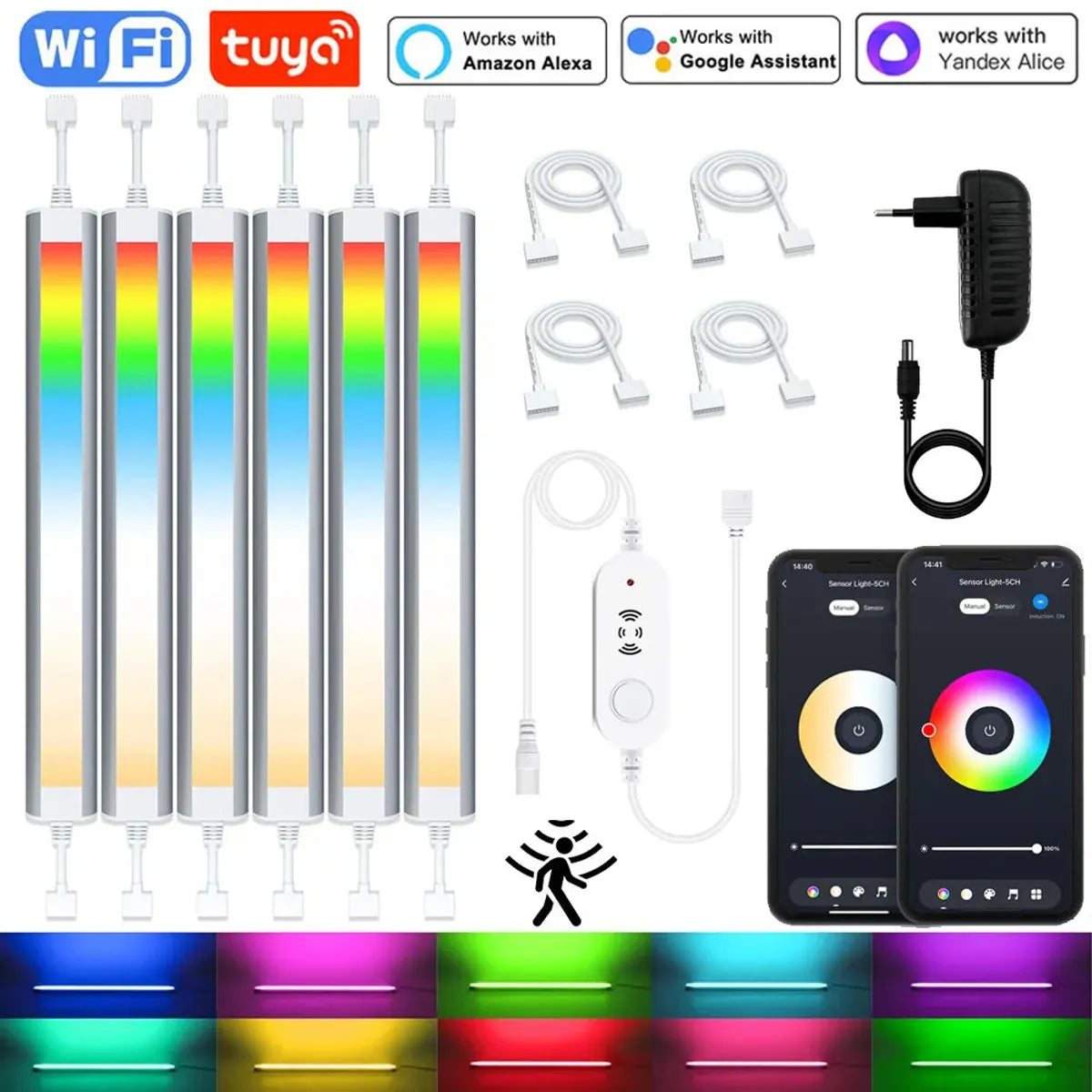
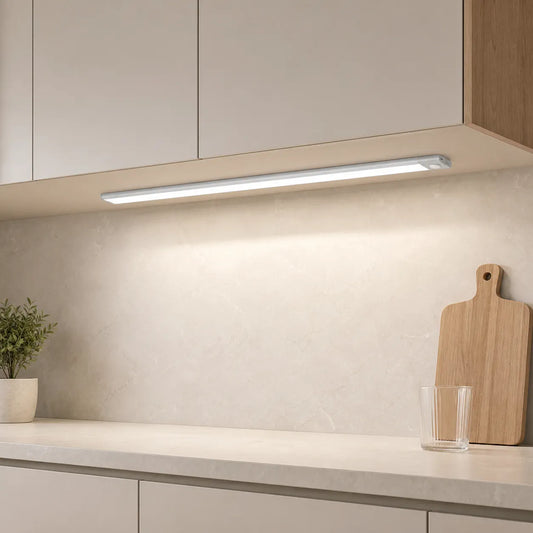
When choosing an app to control your under cabinet lights, consider factors like scene design, scheduling, and offline functionality. For instance, the 12V Tuya WiFi Under Cabinet LED Light Bar with RGBCCT dimming and motion sensor works seamlessly with the Tuya and Smart Life apps, offering clear control over brightness, color presets, and scheduling. The app's local routines allow you to customize lighting based on your needs, ensuring a smooth, reliable experience even without an internet connection.
Compatible Devices: Which Smart Devices Work with Under Cabinet Lighting
Phones, tablets, hubs, and assistants coordinate lighting. Choose devices that support local scenes and expose brightness cleanly.
Device roles
- Smartphone/tablet: primary app interface for scenes and schedules.
- Hub/bridge: local mesh control and sensor integration.
- Smart assistants: quick voice access to named scenes.
Practical notes
- Ensure devices share the same network and region settings.
- Place hubs for reliable coverage; avoid interference near metal appliances.
- Document zone names for household consistency.
Step-by-Step Guide to Setting Up Remote Control for Under Cabinet Lighting
Setup pairs devices, creates scenes, and tests response time. Work methodically and verify low‑end behavior before daily use.
Hardware and pairing
- Install matched driver/dimmer; confirm voltage and listings.
- Add controllers to the app; group fixtures by zones (Prep, Sink, Path).
- Enable local control; link optional cloud features as needed.
Scene creation
- Create Prep, Evening, and Night scenes with target brightness and tone.
- Align schedules with routine or sunrise/sunset.
- Test minimum levels; adjust low‑end trim for flicker‑free output.
Verification
- Run remote commands; measure delay to steady output.
- Test names with different speakers; avoid homophones.
- Confirm stability across cable lengths and loads.
🙂 “Remote scenes made cleanup effortless. Bright for prep, soothing after dinner—no switch hunting, just clear counters and calm light.”
Voice Control Integration: How to Use Voice Assistants to Control Lighting
Voice adds quick, hands‑free control. Short, distinct names improve recognition and keep scenes consistent across devices.
Core commands
- “Turn on Kitchen Under‑Cabinet.”
- “Set Under‑Cabinet to 40 percent.”
- “Activate Evening scene.”
Reliability tips
- Favor local scenes to reduce cloud delays.
- Train multiple household voices; test with ambient noise.
- Keep a physical dimmer as fail‑safe during outages.
💡 Lumaz champions effortless control—clear scene naming, low‑glare guidance, and responsive local routines for everyday comfort.
Scheduling and Automation: Enhancing Convenience with Smart Lighting
Schedules keep light aligned to routine. Ambient thresholds prevent daytime over‑lighting while motion expands convenience near sinks and paths.
Patterns
- Morning: neutral task brightness for prep.
- Evening: warm, low output after sunset.
- Night: very low guidance tied to motion.
Rules and thresholds
- Use ambient inputs to bypass triggers when counters are bright.
- Set longer delays near sinks to avoid rapid toggling.
- Coordinate task:ambient ratios around 2:1–3:1.
Troubleshooting Common Issues with Remote-Controlled Under Cabinet Lighting
Most issues involve naming, network, or driver/dimmer mismatch. Diagnose methodically and retest under different conditions.
No response
- Check device discovery and account links.
- Rename scenes to distinct phrases; avoid similar words.
- Verify drivers support the chosen dimmer technology.
Lag or instability
- Prefer local automations; improve Wi‑Fi/mesh coverage.
- Relocate hubs away from interference and metal enclosures.
- Update firmware and retest scenes.
Security and privacy
- Use strong passwords and two‑factor authentication for hubs and apps.
- Limit device permissions and review integrations periodically.
- Follow NIST IoT device hardening guidance for network hygiene.
Advanced Features: Remote Control with Sensors and Smart Integrations
Sensors and platforms expand convenience. Local meshes with hubs coordinate motion, presence, and ambient light for faster, reliable scenes.
Integrations
- Motion/presence extends guidance during tasks.
- Ambient inputs prevent over‑lighting daytime scenes.
- Matter/Thread unify brands for coherent routines.
Verification
- Run walk tests; adjust delays and sensitivity.
- Log runtime to confirm savings and tune thresholds.
- Retest after updates and name changes.
Frequently Asked Questions (FAQ)
Can remote control work offline?
Yes. If scenes run locally via hubs or standards like Matter, remote commands remain responsive; keep a physical dimmer as fallback.
Why is there lag when I use the app?
Cloud calls or weak Wi‑Fi cause delays. Favor local automations and place hubs for better mesh coverage.
How should I name scenes?
Use short, distinct names like “Prep”, “Evening”, and “Night”. Avoid similar‑sounding phrases that confuse recognition.
Do I need a hub?
Not always. Hubs improve local scenes and sensor integrations. Matter can unify devices across brands with local control.
Conclusion: Why You Should Consider Remote Control for Under Cabinet Lighting
Remote control makes lighting calm and accessible. With clear scenes, local reliability, and smart scheduling, counters stay bright when needed and soothing when not.
Action checklist
- Pick an app with local scenes and clear brightness control.
- Name short, distinct scenes; align schedules to routine.
- Verify driver/dimmer match; test low‑end for flicker‑free output.
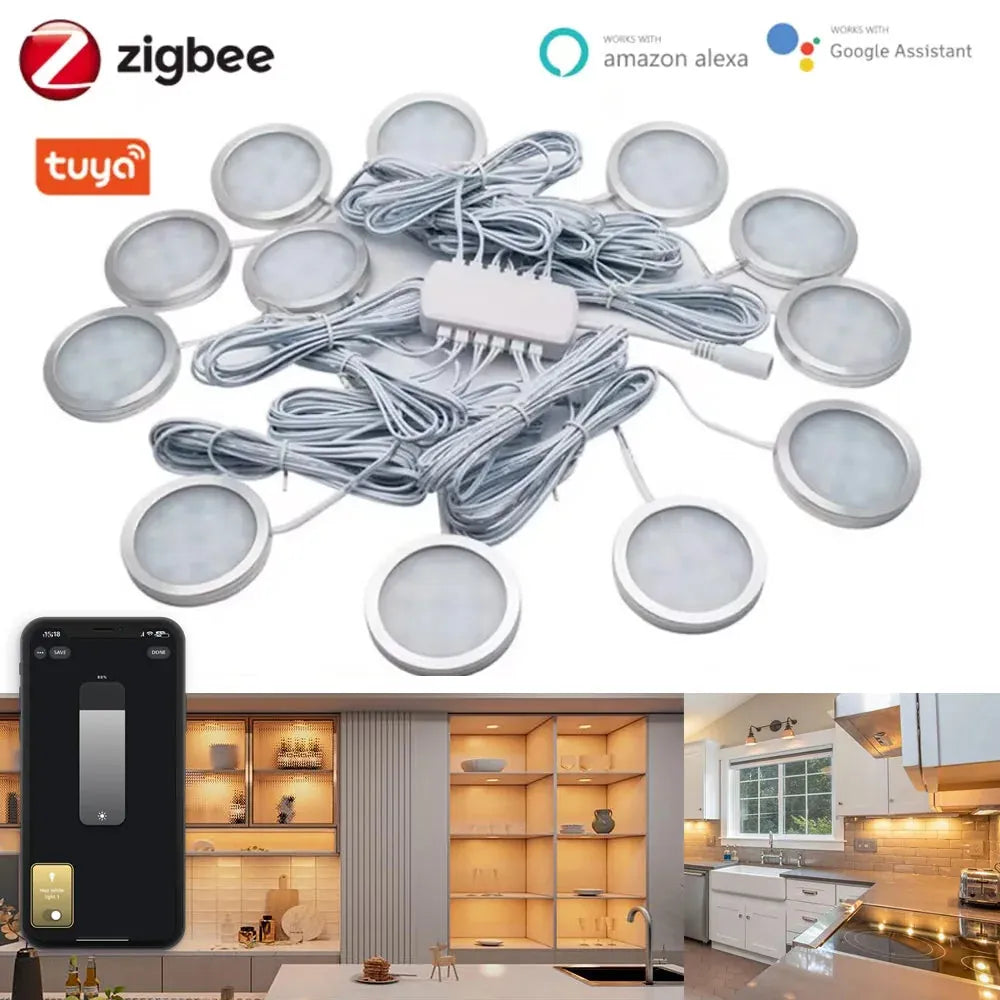
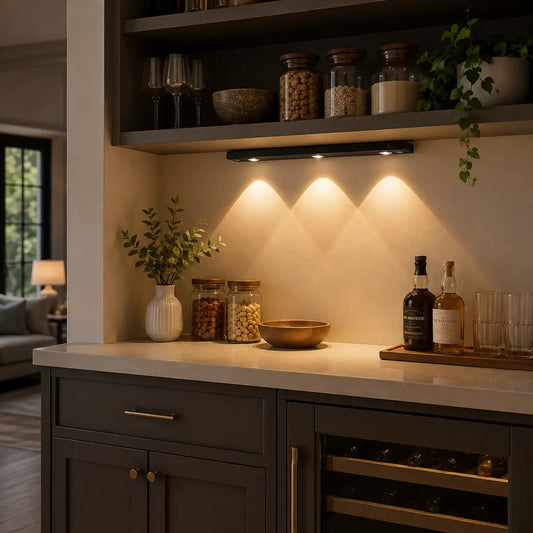
Remote control enhances the convenience of under cabinet lighting, providing quick adjustments without the need to touch switches. With the Tuya Zigbee Smart Under Cabinet LED Puck Lights, you can easily create and manage lighting scenes through the app or voice control, ensuring your counters are brightly lit when cooking or dimmed for a relaxed atmosphere during other times. The full kit also supports local automation, ensuring reliable performance even when your internet connection is slow.
Further Reading
Explore the full guide for this topic: Complete Guide to Smart Under Cabinet Lighting: Controls, Sensors & Automation














 />
/>
 />
/>
 />
/>
 />
/>
 />
/>