

Smart Under Cabinet Lighting: App, Remote or Sensor Control?
Smart Under Cabinet Lighting: The Short Answer
Choose the control you will use most naturally. An app is useful for scenes, schedules, and several zones. A remote is convenient for direct everyday adjustments. PIR motion sensing helps when your hands are busy or the cabinet is dark. Hand-wave control avoids touching a surface. Voice control is useful when it is genuinely compatible with your existing smart-home setup, but it should not be the only way to turn on a kitchen light.
“Smart” does not automatically mean better. A kitchen light may need one reliable action more than a long feature list. The useful decision is whether you need coordinated settings, hands-free activation, remote access, or simply an easy switch. Match the control to the moment in which the light is used, then verify the fixture, controller, power supply, and app or platform actually work together.
Keep a physical fallback whenever possible. A cabinet light that depends on a phone, cloud account, or voice assistant can still be frustrating if the phone is elsewhere, the network is unavailable, or someone in the household does not use the same app.
Compare App, Remote, Voice, PIR, and Hand-Wave Control
| Control | Best for | Main advantage | Important limitation |
|---|---|---|---|
| App | Scenes, schedules, color or temperature changes, and multiple zones | Fine control from a phone and repeatable settings | Requires a compatible controller and a practical phone or network path |
| Remote | Direct adjustments from the room without opening an app | Fast brightness or color changes for a known light group | Range, pairing, line of sight, or group behavior can vary by system |
| Voice | Hands-busy moments when a compatible assistant is already part of the home | Hands-free commands without reaching for a switch | Compatibility and connectivity must be verified; voice should not be the only fallback |
| PIR motion | Pantries, night routes, and short visits | Turns light on automatically when movement is detected | Can trigger too early, miss a stationary user, or add unwanted on-time |
| Hand-wave | Cooking, cleaning, or other wet- or busy-hand tasks | Changes the light without touching a dirty surface | Needs correct sensor placement and compatible mounting material |
Several products combine these controls. That does not mean every feature works in every mode or through every platform. Read the exact product configuration and decide which control remains usable if the app, remote, or sensor is unavailable.
When App Control Is Worth It
An app earns its place when the household will use settings that are awkward to reproduce with a switch. Examples include a brighter neutral-white cooking scene, a dimmer evening scene, a schedule for a display, or one command for several cabinet runs.
App control is a good fit when
- several zones should change together or separately;
- brightness, color, or color temperature changes often;
- scheduled or scene-based behavior is genuinely useful; or
- the person using the kitchen is comfortable with the same app and account.
Check before you depend on it
Confirm whether the selected product uses Wi-Fi, Bluetooth, a hub, or a controller supplied with the kit. “Smart” in a product title does not establish compatibility with HomeKit, Alexa, Google Home, Zigbee, or Z-Wave. Verify the exact platform named for the exact model. Also check what happens after a power interruption, whether a manual control remains available, and whether more than one household member can use the system conveniently.
The separate smart-home integration guide is the better place to work through platform, hub, and protocol compatibility. This page keeps the focus on choosing the control experience before buying.
When a Remote Is the Better Choice
A remote is often the simplest direct control for a known light group. It avoids opening an app for a small brightness adjustment and can be more comfortable for a guest or family member who does not want another account.
Remote behavior still needs checking. Some systems use infrared and need a usable path between the handset and receiver. Others use radio-frequency control or a controller with its own range. Multi-light kits may share one remote, but the product instructions determine whether lights can be grouped, separated, or paired again after a power loss.
- Choose a remote first when quick direct adjustment matters more than schedules and phone scenes.
- Look for grouping when several cabinet sections should change together.
- Check the storage place so the remote does not become the new missing kitchen tool.
- Keep a manual or fixture control when the light is needed for basic task visibility.
For a dedicated remote-control comparison, see Remote Control for Under Cabinet Lighting. That page can go deeper into scenes and remote behavior without making this broader decision guide a remote-only article.
PIR Motion and Hand-Wave Controls Solve Different Problems
PIR motion sensing
PIR sensing responds to movement and is useful when the light should come on as someone approaches a pantry, cabinet, or nighttime route. It is most comfortable when the trigger area is predictable and the light turns off after a suitable delay. A sensor aimed at a busy walkway can activate when the cabinet is not being used. A person standing still while reading a recipe may also stop triggering it.
Use PIR when automatic short-use lighting is the goal. Keep a manual or always-on mode when the same counter is used for longer tasks. The motion-sensor buying guide compares trigger areas, false activations, power sources, and night use in more detail.
Hand-wave control
A hand-wave sensor is a local command. It can be valuable when cooking hands are wet or covered with food and touching a switch would be inconvenient. The sensor still needs a clear, comfortable location and a product that supports the mounting material. Do not assume a sensor hidden behind one cabinet surface will work through every finish, thickness, or metal component.
Hand-wave is usually a control layer, not a replacement for deciding whether the light should be powered continuously, recharged, or connected to a smart platform. Confirm what the gesture controls: on/off only, brightness, or a wider set of functions.
Voice Control and Smart-Home Compatibility
Voice control is useful when the household already uses a compatible assistant and the light is part of a repeatable routine. “Turn on the counter lights” can be convenient while carrying a pan. It is less useful if the setup requires a new hub, a separate account, or a command that no one remembers.
Compatibility should be treated as a model-level fact, not an assumption based on the word smart. Confirm the named assistant, app, controller, voltage system, and connection method for the selected product. A Wi-Fi label alone does not prove HomeKit, Alexa, or Google Home support, and an app name alone does not prove that every control function is exposed to voice.
If you have already chosen smart puck lights and need the connection or dimming steps for Alexa, Google, or HomeKit, continue with the smart puck-light connection and dimming guide. This page helps you choose the control architecture first; that guide handles the narrower puck-light setup task.
Keep a physical fallback for basic light. A wall switch, fixture control, hand-wave sensor, or included remote can make the kitchen usable when a phone is unavailable or the smart system is offline. For detailed platform planning, use the Hue, HomeKit, Alexa, Zigbee, and Z-Wave integration guide.
Check the Smart-Control Architecture Before Buying
- Identify the light group. Decide whether one cabinet section, a whole run, or several rooms should respond together.
- Identify the controller. It may be built into the fixture, supplied as a separate controller, connected to a hub, or paired through an app. Do not mix components because their plugs look similar.
- Confirm the power route. Smart control does not remove the need for an adapter, driver, outlet, or rechargeable charging routine. Leave controllers and power supplies accessible.
- Choose the everyday command. Pick the action you will use when your hands are full, the room is dark, or a guest needs the light. Make that route reliable before adding scenes.
- Test the fallback. Turn the light on without the app or voice assistant. If there is no practical fallback, decide whether the extra smart complexity is worth it for that zone.
Smart dimming deserves its own compatibility check. The fixture, driver, dimmer, and control protocol must agree, and the low-end behavior may vary by system. Use the smart-dimming guide for that narrower task instead of treating every app-controlled light as automatically dimmer-compatible.
Choose the Control by Household Situation
| Situation | Good starting point | Why | Avoid assuming |
|---|---|---|---|
| Long cooking sessions | Manual, hand-wave, remote, or app with manual fallback | The light needs to stay on while the user works. | Motion-only control will remain active while someone stands still. |
| Pantry or deep cabinet | PIR motion or door-area control | Automatic short-use lighting avoids searching for a switch. | Every motion sensor is a door sensor or will avoid false triggers. |
| Several cabinet runs | App or grouped remote control | One command can coordinate separate fixtures if the system supports grouping. | A multi-light pack automatically shares every setting. |
| Rental or finished kitchen | Rechargeable sensor or local hand-wave control | Low-disruption control avoids new wall work. | Wireless control removes the need to plan charging access. |
| Existing Tuya or Smart Life home | A product whose exact facts name that platform | Using an existing app can reduce the number of separate systems. | A generic Wi-Fi light will join the existing setup without model-level confirmation. |
| Guests and shared household use | Remote or physical fallback plus optional app | Basic light remains accessible without account setup or phone access. | Every user will want to control the light from a phone. |
Lumaz Smart-Control Examples
These examples show two different smart-control paths. They are not a ranking of every smart under-cabinet product. Confirm the selected kit, plug type, controller, and installation path before ordering.
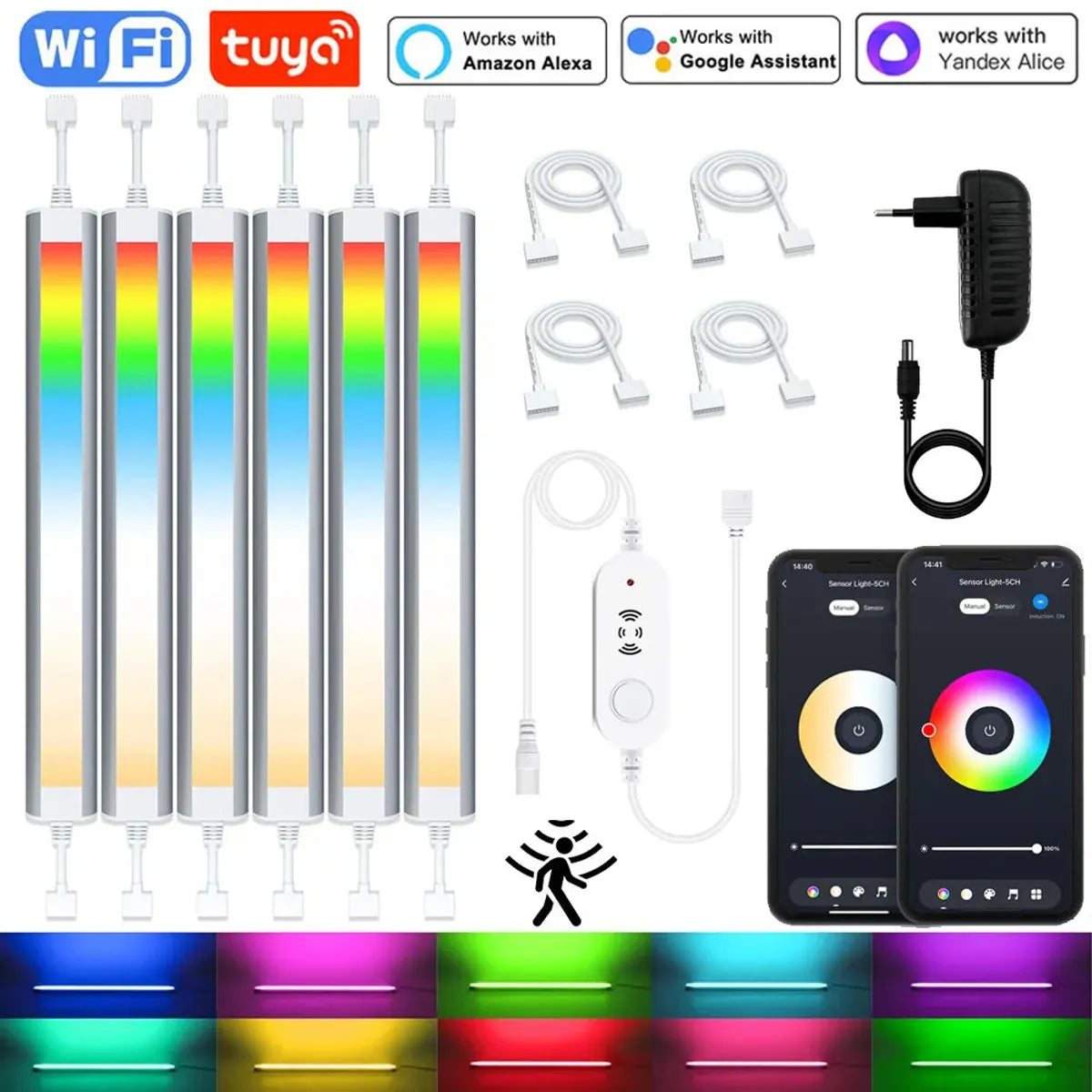
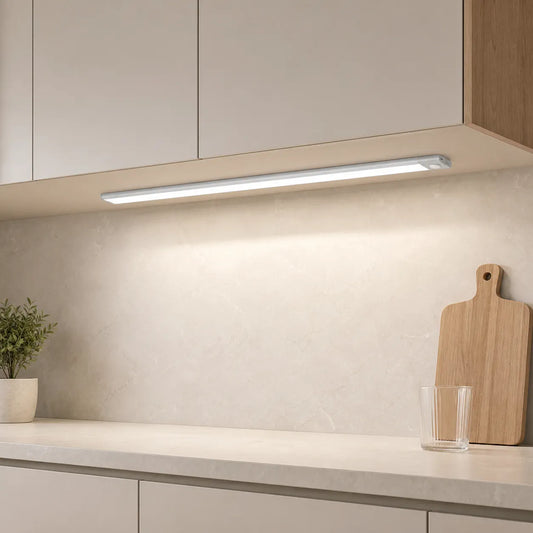
- Product facts list Tuya WiFi and Smart Life app control, brightness and color-temperature adjustment, and motion/light sensing.
- Full-kit choices contain 2, 3, 4, or 6 bars, with 300 mm bars and multiple plug configurations.
- Check controller placement, 50 cm cable sections, sensor range, and the exact kit before planning a cabinet run.
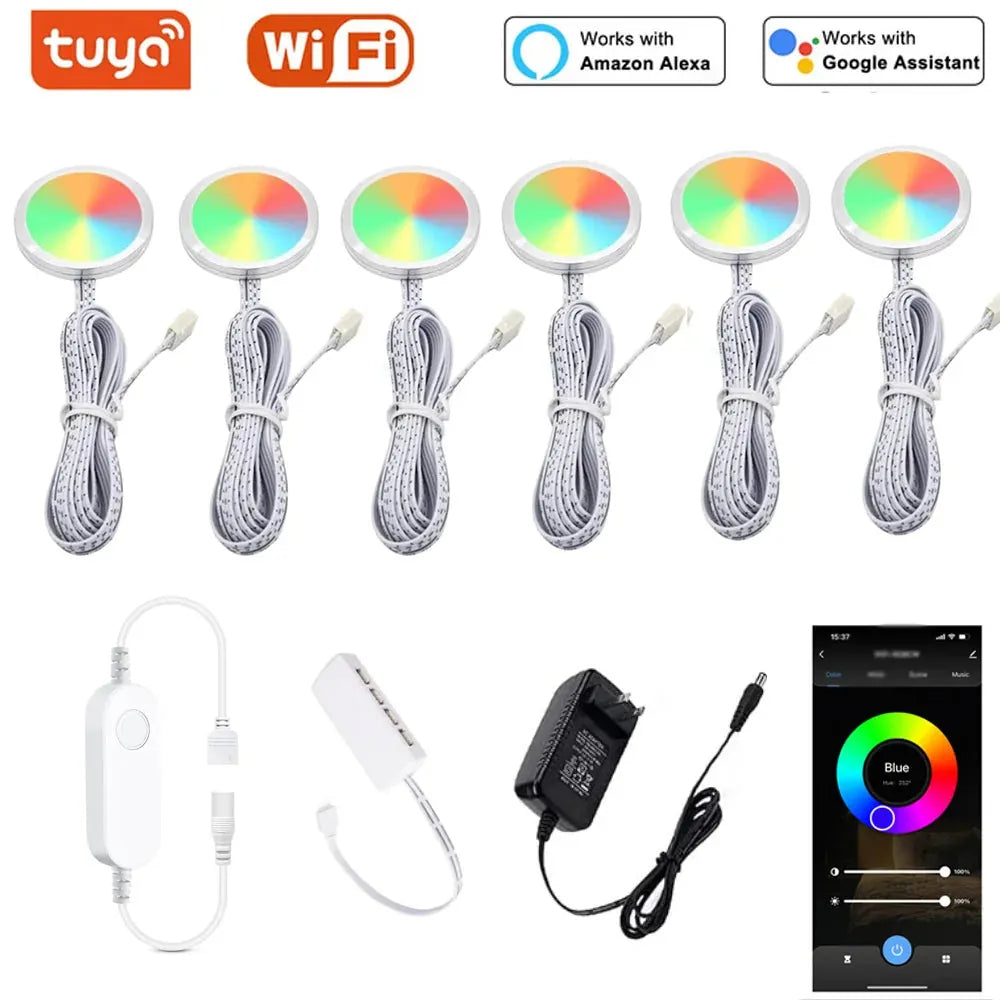
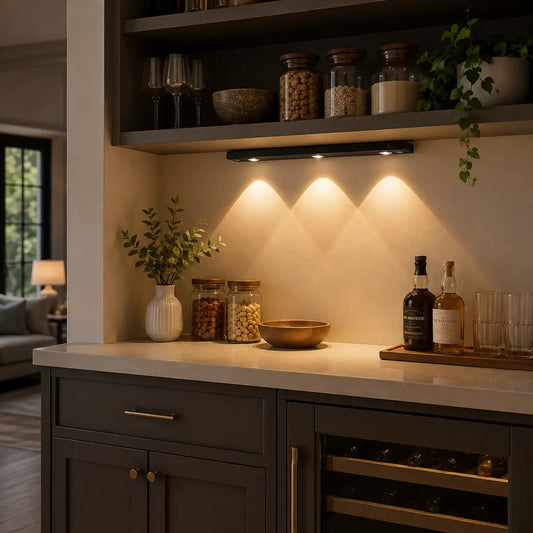
- Product facts list a four-puck kit, Smart Life app control, and compatibility with Alexa and Google Assistant.
- Use it when separate round light pools and color control fit the cabinet or display layout.
- Check the 12V adapter, splitter, 1.5 m leads, and the exact controller before hiding any wiring.
Common Questions About Smart Under Cabinet Lighting
Do I need smart under-cabinet lighting?
No. Smart control is worthwhile when scenes, schedules, grouped zones, hands-free use, or an existing platform solve a real household problem. A reliable local switch or remote is often the better answer for one simple cabinet run.
Is app control better than a remote?
App control is more useful for scenes, schedules, and multiple zones. A remote is often quicker for direct brightness or color changes. Choose the control that will still be comfortable when the phone is elsewhere or another person is using the kitchen.
Are motion sensors and smart controls the same?
No. A motion sensor is a trigger that reacts to movement. Smart control usually describes a controller, app, platform, or automation layer. A product can have one without the other, or combine them in one kit.
Can I use any smart-home assistant with a Wi-Fi cabinet light?
No. Verify the exact product, app, controller, and assistant named by the manufacturer. Wi-Fi alone does not establish Alexa, Google Home, HomeKit, Zigbee, or Z-Wave compatibility.
Bottom line: add smart control when it removes a real daily inconvenience. Keep the basic light usable without a fragile chain of apps, accounts, and network assumptions.















 />
/>
 />
/>
 />
/>
 />
/>
 />
/>