

Voice Control for Under Cabinet Lighting: Integration with Smart Assistants
Table of Contents
- Introduction: The Rise of Smart Lighting and Voice Control
- Why Voice Control is the Future of Under Cabinet Lighting
- Compatibility of Under Cabinet Lighting with Smart Assistants
- Step-by-Step Guide to Setting Up Voice Control for Under Cabinet Lighting
- Voice Commands: Common Commands for Under Cabinet Lighting
- Optimizing User Experience with Smart Lighting Integration
- Troubleshooting Common Issues with Voice-Controlled Under Cabinet Lighting
- The Future of Voice-Controlled Lighting: Trends and Innovations
- Frequently Asked Questions (FAQ)
- Conclusion: Why You Should Consider Voice-Controlled Under Cabinet Lighting
Introduction: The Rise of Smart Lighting and Voice Control
Voice control unifies daily lighting tasks into simple commands. Under‑cabinet runs benefit from hands‑free toggles, scene changes, and responsive dimming aligned to routine.
With smart assistants, counters stay clear while output adapts to time and task, improving comfort and efficiency.
Why Voice Control is the Future of Under Cabinet Lighting
Voice removes friction where hands are busy or wet, making lighting more accessible and consistent. It complements local dimmers and automations for reliable everyday use.
Advantages
- Hands‑free control during prep and cleanup.
- Fast scene switching for comfort and safety.
- Reduced surface contact; better hygiene in kitchens.
Decision metrics
- Response time from command to stable output.
- Recognition accuracy across voices and ambient noise.
- Local fallback when network conditions vary.
Compatibility of Under Cabinet Lighting with Smart Assistants
Compatibility depends on controller type, assistant integrations, and whether scenes run locally. Map fixtures and drivers to platforms that support stable low‑end dimming.
Assistant comparison
| Assistant | Local vs Cloud | Scenes & Routines | Hub/Bridge Needs | Notes |
|---|---|---|---|---|
| Alexa | Cloud + some local | Routines & scene triggers | Optional brand hubs | Broad device support; add local dimmer fallback |
| Google Assistant | Cloud‑centric | Room groups & routines | Optional brand hubs | Convenient commands; test naming for clarity |
| Siri (HomeKit) | Privacy‑centric local | Scenes & automations | Home hub recommended | Strong local control; clean scheduling |
Fixture and driver notes
- Keep one control technology per run (TRIAC/ELV/0–10V/PWM).
- Verify low‑end trim and color stability at night scenes.
- Prefer controllers that expose scenes and brightness to assistants.
Step-by-Step Guide to Setting Up Voice Control for Under Cabinet Lighting
Setup pairs devices, defines zones, and creates named scenes. Test commands at different volumes and ensure local fallback if cloud services are slow.
Hardware and pairing
- Connect controllers and verify driver compatibility per run.
- Add devices to the platform app; group fixtures by zones (Prep, Sink, Path).
- Link the assistant account and discover devices and scenes.
Scene creation
- Create Prep, Evening, and Night scenes with target brightness and tone.
- Align schedules with routine or sunrise/sunset.
- Test low‑end for flicker; adjust dimmer minimums if needed.
Verification
- Run voice commands in quiet and noisy conditions.
- Confirm scene names are distinct and easy to pronounce.
- Validate response time from command to steady output.
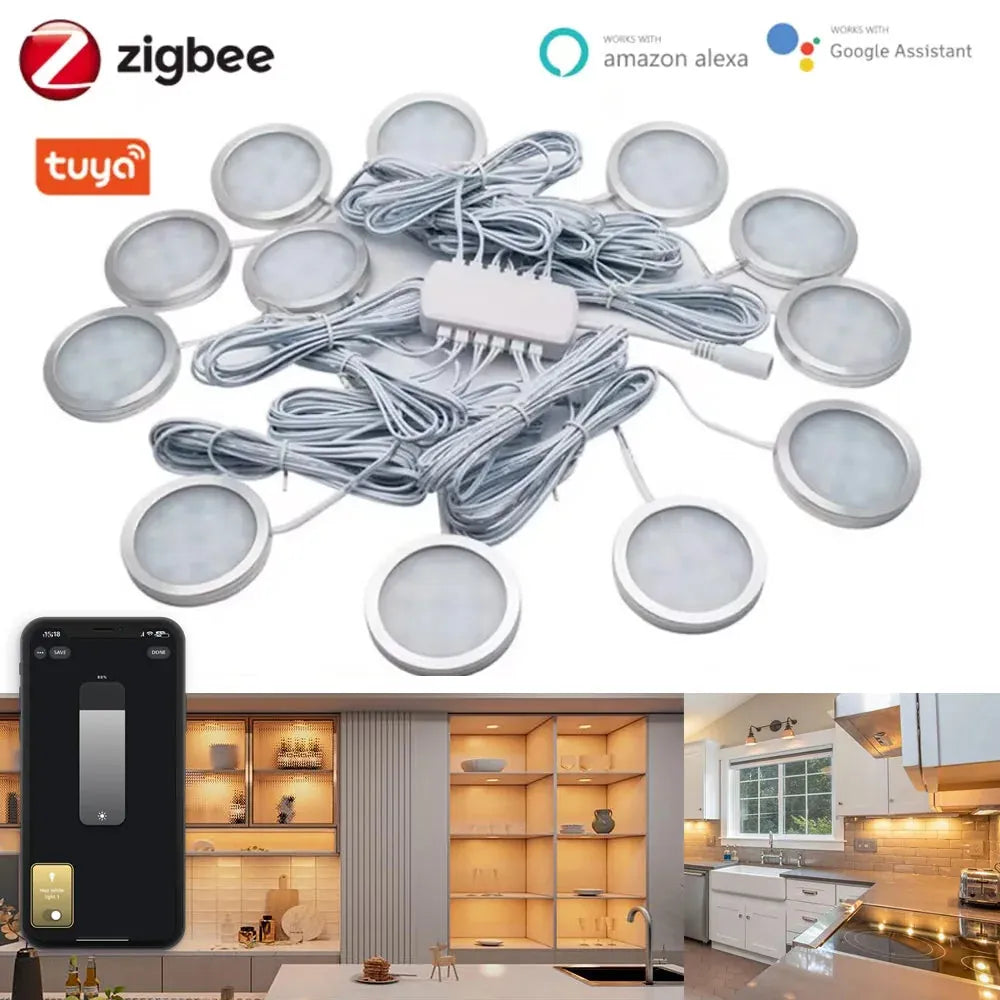
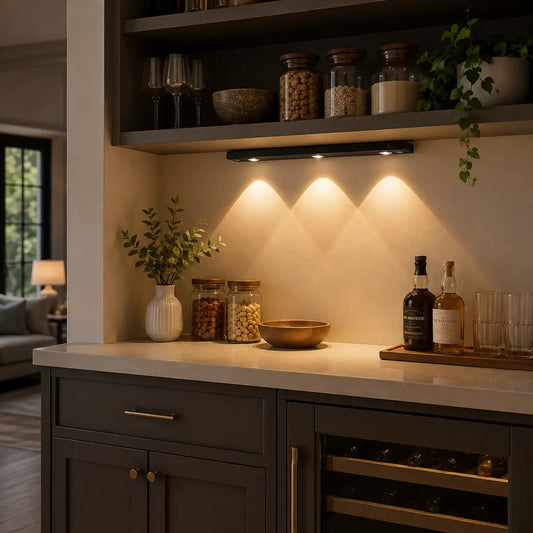
To set up voice control for your under cabinet lighting, begin by pairing the Tuya Zigbee Smart Under Cabinet LED Puck Lights with your smart assistant, define your zones, and create named scenes for easy access. With the full kit, you can customize the lighting to suit various tasks, and the app allows for quick adjustments, ensuring a smooth transition between manual and voice control. Be sure to test commands at different volumes and ensure your system has local fallback in case of cloud service delays.
Voice Commands: Common Commands for Under Cabinet Lighting
Short, distinct phrases improve recognition. Map frequently used actions to memorably named scenes and groups.
Core commands
- “Turn on Kitchen Under‑Cabinet.”
- “Set Under‑Cabinet to 40 percent.”
- “Activate Evening scene.”
Naming principles
- Avoid homophones and overly similar names.
- Use zone labels (Sink, Prep, Path) for clarity.
- Keep names short; test with different speakers.
🙂 “We named scenes ‘Prep’, ‘Evening’, and ‘Night’. Voice commands now flow naturally—even with kitchen noise, the right light comes on immediately.”
Optimizing User Experience with Smart Lighting Integration
Optimize recognition and comfort by tuning names, scenes, and ambient thresholds. Favor local logic to reduce delays and keep output stable.
Comfort rules
- Neutral brightness for prep; warm, low output after sunset.
- Diffusers and front placement reduce glare and hotspots.
- Consistent color temperature per layer prevents “two‑tone” whites.
Recognition and reliability
- Train multiple household voices and test commands.
- Document scene names in the app for shared consistency.
- Prefer local automations; keep cloud routines as optional overlays.
💡 Lumaz champions effortless control: clear scene naming, low‑glare guidance, and reliable local response that respects your routine.
Troubleshooting Common Issues with Voice-Controlled Under Cabinet Lighting
Most issues arise from naming, network, or dimmer/driver mismatch. Diagnose methodically and retest after changes.
No response
- Check device discovery and account links.
- Rename scenes to distinct, short phrases.
- Verify drivers support the chosen dimmer technology.
Slow or inconsistent behavior
- Favor local automations; reduce cloud dependencies.
- Improve Wi‑Fi/mesh placement for better coverage.
- Use hubs where ecosystems unify devices reliably.
Flicker at low brightness
- Trim dimmer minimum until shimmer disappears.
- Keep one control type per run to avoid interactions.
- Retest color stability and adjust scenes accordingly.
For IoT security and resilience guidance, review NIST — Internet of Things.
The Future of Voice-Controlled Lighting: Trends and Innovations
Standards and assistants are evolving toward faster local scenes and richer context. Expect better on‑device recognition and unified platforms.
Emerging directions
- Wider Matter adoption for cross‑brand interoperability.
- On‑device speech for low‑latency commands.
- Context‑aware scenes that consider time and ambient light.
Design implications
- Favor platforms that expose scenes and local APIs.
- Maintain device firmware and retest after updates.
- Keep scene taxonomies simple for human recall.
Frequently Asked Questions (FAQ)
Can voice control work when the internet is down?
Yes, if scenes and automations run locally. Keep a physical dimmer as a reliable fallback.
What scene names work best?
Short and distinct names like “Prep”, “Evening”, and “Night”. Avoid similar‑sounding words.
Will kitchen noise affect recognition?
It can. Test commands at different volumes and train multiple household voices.
How do I avoid flicker at low brightness?
Match dimmer and driver technology, and trim the minimum until shimmer disappears.
Do I need a hub?
Not always. Hubs can unify devices and improve reliability; assistants integrate with many controllers directly.
Conclusion: Why You Should Consider Voice-Controlled Under Cabinet Lighting
Voice control makes under‑cabinet lighting accessible, clean, and calm. With named scenes and local reliability, counters stay clear and lighting adapts to your day.
Action checklist
- Group fixtures by zone; name short, distinct scenes.
- Test commands across voices and noise conditions.
- Prefer local automations; verify dimmer/driver match.
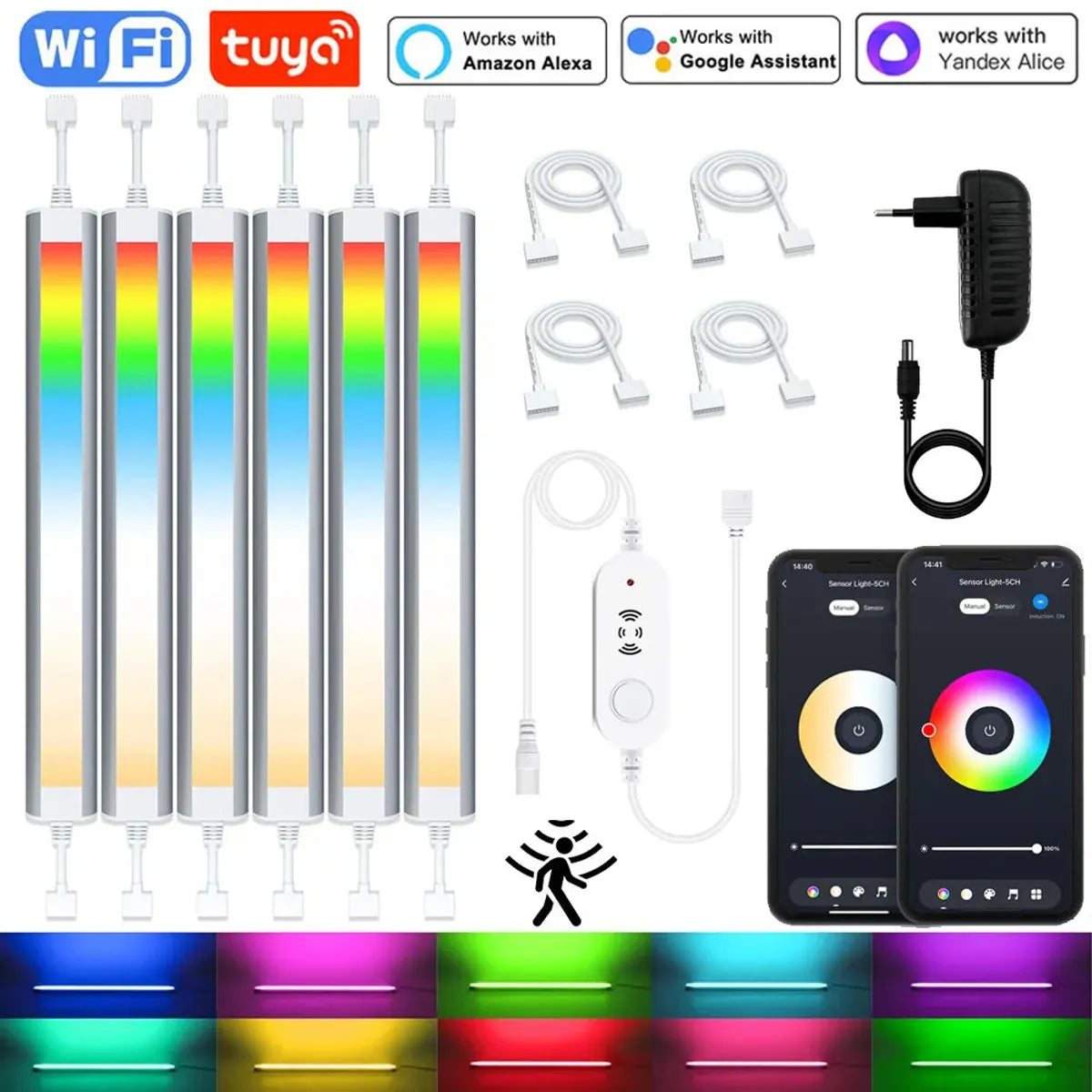
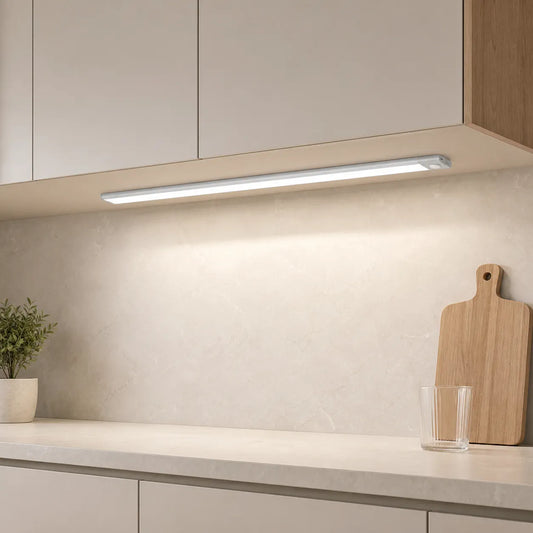
Voice-controlled under cabinet lighting offers convenience and a clutter-free space, allowing you to adjust lighting without touching switches. The 12V Tuya WiFi Under Cabinet LED Light Bar with RGBCCT dimming and motion sensing enhances this experience by automatically adjusting the light based on your activities, ensuring perfect illumination while keeping your countertops neat and functional throughout the day.
Further Reading
Explore the full guide for this topic: Complete Guide to Smart Under Cabinet Lighting: Controls, Sensors & Automation














 />
/>
 />
/>
 />
/>
 />
/>
 />
/>